

Alogic MX2 USB-C Dual Monitor Dock 100W PD DP Alt Mode Docking Station | Wty
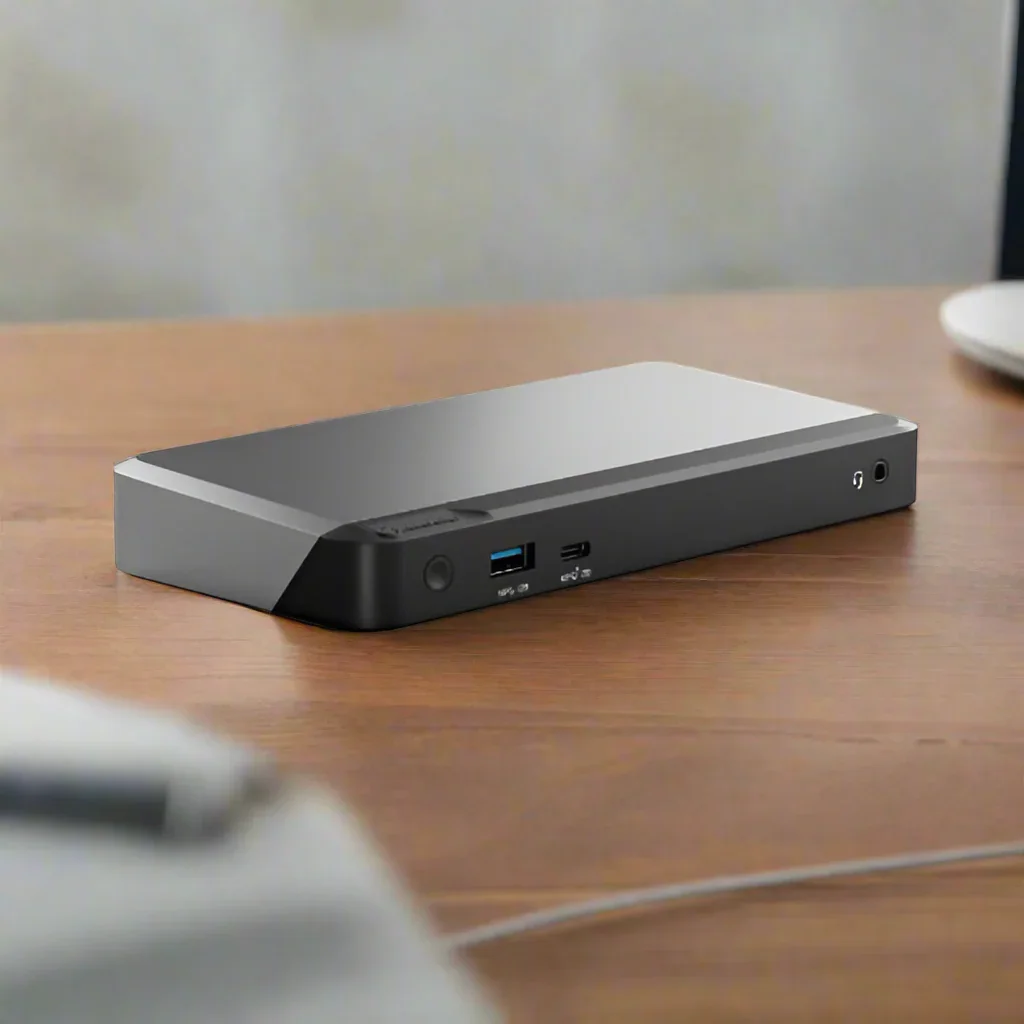
Alogic MX2 USB-C Dual Monitor Dock — 100W PD, Dual DisplayPort, Gigabit Ethernet
- Dual DisplayPort 1.4 outputs — run two monitors simultaneously
- 100W USB-C Power Delivery — charges your laptop while you work
- Gigabit Ethernet (RJ45) for fast, stable wired networking
- 2x USB-A 3.1 Gen1 (5Gbps) for high-speed peripherals
- DisplayPort Alt Mode — connects via USB-C, no drivers required
- Includes 12-month warranty from Reboot IT
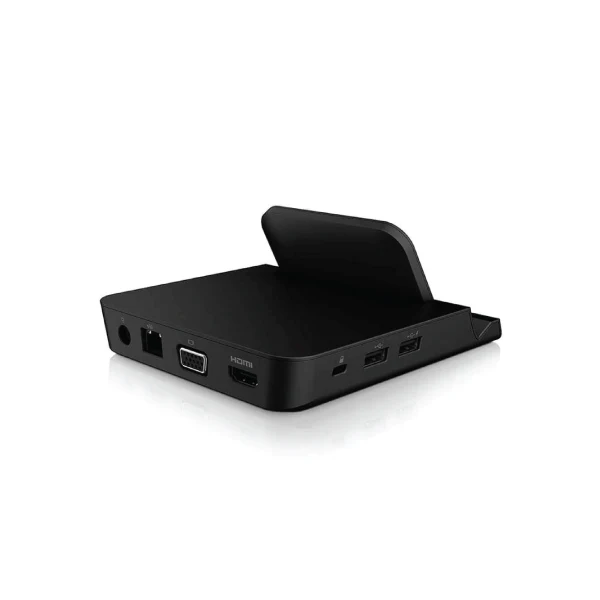
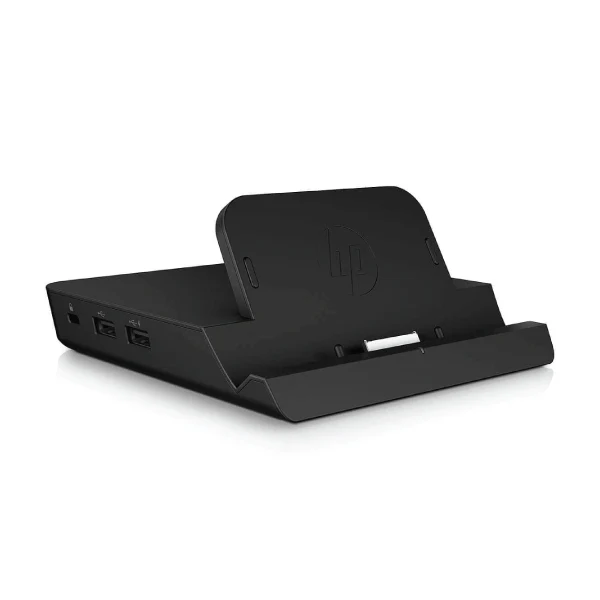
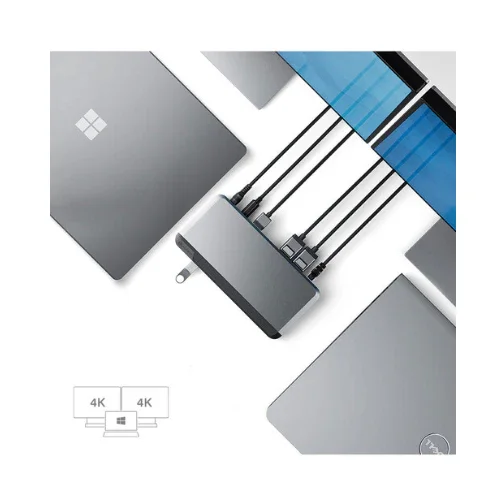
The Alogic MX2 DUPRMX2 turns a single USB-C port into a complete dual-monitor workstation. Both DisplayPort outputs support 4K resolution at 60Hz simultaneously, while 100W Power Delivery keeps your laptop fully charged throughout the day. A single cable delivers video, data, Ethernet, and power with no separate power brick required.
DP Alt Mode operation means the dock connects natively over USB-C without requiring DisplayLink drivers — critical for smooth 4K playback and low-latency video output. The built-in Gigabit Ethernet port provides stable wired networking for video calls and large file transfers. Compact enough for a laptop bag, this dock is equally at home as a fixed desk hub.
| Brand | Alogic |
| Model | MX2 / DUPRMX2 |
| Connection | USB-C (DP Alt Mode) |
| Video Outputs | 2x DisplayPort 1.4 (dual 4K@60Hz) |
| USB Ports | 2x USB-A 3.1 Gen1 (5Gbps), 1x USB-C data |
| Networking | Gigabit Ethernet (RJ45) |
| Power Delivery | 100W USB-C PD |
| Audio | 3.5mm combo jack |
| Dual Monitor Setup | Yes — two DisplayPort outputs for simultaneous dual-display use |
| Laptop Charging via Dock | Yes — 100W PD charges most USB-C laptops while docked |
| DisplayLink-Free Operation | Yes — DP Alt Mode, no drivers needed |
| USB-A Peripherals | Yes — 2x USB-A 3.1 Gen1 at 5Gbps |
| Excellent | Grade A — appears nearly new. Fully functional with minimal cosmetic wear. |
| Good | Grade B — shows normal signs of use. Fully functional with visible scratches or marks. |
Does the Alogic MX2 DUPRMX2 require drivers?
No — the DUPRMX2 uses DisplayPort Alt Mode, which connects natively over USB-C without requiring DisplayLink or any additional drivers. Your Mac or PC must support DP Alt Mode on its USB-C port.
Can it run two 4K monitors simultaneously?
Yes — both DisplayPort outputs support 4K resolution at 60Hz simultaneously, giving you a full dual 4K workspace from a single USB-C cable.
12-Month Warranty Included
Every Alogic MX2 DUPRMX2 Docking Station sold by Reboot IT is fully tested before dispatch and backed by our 12-month warranty. Our Melbourne-based team is here to help if you need support.
Product Information
Product Information
Shipping & Returns
Shipping & Returns
Description
Alogic MX2 USB-C Dual Monitor Dock — 100W PD, Dual DisplayPort, Gigabit Ethernet
- Dual DisplayPort 1.4 outputs — run two monitors simultaneously
- 100W USB-C Power Delivery — charges your laptop while you work
- Gigabit Ethernet (RJ45) for fast, stable wired networking
- 2x USB-A 3.1 Gen1 (5Gbps) for high-speed peripherals
- DisplayPort Alt Mode — connects via USB-C, no drivers required
- Includes 12-month warranty from Reboot IT
The Alogic MX2 DUPRMX2 turns a single USB-C port into a complete dual-monitor workstation. Both DisplayPort outputs support 4K resolution at 60Hz simultaneously, while 100W Power Delivery keeps your laptop fully charged throughout the day. A single cable delivers video, data, Ethernet, and power with no separate power brick required.
DP Alt Mode operation means the dock connects natively over USB-C without requiring DisplayLink drivers — critical for smooth 4K playback and low-latency video output. The built-in Gigabit Ethernet port provides stable wired networking for video calls and large file transfers. Compact enough for a laptop bag, this dock is equally at home as a fixed desk hub.
| Brand | Alogic |
| Model | MX2 / DUPRMX2 |
| Connection | USB-C (DP Alt Mode) |
| Video Outputs | 2x DisplayPort 1.4 (dual 4K@60Hz) |
| USB Ports | 2x USB-A 3.1 Gen1 (5Gbps), 1x USB-C data |
| Networking | Gigabit Ethernet (RJ45) |
| Power Delivery | 100W USB-C PD |
| Audio | 3.5mm combo jack |
| Dual Monitor Setup | Yes — two DisplayPort outputs for simultaneous dual-display use |
| Laptop Charging via Dock | Yes — 100W PD charges most USB-C laptops while docked |
| DisplayLink-Free Operation | Yes — DP Alt Mode, no drivers needed |
| USB-A Peripherals | Yes — 2x USB-A 3.1 Gen1 at 5Gbps |
| Excellent | Grade A — appears nearly new. Fully functional with minimal cosmetic wear. |
| Good | Grade B — shows normal signs of use. Fully functional with visible scratches or marks. |
Does the Alogic MX2 DUPRMX2 require drivers?
No — the DUPRMX2 uses DisplayPort Alt Mode, which connects natively over USB-C without requiring DisplayLink or any additional drivers. Your Mac or PC must support DP Alt Mode on its USB-C port.
Can it run two 4K monitors simultaneously?
Yes — both DisplayPort outputs support 4K resolution at 60Hz simultaneously, giving you a full dual 4K workspace from a single USB-C cable.
12-Month Warranty Included
Every Alogic MX2 DUPRMX2 Docking Station sold by Reboot IT is fully tested before dispatch and backed by our 12-month warranty. Our Melbourne-based team is here to help if you need support.