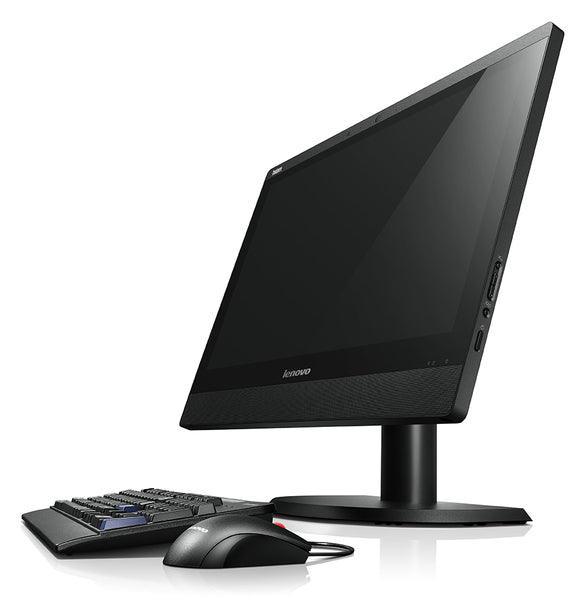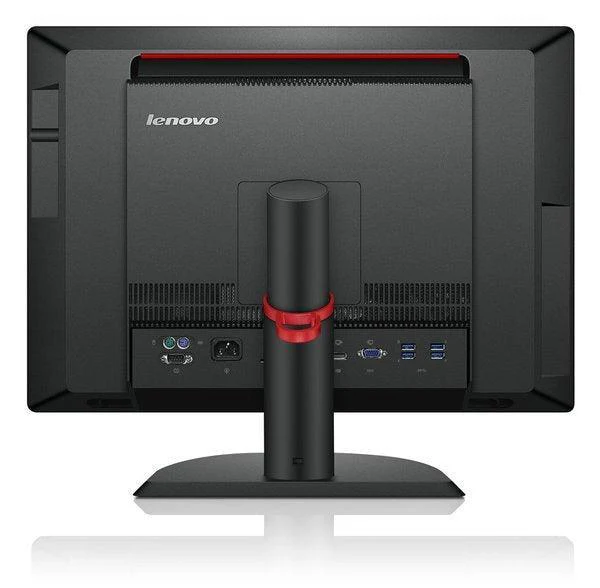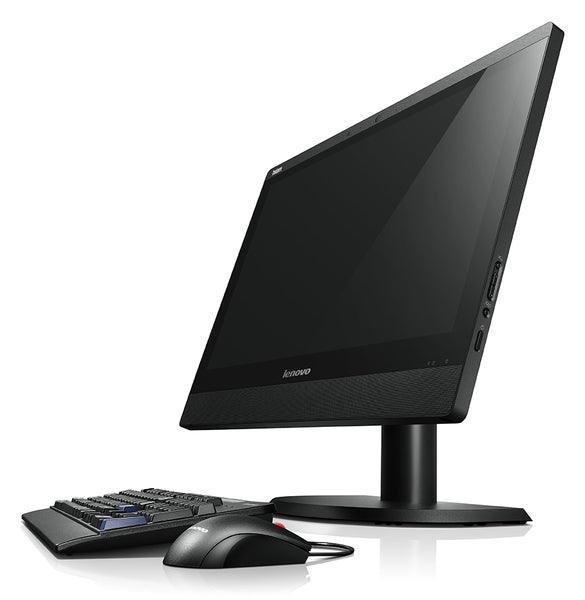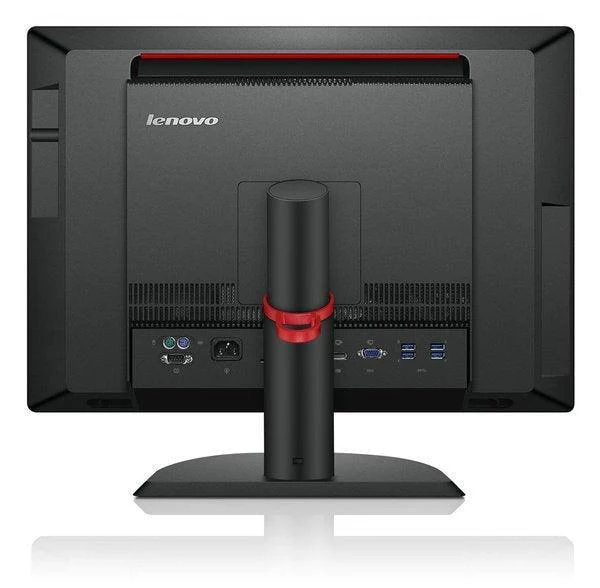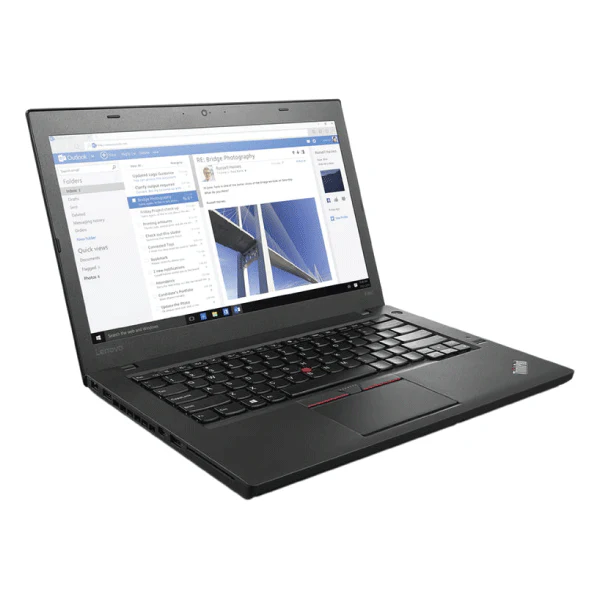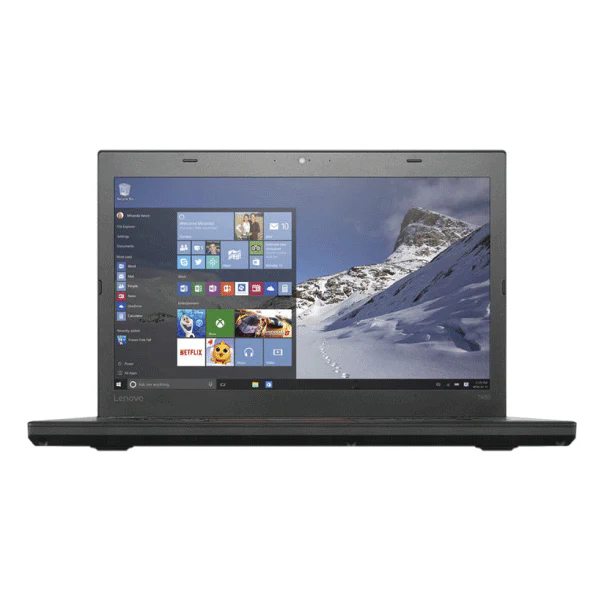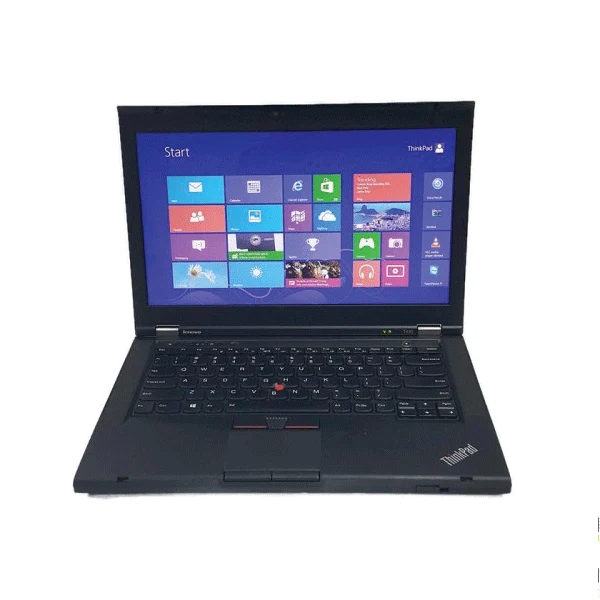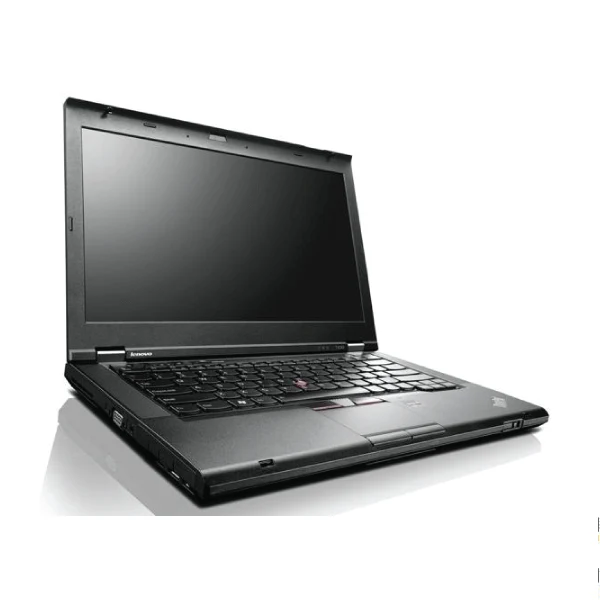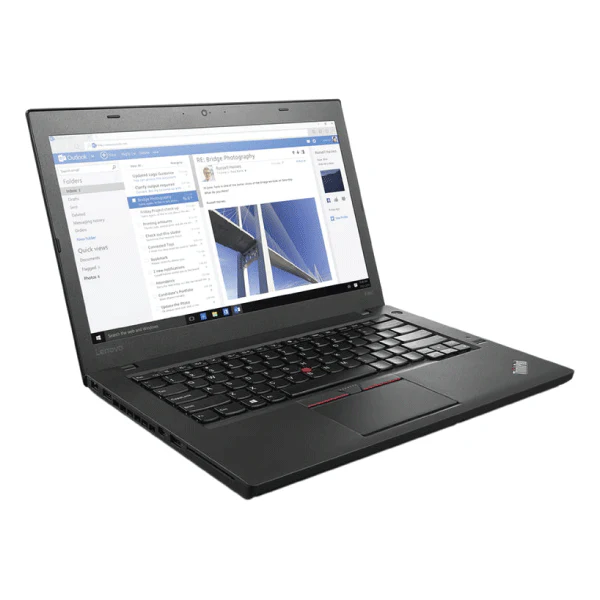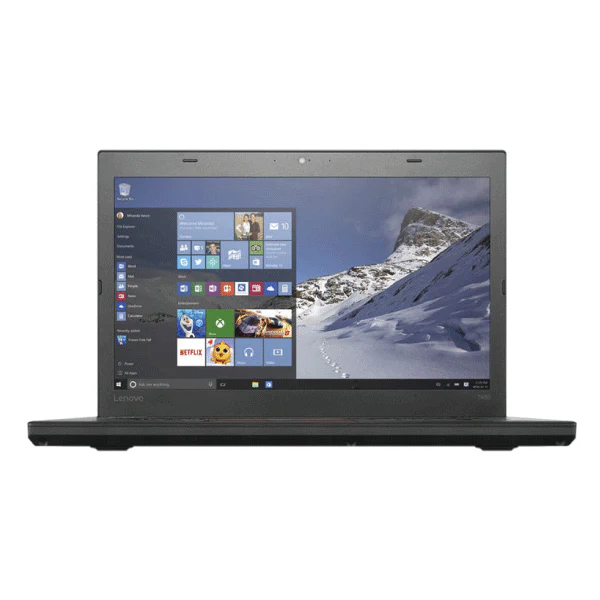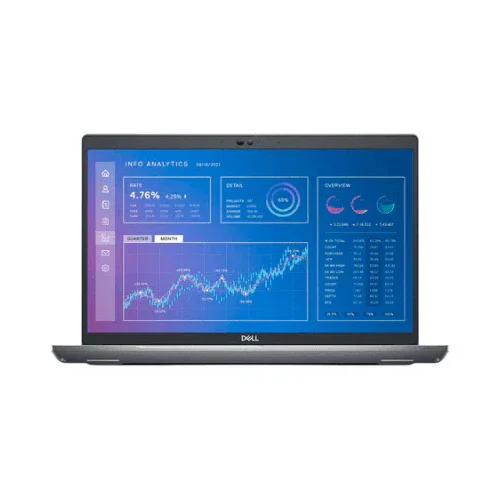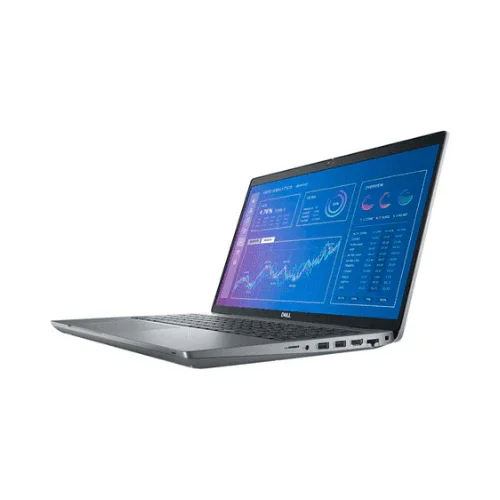


Dell Latitude 5511 15.6" Business Laptop Touch i7-10850H 16GB 256GB MX250 Win 11
⚠ BIOS Password Locked — Please Read Before Purchasing
This unit has a BIOS supervisor password that cannot be removed. It boots and runs Windows 11 Pro normally and functions as a complete, working laptop. However, you cannot change the boot order, boot from USB, reinstall the operating system, or modify any BIOS settings. Suitable for everyday use out of the box — not suitable for reimaging or IT deployment.
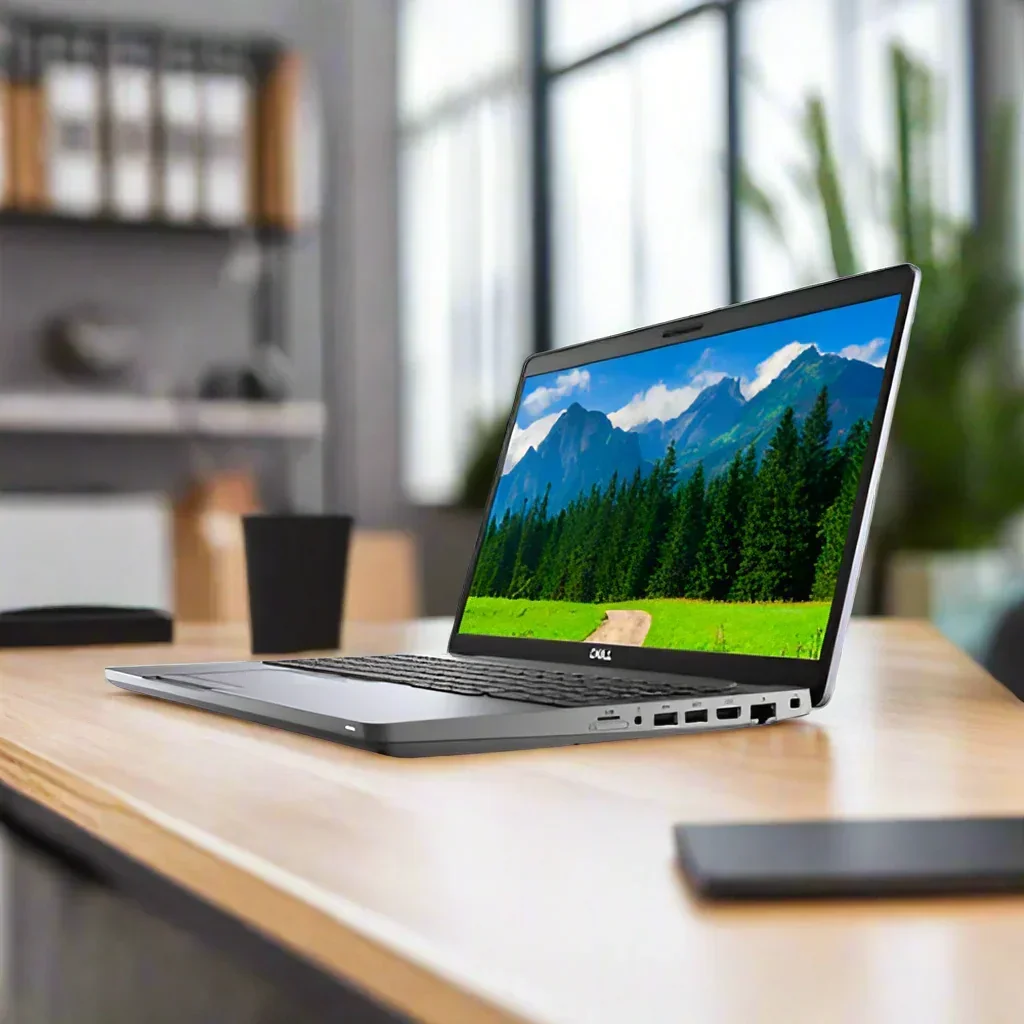
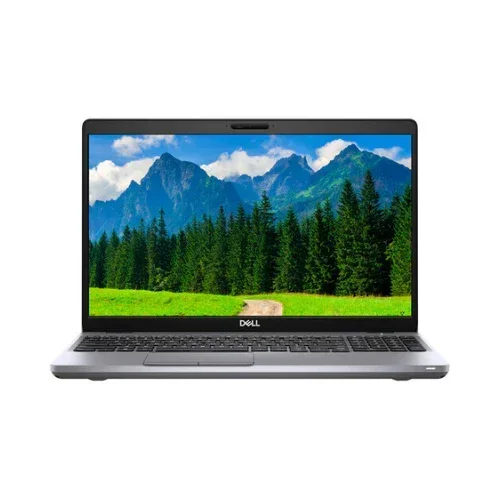
Dell Latitude 5511 – 15.6" Business Laptop, i7-10850H vPro, 16GB RAM, 256GB NVMe SSD
A high-performance 10th Gen Intel Core i7 vPro business laptop with NVIDIA MX250 dedicated GPU, touchscreen, Thunderbolt, backlit numpad keyboard, and ExpressCharge. Professionally refurbished by Reboot IT with a 12-month warranty and free standard AU shipping.
Key Benefits
- i7 vPro 6-Core Power: The i7-10850H delivers 6 cores, 12 threads, and up to 5.1GHz Turbo — handles data-heavy tasks, local databases, and intensive multi-app workloads with headroom to spare.
- NVIDIA GeForce MX250 GPU: Dedicated graphics accelerates image processing, light CAD, video playback, and multi-monitor setups beyond what integrated graphics can offer.
- 16GB DDR4 RAM: Dual-channel memory for smooth parallel workloads — virtual machines, large Excel models, and concurrent business applications without stutter.
- 15.6" FHD Touchscreen: Full HD IPS touch display for natural navigation — useful in presentation and collaborative settings.
- Backlit Numpad Keyboard + ExpressCharge: Full-size layout with numeric keypad and 80% charge in approximately 1 hour via ExpressCharge.
- BIOS Locked — Please Note: Boots Windows 11 Pro normally but BIOS settings cannot be accessed or changed. Not suitable for OS reinstallation — see FAQ below.
Performance in Use
The i7-10850H is a full-voltage 45W processor — a different class to the U-series chips in most business laptops. Six cores and twelve threads at up to 5.1GHz Turbo means complex tasks like running Power BI dashboards, local SQL queries, Python data scripts, or video encoding happen significantly faster. For finance teams, engineers, and analysts who push their laptop harder than typical office users, this chip provides meaningful headroom.
The NVIDIA GeForce MX250 dedicated GPU adds genuine capability over integrated graphics — faster video rendering, smoother multi-monitor setups, and acceleration for GPU-aware applications. With 16GB of dual-channel DDR4 RAM, you can comfortably run a VM alongside your primary workload, keep 40+ Chrome tabs open, and switch between heavy applications without memory pressure. The 256GB NVMe SSD keeps everything responsive — boot under 15 seconds, application launches near-instant.
This unit is sold with a BIOS supervisor password that cannot be removed. The laptop boots directly into Windows 11 Pro and operates entirely normally for all standard use cases. The restriction only affects users who need to change BIOS settings, alter boot order, or reinstall the OS. For everyday business use, this is invisible — the machine works completely as expected.
Tech Specs
| Component | Specification |
|---|---|
| Processor | Intel Core i7-10850H (10th Gen, 6C/12T, 2.7GHz base, 5.1GHz Turbo, vPro) |
| Memory | 16GB DDR4 dual-channel |
| Storage | 256GB NVMe SSD (M.2 PCIe) |
| Display | 15.6" Full HD (1920×1080) IPS touchscreen, anti-glare |
| Graphics | NVIDIA GeForce MX250 (2GB GDDR5, dedicated) + Intel UHD |
| Operating System | Windows 11 Pro (pre-installed, activated) |
| Keyboard | Backlit, US English, with numeric keypad |
| Wireless | Intel Wi-Fi 6 AX201 (802.11ax), Bluetooth 5.1 |
| Ports | Thunderbolt 3, HDMI, USB-A, USB-C, Gigabit Ethernet, 3.5mm audio, Smart card reader |
| Battery | 4-cell 68WHr with ExpressCharge (80% in approx. 1 hour) |
| Weight | Approx. 1.89kg |
| BIOS Status | BIOS supervisor password locked — boots Windows normally; boot settings cannot be changed |
| Warranty | 12-month Reboot IT comprehensive warranty |
Is It Right for You?
| ✓ Best For | ✗ Not For |
|---|---|
| • Finance and data professionals running heavy spreadsheets or Power BI • Users wanting dedicated GPU acceleration (MX250) • Anyone who needs a touchscreen for presentations • IT professionals needing vPro remote management • Users who enter figures all day and need a proper numpad |
• Users who need to reinstall or change the operating system • IT departments that reimage machines before deployment • Anyone who needs to change BIOS settings or boot from USB • Gamers needing a high-end GPU • Ultra-light travel users (1.89kg + charger) |
Condition Grades
|
A – EXCELLENT Minimal signs of previous use. No visible scratches on screen or housing. All ports, keys, and functions work perfectly. Battery health 70%+ of original capacity. |
|
B – GOOD Light cosmetic wear — minor scratches or scuffs on housing. Screen clear. All functions fully operational. Battery health 50–70% of original capacity. 30-day battery warranty applies. |
FAQ
Can I reinstall Windows or change the boot order?
No. This unit has a BIOS supervisor password that cannot be removed. The laptop boots directly into Windows 11 Pro and operates normally, but BIOS settings cannot be accessed or changed. If you need to reimage, dual-boot, or change boot settings, this unit is not suitable.
Does this ship free?
Yes — free standard AU shipping included. Dispatched from our Melbourne warehouse within 1 business day.
What does the MX250 GPU add over integrated graphics?
The NVIDIA MX250 is a dedicated GPU with 2GB GDDR5 VRAM. It accelerates image editing, light video work, GPU-aware applications, and provides smoother multi-monitor output compared to Intel UHD integrated graphics.
What is Thunderbolt used for?
Thunderbolt 3 provides 40Gbps bandwidth for ultra-fast external SSDs, driving 4K monitors, and single-cable docking stations that power the laptop and provide all ports at once.
How does ExpressCharge work?
Dell's ExpressCharge brings the 68WHr battery from flat to 80% in approximately 1 hour using the supplied charger — useful for mobile workers who can't always plug in for a full charge cycle.
Is Australian support included?
Yes. All purchases include access to our Melbourne-based support team for warranty claims and troubleshooting throughout the full 12-month warranty period.
12-Month Comprehensive Warranty + Free AU Shipping
Every Dell Latitude 5511 comes with a full 12-month Reboot IT warranty covering all hardware — processor, RAM, SSD, display, keyboard, Thunderbolt port, GPU, and all internal components. Battery coverage included with grade-appropriate expectations.
Free standard AU shipping on every order. Dispatched from Melbourne within 1 business day. Express options available at checkout.
Reboot IT has been Australia's trusted refurbished IT specialist since 2001, with over 100,000 satisfied customers and comprehensive warranty support nationwide.
Original: $237.72
-65%$237.72
$83.20Product Information
Product Information
Shipping & Returns
Shipping & Returns
Description
⚠ BIOS Password Locked — Please Read Before Purchasing
This unit has a BIOS supervisor password that cannot be removed. It boots and runs Windows 11 Pro normally and functions as a complete, working laptop. However, you cannot change the boot order, boot from USB, reinstall the operating system, or modify any BIOS settings. Suitable for everyday use out of the box — not suitable for reimaging or IT deployment.
Dell Latitude 5511 – 15.6" Business Laptop, i7-10850H vPro, 16GB RAM, 256GB NVMe SSD
A high-performance 10th Gen Intel Core i7 vPro business laptop with NVIDIA MX250 dedicated GPU, touchscreen, Thunderbolt, backlit numpad keyboard, and ExpressCharge. Professionally refurbished by Reboot IT with a 12-month warranty and free standard AU shipping.
Key Benefits
- i7 vPro 6-Core Power: The i7-10850H delivers 6 cores, 12 threads, and up to 5.1GHz Turbo — handles data-heavy tasks, local databases, and intensive multi-app workloads with headroom to spare.
- NVIDIA GeForce MX250 GPU: Dedicated graphics accelerates image processing, light CAD, video playback, and multi-monitor setups beyond what integrated graphics can offer.
- 16GB DDR4 RAM: Dual-channel memory for smooth parallel workloads — virtual machines, large Excel models, and concurrent business applications without stutter.
- 15.6" FHD Touchscreen: Full HD IPS touch display for natural navigation — useful in presentation and collaborative settings.
- Backlit Numpad Keyboard + ExpressCharge: Full-size layout with numeric keypad and 80% charge in approximately 1 hour via ExpressCharge.
- BIOS Locked — Please Note: Boots Windows 11 Pro normally but BIOS settings cannot be accessed or changed. Not suitable for OS reinstallation — see FAQ below.
Performance in Use
The i7-10850H is a full-voltage 45W processor — a different class to the U-series chips in most business laptops. Six cores and twelve threads at up to 5.1GHz Turbo means complex tasks like running Power BI dashboards, local SQL queries, Python data scripts, or video encoding happen significantly faster. For finance teams, engineers, and analysts who push their laptop harder than typical office users, this chip provides meaningful headroom.
The NVIDIA GeForce MX250 dedicated GPU adds genuine capability over integrated graphics — faster video rendering, smoother multi-monitor setups, and acceleration for GPU-aware applications. With 16GB of dual-channel DDR4 RAM, you can comfortably run a VM alongside your primary workload, keep 40+ Chrome tabs open, and switch between heavy applications without memory pressure. The 256GB NVMe SSD keeps everything responsive — boot under 15 seconds, application launches near-instant.
This unit is sold with a BIOS supervisor password that cannot be removed. The laptop boots directly into Windows 11 Pro and operates entirely normally for all standard use cases. The restriction only affects users who need to change BIOS settings, alter boot order, or reinstall the OS. For everyday business use, this is invisible — the machine works completely as expected.
Tech Specs
| Component | Specification |
|---|---|
| Processor | Intel Core i7-10850H (10th Gen, 6C/12T, 2.7GHz base, 5.1GHz Turbo, vPro) |
| Memory | 16GB DDR4 dual-channel |
| Storage | 256GB NVMe SSD (M.2 PCIe) |
| Display | 15.6" Full HD (1920×1080) IPS touchscreen, anti-glare |
| Graphics | NVIDIA GeForce MX250 (2GB GDDR5, dedicated) + Intel UHD |
| Operating System | Windows 11 Pro (pre-installed, activated) |
| Keyboard | Backlit, US English, with numeric keypad |
| Wireless | Intel Wi-Fi 6 AX201 (802.11ax), Bluetooth 5.1 |
| Ports | Thunderbolt 3, HDMI, USB-A, USB-C, Gigabit Ethernet, 3.5mm audio, Smart card reader |
| Battery | 4-cell 68WHr with ExpressCharge (80% in approx. 1 hour) |
| Weight | Approx. 1.89kg |
| BIOS Status | BIOS supervisor password locked — boots Windows normally; boot settings cannot be changed |
| Warranty | 12-month Reboot IT comprehensive warranty |
Is It Right for You?
| ✓ Best For | ✗ Not For |
|---|---|
| • Finance and data professionals running heavy spreadsheets or Power BI • Users wanting dedicated GPU acceleration (MX250) • Anyone who needs a touchscreen for presentations • IT professionals needing vPro remote management • Users who enter figures all day and need a proper numpad |
• Users who need to reinstall or change the operating system • IT departments that reimage machines before deployment • Anyone who needs to change BIOS settings or boot from USB • Gamers needing a high-end GPU • Ultra-light travel users (1.89kg + charger) |
Condition Grades
|
A – EXCELLENT Minimal signs of previous use. No visible scratches on screen or housing. All ports, keys, and functions work perfectly. Battery health 70%+ of original capacity. |
|
B – GOOD Light cosmetic wear — minor scratches or scuffs on housing. Screen clear. All functions fully operational. Battery health 50–70% of original capacity. 30-day battery warranty applies. |
FAQ
Can I reinstall Windows or change the boot order?
No. This unit has a BIOS supervisor password that cannot be removed. The laptop boots directly into Windows 11 Pro and operates normally, but BIOS settings cannot be accessed or changed. If you need to reimage, dual-boot, or change boot settings, this unit is not suitable.
Does this ship free?
Yes — free standard AU shipping included. Dispatched from our Melbourne warehouse within 1 business day.
What does the MX250 GPU add over integrated graphics?
The NVIDIA MX250 is a dedicated GPU with 2GB GDDR5 VRAM. It accelerates image editing, light video work, GPU-aware applications, and provides smoother multi-monitor output compared to Intel UHD integrated graphics.
What is Thunderbolt used for?
Thunderbolt 3 provides 40Gbps bandwidth for ultra-fast external SSDs, driving 4K monitors, and single-cable docking stations that power the laptop and provide all ports at once.
How does ExpressCharge work?
Dell's ExpressCharge brings the 68WHr battery from flat to 80% in approximately 1 hour using the supplied charger — useful for mobile workers who can't always plug in for a full charge cycle.
Is Australian support included?
Yes. All purchases include access to our Melbourne-based support team for warranty claims and troubleshooting throughout the full 12-month warranty period.
12-Month Comprehensive Warranty + Free AU Shipping
Every Dell Latitude 5511 comes with a full 12-month Reboot IT warranty covering all hardware — processor, RAM, SSD, display, keyboard, Thunderbolt port, GPU, and all internal components. Battery coverage included with grade-appropriate expectations.
Free standard AU shipping on every order. Dispatched from Melbourne within 1 business day. Express options available at checkout.
Reboot IT has been Australia's trusted refurbished IT specialist since 2001, with over 100,000 satisfied customers and comprehensive warranty support nationwide.