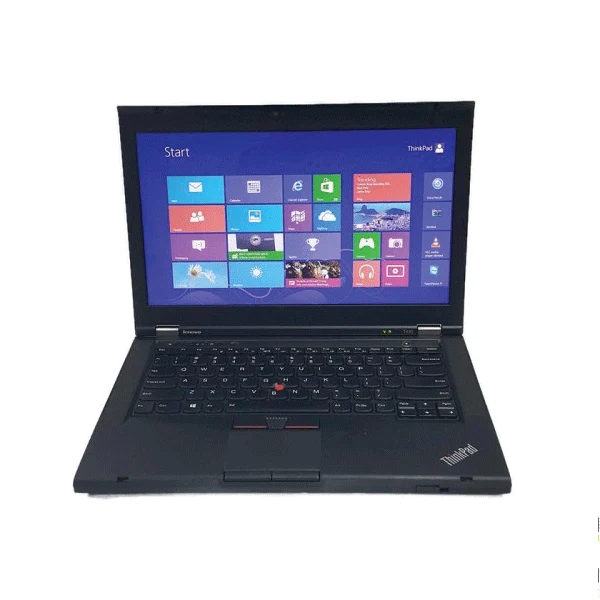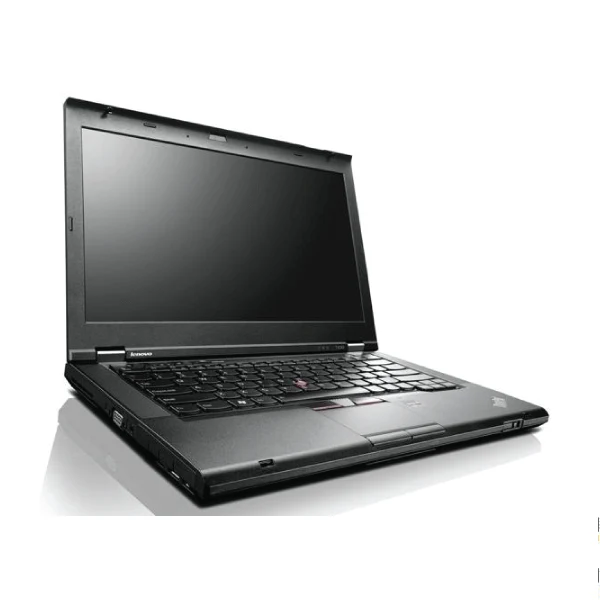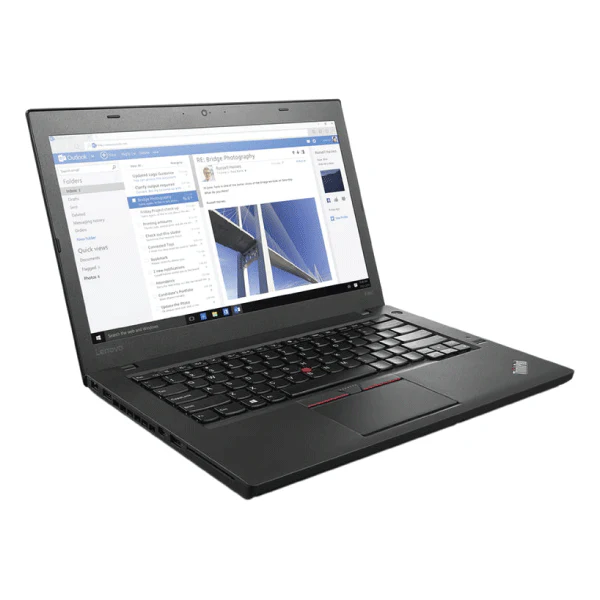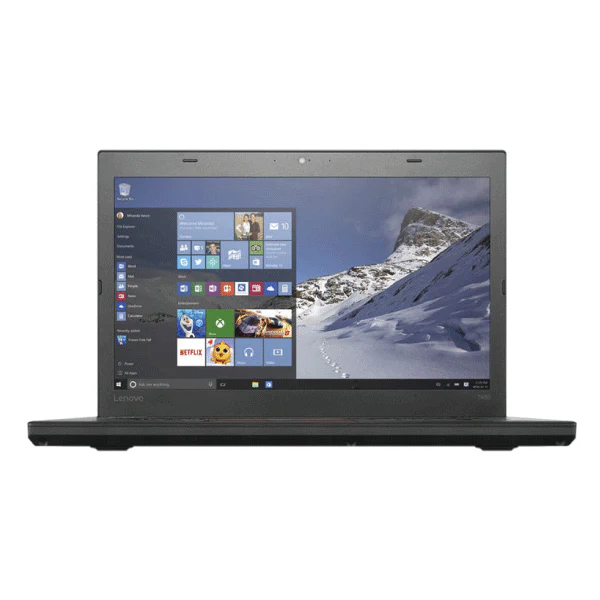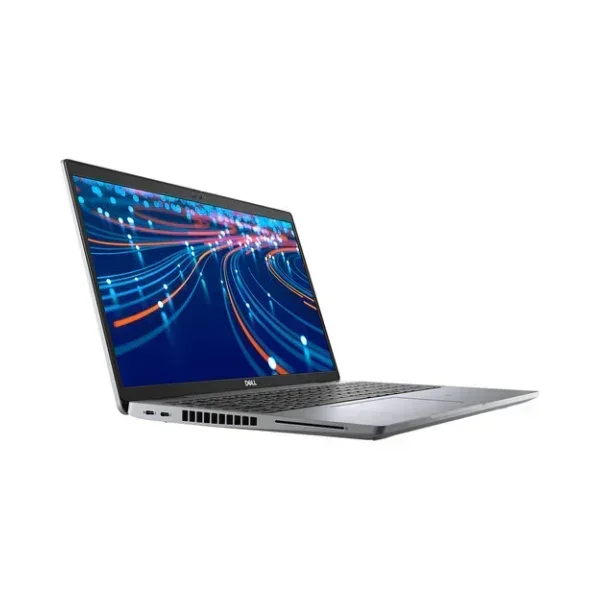


Dell Latitude 5520 Laptop 15.6" i5-1135G7 8GB 256GB SSD Win 11 Pro | Wty
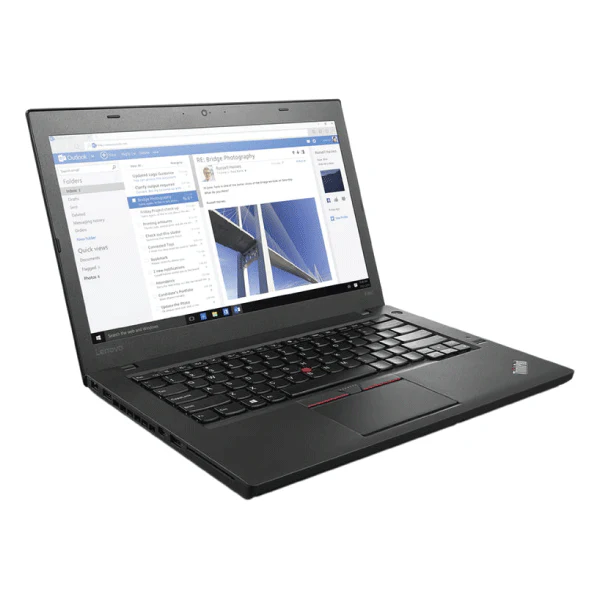
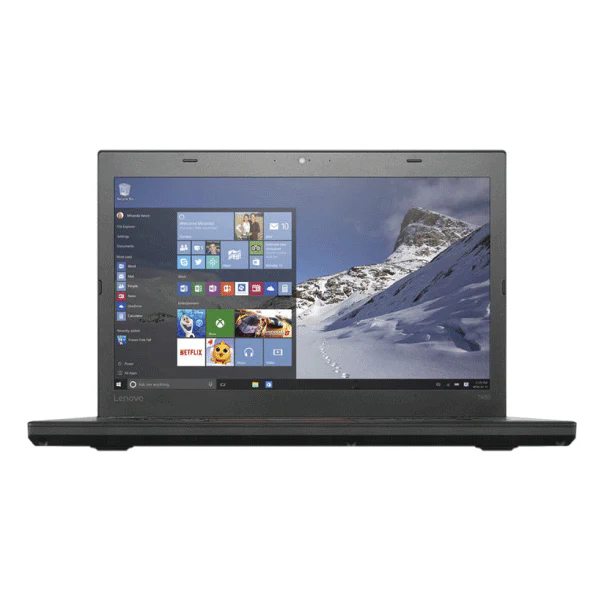
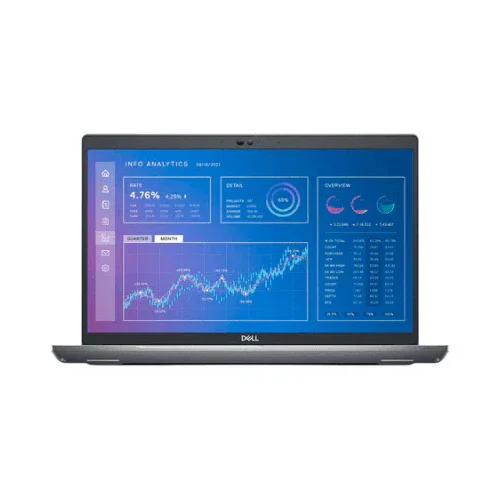
Dell Latitude 5520 — Thin 15.6" Business Laptop with Wi-Fi 6 and Thunderbolt 4
Powered by an Intel Core i5-1135G7 (11th Gen Tiger Lake, up to 4.2GHz), 8GB DDR4, and a 256GB NVMe SSD, this certified refurbished Latitude 5520 delivers modern connectivity with Wi-Fi 6, Thunderbolt 4, and a bright 400-nit ComfortView Plus display — backed by a 12-month Reboot IT warranty.
Why Choose the Dell Latitude 5520?
- 11th Gen Tiger Lake Platform: Intel Core i5-1135G7 with Intel Iris Xe graphics — a genuine generational leap over 10th Gen, delivering better CPU and GPU performance from a more efficient 10nm process.
- Wi-Fi 6 (802.11ax): The AX201 wireless adapter delivers up to 2.4Gbps on compatible routers — dramatically faster and more reliable than Wi-Fi 5, especially in busy office environments with many connected devices.
- Dual Thunderbolt 4 Ports: Each port supports USB4 40Gbps, DisplayPort Alt Mode, and 100W Power Delivery. Connect external GPUs, 4K monitors, or high-speed docking stations — one cable charges, connects display, and transfers data simultaneously.
- 400-nit ComfortView Plus Display: 15.6" FHD panel with 400 nits brightness and built-in low blue light hardware filter — legible in sunlight, comfortable during extended working sessions.
- 256GB NVMe SSD + Windows 11 Pro: Fast NVMe storage with enterprise OS — BitLocker, Remote Desktop, Group Policy, and domain join ready out of the box.
- IR Webcam with Privacy Shutter: FHD IR camera supports Windows Hello facial recognition — log in instantly, no PIN or password required. Physical privacy shutter covers the lens when not in use.
Performance in Use
The i5-1135G7 is built on Intel's 11th Gen Tiger Lake architecture — a 10nm process that delivers tangibly better single-core and multi-core performance than the 10nm-backported 10th Gen parts. For daily business use — Teams calls, Office 365, browser-heavy CRM work, and PDF processing — the 5520 runs cool and stays responsive. The integrated Intel Iris Xe graphics (96 EUs) is fast enough for smooth 4K video playback and light image editing, well above what previous integrated graphics managed.
Where the 5520 really stands out is connectivity. Dual Thunderbolt 4 ports mean a single Dell WD22TB4 or WD19TB dock turns this into a full desktop workstation with multiple monitors, wired Ethernet, USB peripherals, and charging — all through one cable. Wi-Fi 6 performance in busy office environments is noticeably more stable than older adapters, with lower latency and better throughput when dozens of devices share the same access point.
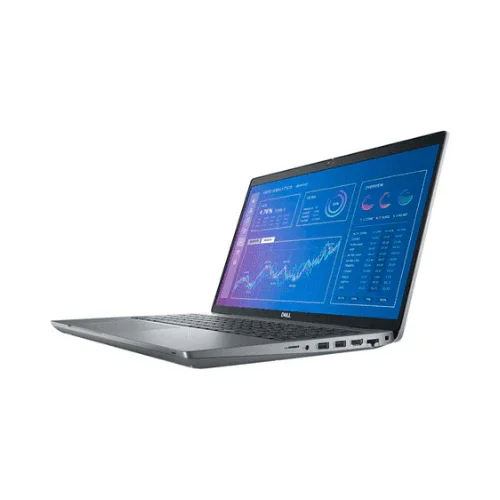
At 1.59kg, the Latitude 5520 punches above its weight class for port selection on a machine this portable. HDMI 2.0, two Thunderbolt 4 USB-C, two USB 3.2 Type-A, full-size RJ45, and a microSD slot cover virtually every connection scenario without reaching for adapters. The backlit keyboard and Windows Hello IR camera are refinements that make daily use genuinely faster and more comfortable.
Tech Specifications
| Specification | Detail |
|---|---|
| Processor | Intel Core i5-1135G7 (11th Gen Tiger Lake, 4-core/8-thread, 2.4GHz base, 4.2GHz Turbo) |
| RAM | 8GB DDR4-3200 (upgradeable to 64GB via 2x SO-DIMM) |
| Storage | 256GB M.2 PCIe NVMe SSD |
| Display | 15.6" FHD (1920x1080) Anti-Glare, ComfortView Plus, 400 nits, WVA |
| Graphics | Intel Iris Xe Graphics (96 EU, integrated) |
| Operating System | Windows 11 Pro (64-bit) |
| Wireless | Wi-Fi 6 Intel AX201 (802.11ax, up to 2.4Gbps) + Bluetooth 5.1 |
| Ports | 2x Thunderbolt 4 (USB4, DP, PD), 2x USB 3.2 Gen1 Type-A, HDMI 2.0, RJ45, microSD, 3.5mm audio |
| Webcam | FHD IR camera with privacy shutter + dual-array microphones |
| Battery | 3-cell 42Wh with ExpressCharge, 65W USB-C adapter |
| Weight | 1.59kg |
| Keyboard | Backlit, spill-resistant, with numeric keypad |
| Warranty | 12 months — Reboot IT Australia |
Is the Latitude 5520 Right for You?
| ✓ Best For | ✗ Not For |
|---|---|
| Professionals who need Thunderbolt 4 docking at their desk | Heavy creative workloads requiring a discrete GPU |
| Office users wanting Wi-Fi 6 in busy shared workspaces | Users needing more than 8GB RAM without upgrading |
| Remote workers who want Windows Hello facial login | Lightweight travel needs — the 15.6" form factor is portable but not compact |
| IT admins deploying managed Windows 11 Pro at scale | Gaming — Intel Iris Xe is not suitable for gaming workloads |
Condition Grades Explained
| Grade | What to Expect |
|---|---|
| A - Excellent | Minimal cosmetic marks, clean screen. Battery 70%+ original capacity. 30-day battery warranty included. |
| B - Good | Light wear consistent with business use. Fully functional. Battery 50-70% original capacity. 30-day battery warranty included. |
Frequently Asked Questions
What is Thunderbolt 4 and do I need it?
Thunderbolt 4 supports 40Gbps data transfer, 4K display output, and up to 100W charging — all on a single USB-C cable. If you use a docking station, external SSD, or want to drive a high-resolution monitor via one cable, Thunderbolt 4 is a significant advantage over standard USB-C.
Can the RAM be upgraded?
Yes — the Latitude 5520 has two SO-DIMM slots supporting up to 64GB DDR4. The standard 8GB is in a single slot, leaving one free for a second module to reach 16GB easily.
Does it work with Dell docking stations?
Yes. The Latitude 5520 is fully compatible with Dell's Thunderbolt docks (WD22TB4, WD19TB) via either Thunderbolt 4 port. USB-C docks also work for charging and display, though at lower data speeds.
Is there a built-in Ethernet port?
Yes — full-size RJ45 Gigabit Ethernet is built in alongside the wireless adapters, so no dongle is needed for wired connections.
Does free shipping apply?
Yes — free standard shipping anywhere in Australia is included with your order.
What does the 12-month warranty cover?
All hardware defects and component failures for 12 months. A 30-day battery warranty is also included. Claims are handled by Reboot IT in Melbourne.
12-Month Warranty + Free AU Shipping
Every Dell Latitude 5520 sold by Reboot IT includes a 12-month hardware warranty and a 30-day battery warranty. All warranty service is handled in Melbourne — no overseas returns.
Reboot IT has been Australia's trusted source for certified refurbished business IT since 2001. Every device is professionally tested, cleaned, and graded before dispatch. Free standard shipping to all Australian addresses included. Shop at reboot-it.com.au.
Original: $302.75
-65%$302.75
$105.96Product Information
Product Information
Shipping & Returns
Shipping & Returns
Description
Dell Latitude 5520 — Thin 15.6" Business Laptop with Wi-Fi 6 and Thunderbolt 4
Powered by an Intel Core i5-1135G7 (11th Gen Tiger Lake, up to 4.2GHz), 8GB DDR4, and a 256GB NVMe SSD, this certified refurbished Latitude 5520 delivers modern connectivity with Wi-Fi 6, Thunderbolt 4, and a bright 400-nit ComfortView Plus display — backed by a 12-month Reboot IT warranty.
Why Choose the Dell Latitude 5520?
- 11th Gen Tiger Lake Platform: Intel Core i5-1135G7 with Intel Iris Xe graphics — a genuine generational leap over 10th Gen, delivering better CPU and GPU performance from a more efficient 10nm process.
- Wi-Fi 6 (802.11ax): The AX201 wireless adapter delivers up to 2.4Gbps on compatible routers — dramatically faster and more reliable than Wi-Fi 5, especially in busy office environments with many connected devices.
- Dual Thunderbolt 4 Ports: Each port supports USB4 40Gbps, DisplayPort Alt Mode, and 100W Power Delivery. Connect external GPUs, 4K monitors, or high-speed docking stations — one cable charges, connects display, and transfers data simultaneously.
- 400-nit ComfortView Plus Display: 15.6" FHD panel with 400 nits brightness and built-in low blue light hardware filter — legible in sunlight, comfortable during extended working sessions.
- 256GB NVMe SSD + Windows 11 Pro: Fast NVMe storage with enterprise OS — BitLocker, Remote Desktop, Group Policy, and domain join ready out of the box.
- IR Webcam with Privacy Shutter: FHD IR camera supports Windows Hello facial recognition — log in instantly, no PIN or password required. Physical privacy shutter covers the lens when not in use.
Performance in Use
The i5-1135G7 is built on Intel's 11th Gen Tiger Lake architecture — a 10nm process that delivers tangibly better single-core and multi-core performance than the 10nm-backported 10th Gen parts. For daily business use — Teams calls, Office 365, browser-heavy CRM work, and PDF processing — the 5520 runs cool and stays responsive. The integrated Intel Iris Xe graphics (96 EUs) is fast enough for smooth 4K video playback and light image editing, well above what previous integrated graphics managed.
Where the 5520 really stands out is connectivity. Dual Thunderbolt 4 ports mean a single Dell WD22TB4 or WD19TB dock turns this into a full desktop workstation with multiple monitors, wired Ethernet, USB peripherals, and charging — all through one cable. Wi-Fi 6 performance in busy office environments is noticeably more stable than older adapters, with lower latency and better throughput when dozens of devices share the same access point.
At 1.59kg, the Latitude 5520 punches above its weight class for port selection on a machine this portable. HDMI 2.0, two Thunderbolt 4 USB-C, two USB 3.2 Type-A, full-size RJ45, and a microSD slot cover virtually every connection scenario without reaching for adapters. The backlit keyboard and Windows Hello IR camera are refinements that make daily use genuinely faster and more comfortable.
Tech Specifications
| Specification | Detail |
|---|---|
| Processor | Intel Core i5-1135G7 (11th Gen Tiger Lake, 4-core/8-thread, 2.4GHz base, 4.2GHz Turbo) |
| RAM | 8GB DDR4-3200 (upgradeable to 64GB via 2x SO-DIMM) |
| Storage | 256GB M.2 PCIe NVMe SSD |
| Display | 15.6" FHD (1920x1080) Anti-Glare, ComfortView Plus, 400 nits, WVA |
| Graphics | Intel Iris Xe Graphics (96 EU, integrated) |
| Operating System | Windows 11 Pro (64-bit) |
| Wireless | Wi-Fi 6 Intel AX201 (802.11ax, up to 2.4Gbps) + Bluetooth 5.1 |
| Ports | 2x Thunderbolt 4 (USB4, DP, PD), 2x USB 3.2 Gen1 Type-A, HDMI 2.0, RJ45, microSD, 3.5mm audio |
| Webcam | FHD IR camera with privacy shutter + dual-array microphones |
| Battery | 3-cell 42Wh with ExpressCharge, 65W USB-C adapter |
| Weight | 1.59kg |
| Keyboard | Backlit, spill-resistant, with numeric keypad |
| Warranty | 12 months — Reboot IT Australia |
Is the Latitude 5520 Right for You?
| ✓ Best For | ✗ Not For |
|---|---|
| Professionals who need Thunderbolt 4 docking at their desk | Heavy creative workloads requiring a discrete GPU |
| Office users wanting Wi-Fi 6 in busy shared workspaces | Users needing more than 8GB RAM without upgrading |
| Remote workers who want Windows Hello facial login | Lightweight travel needs — the 15.6" form factor is portable but not compact |
| IT admins deploying managed Windows 11 Pro at scale | Gaming — Intel Iris Xe is not suitable for gaming workloads |
Condition Grades Explained
| Grade | What to Expect |
|---|---|
| A - Excellent | Minimal cosmetic marks, clean screen. Battery 70%+ original capacity. 30-day battery warranty included. |
| B - Good | Light wear consistent with business use. Fully functional. Battery 50-70% original capacity. 30-day battery warranty included. |
Frequently Asked Questions
What is Thunderbolt 4 and do I need it?
Thunderbolt 4 supports 40Gbps data transfer, 4K display output, and up to 100W charging — all on a single USB-C cable. If you use a docking station, external SSD, or want to drive a high-resolution monitor via one cable, Thunderbolt 4 is a significant advantage over standard USB-C.
Can the RAM be upgraded?
Yes — the Latitude 5520 has two SO-DIMM slots supporting up to 64GB DDR4. The standard 8GB is in a single slot, leaving one free for a second module to reach 16GB easily.
Does it work with Dell docking stations?
Yes. The Latitude 5520 is fully compatible with Dell's Thunderbolt docks (WD22TB4, WD19TB) via either Thunderbolt 4 port. USB-C docks also work for charging and display, though at lower data speeds.
Is there a built-in Ethernet port?
Yes — full-size RJ45 Gigabit Ethernet is built in alongside the wireless adapters, so no dongle is needed for wired connections.
Does free shipping apply?
Yes — free standard shipping anywhere in Australia is included with your order.
What does the 12-month warranty cover?
All hardware defects and component failures for 12 months. A 30-day battery warranty is also included. Claims are handled by Reboot IT in Melbourne.
12-Month Warranty + Free AU Shipping
Every Dell Latitude 5520 sold by Reboot IT includes a 12-month hardware warranty and a 30-day battery warranty. All warranty service is handled in Melbourne — no overseas returns.
Reboot IT has been Australia's trusted source for certified refurbished business IT since 2001. Every device is professionally tested, cleaned, and graded before dispatch. Free standard shipping to all Australian addresses included. Shop at reboot-it.com.au.