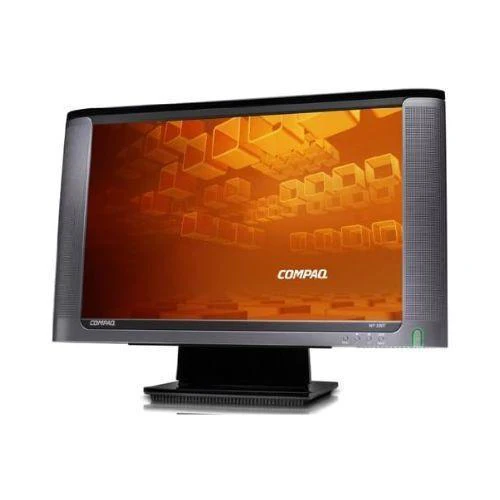
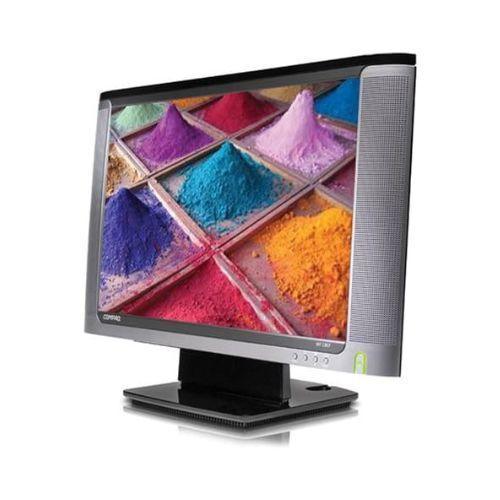
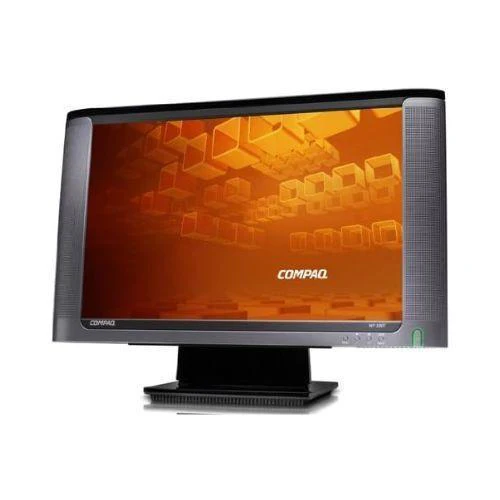
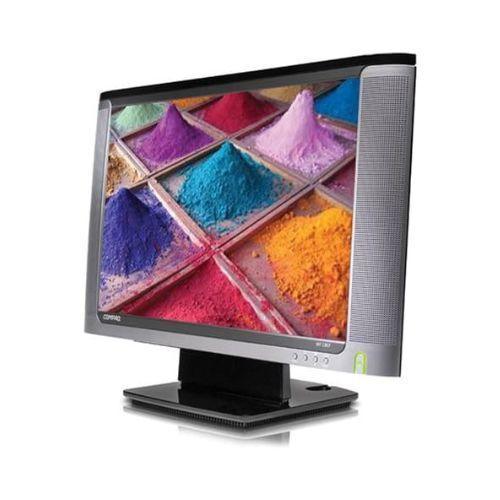
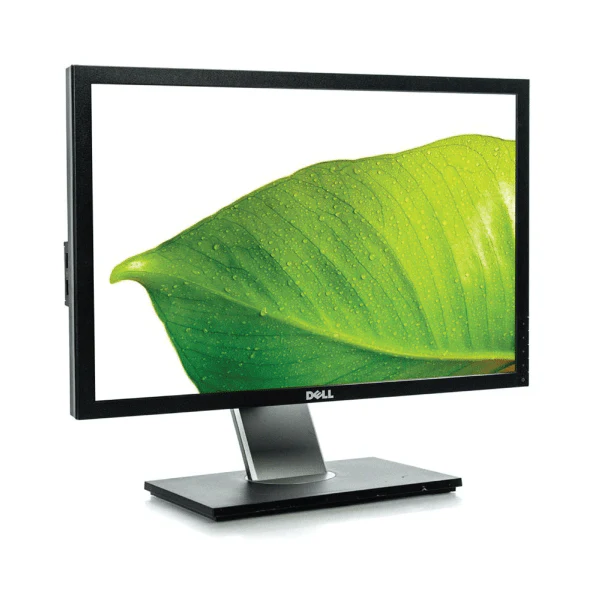
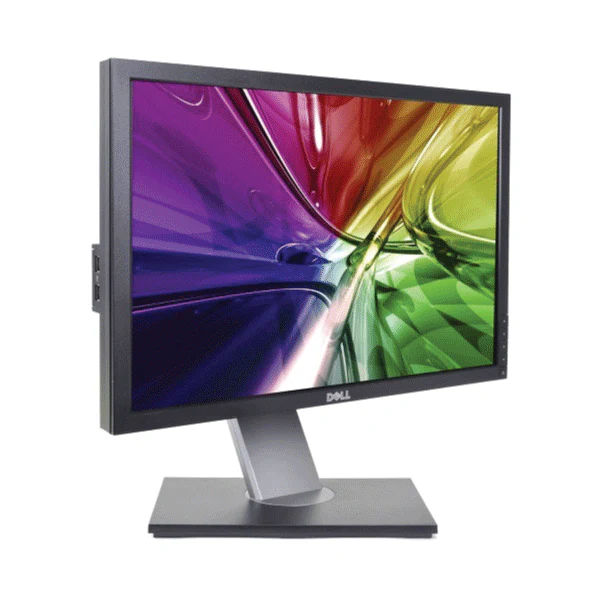
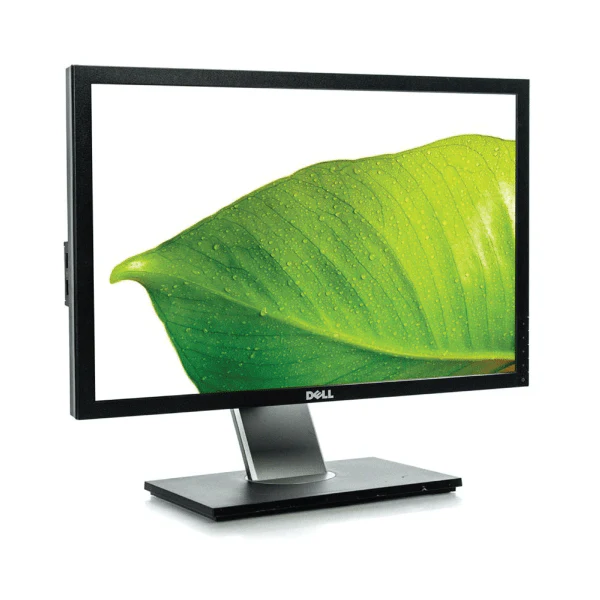
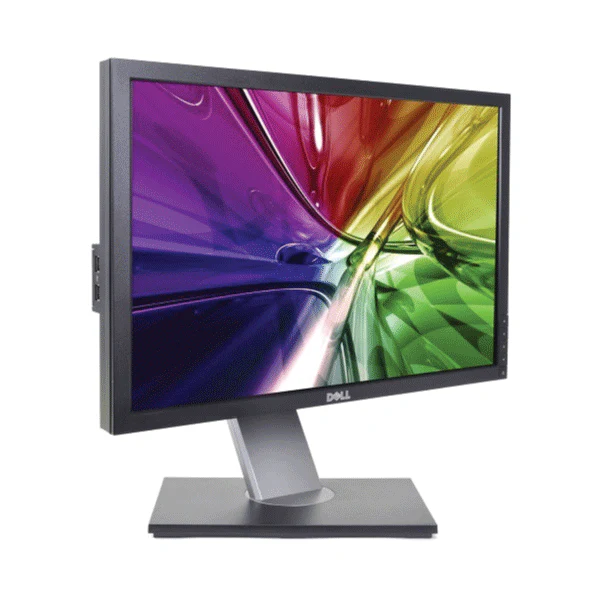
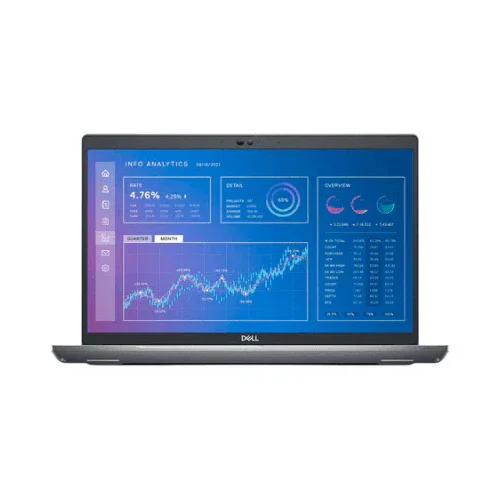
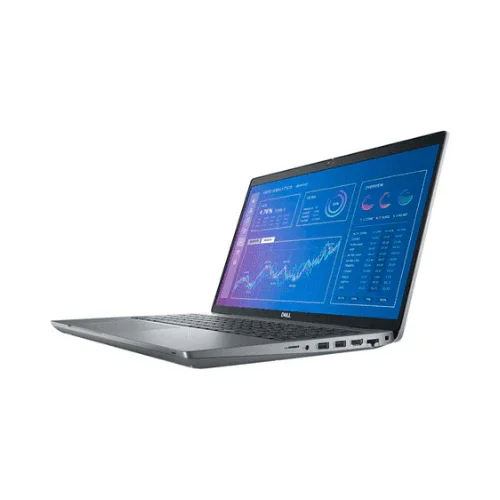
Dell OptiPlex 9030 AIO 23" FHD i5-4590S 8GB 240GB SSD WiFi DVD No OS | Wty
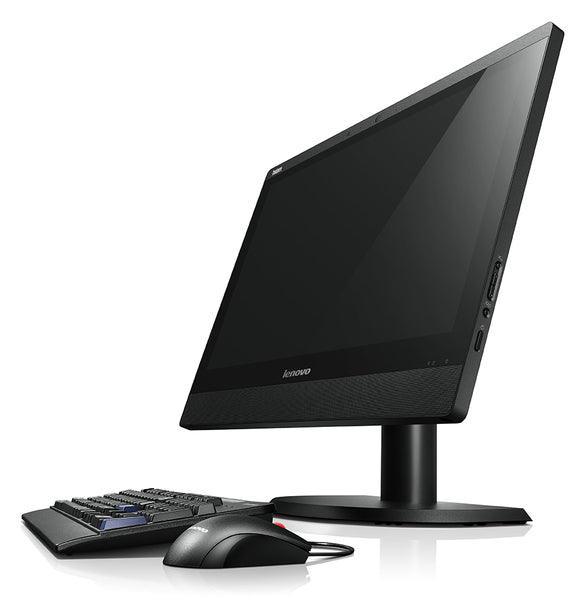
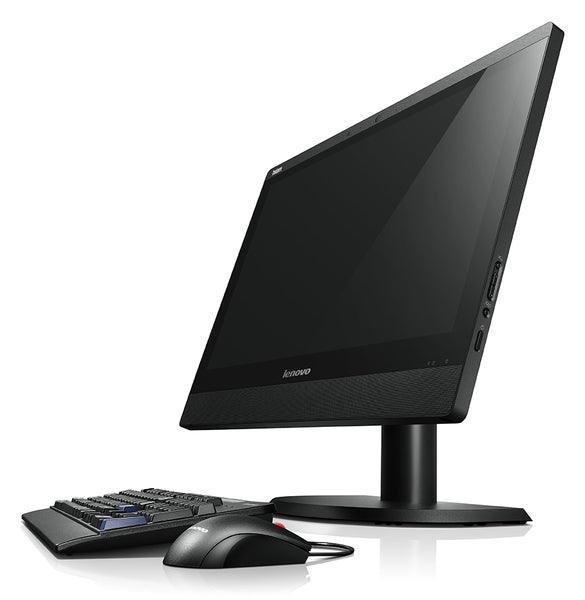
Dell OptiPlex 9030 All-in-One
Key Benefits
- All-in-one form factor — no separate tower, power brick, or tangled cable runs — display, PC, speakers, and webcam in one unit for a clean desk setup
- 23-inch FHD IPS display — 1920×1080 at 23 inches delivers a crisp, comfortable workspace; IPS provides wider viewing angles than standard TN panels
- 240 GB SSD storage — SSD replaces the original mechanical hard drive — significantly faster boot times, application launches, and file transfers versus HDD variants
- Intel Core i5 4th Gen — Haswell architecture handles office, web, email, and productivity workloads with responsive multi-tab browsing and document editing
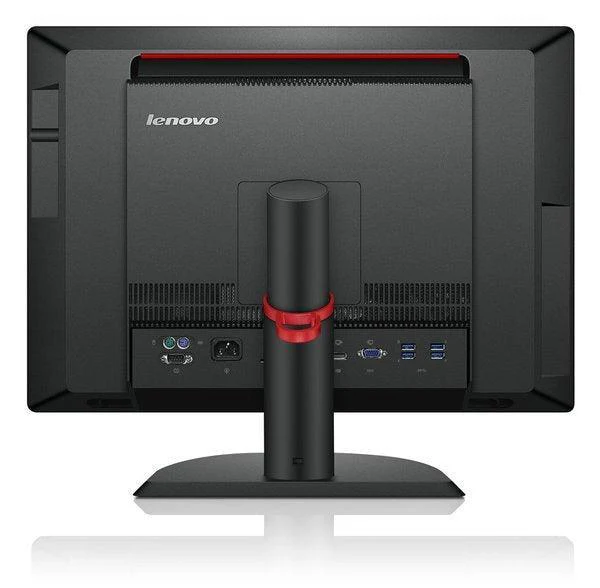
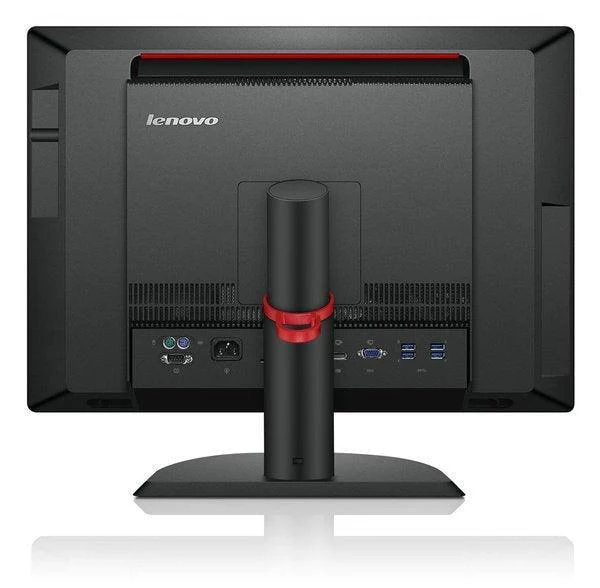
- Multiple USB 3.0 ports — fast peripheral connectivity for external storage, scanners, and card readers at modern USB 3.0 speeds
- Dual-monitor capable — HDMI and DisplayPort outputs allow connection of a second monitor for extended desktop productivity
Performance in Use
The OptiPlex 9030 AIO hits a practical sweet spot for office buyers: a 23-inch Full HD IPS display, capable Intel Core i5 processor, and SSD storage in a clean all-in-one package that eliminates desktop clutter. For reception desks, open-plan offices, and shared workstations, the integrated design means one power cable and one display cable — nothing else on the desk.
The 240 GB SSD upgrade from the original HDD configuration makes a noticeable difference in day-to-day use. Boot times under 30 seconds, near-instant application launches, and snappy file access are the immediate benefits. Combined with 4th Gen Intel Core i5 performance, the 9030 AIO handles the full Microsoft 365 stack, browser-based tools, and video conferencing without hesitation.
Technical Specifications
| Specification | Details |
|---|---|
| Display | 23-inch Full HD 1920×1080 IPS |
| Processor | Intel Core i5 4th Gen (Haswell), up to 3.2 GHz |
| Storage | 240 GB SSD |
| Graphics | Intel HD Graphics 4600 (integrated) |
| USB Ports | USB 3.0 × 4, USB 2.0 × 2 |
| Video Output | HDMI out, DisplayPort out (extend or mirror to second display) |
| Networking | Gigabit Ethernet; optional 802.11n Wi-Fi |
| Operating System | Windows 10 / Windows 11 compatible |
| Form Factor | All-in-one — display, PC, and speakers integrated |
| Warranty | 12-month Reboot IT warranty |
Is It Right for You?
|
✓ Best For: • Office workstations and desk-bound knowledge workers • Reception desks and front-of-house terminals • Point-of-sale environments needing an integrated display • Space-constrained environments where a separate tower is impractical • Education labs and classroom workstations |
✗ Not For: • Gaming or GPU-intensive creative workloads — integrated graphics only • Configurations requiring more than 16 GB RAM or high-end GPU • Environments needing a small-form-factor PC with an independent display choice |
Condition Grades
| Grade | Cosmetic | Testing |
|---|---|---|
| A — Excellent | Minimal marks, near-new appearance | Full functional test passed |
| B — Good | Light wear, fully functional | Full functional test passed |
Frequently Asked Questions
Is the touch screen functional?
Touch functionality depends on the specific unit variant. Touch-capable units are indicated in the listing title. Non-touch units retain full display functionality.
Can I add more RAM?
The OptiPlex 9030 AIO supports up to 16 GB DDR3 RAM via two SO-DIMM slots. Current RAM configuration is listed in the product variant.
Does it run Windows 11?
Intel 4th Gen Core (Haswell) processors do not officially meet Microsoft's Windows 11 TPM 2.0 and CPU requirements. Windows 10 Pro is installed and fully supported until October 2025. Some users install Windows 11 via unofficial workarounds.
Is a keyboard and mouse included?
No — keyboard and mouse are not included. Standard USB or wireless keyboards and mice are compatible.
What shipping costs apply?
Shipping costs apply based on size and destination — rates are calculated at checkout.
Warranty & Support
The Dell OptiPlex 9030 All-in-One includes a 12-month warranty from Reboot IT, covering all hardware defects from the date of purchase.
Shipping costs apply based on size and destination — rates are calculated at checkout. Reboot IT has been Australia's trusted refurbished IT specialist since 2001. Melbourne-based support at reboot-it.com.au.
Product Information
Product Information
Shipping & Returns
Shipping & Returns
Description
Dell OptiPlex 9030 All-in-One
Key Benefits
- All-in-one form factor — no separate tower, power brick, or tangled cable runs — display, PC, speakers, and webcam in one unit for a clean desk setup
- 23-inch FHD IPS display — 1920×1080 at 23 inches delivers a crisp, comfortable workspace; IPS provides wider viewing angles than standard TN panels
- 240 GB SSD storage — SSD replaces the original mechanical hard drive — significantly faster boot times, application launches, and file transfers versus HDD variants
- Intel Core i5 4th Gen — Haswell architecture handles office, web, email, and productivity workloads with responsive multi-tab browsing and document editing
- Multiple USB 3.0 ports — fast peripheral connectivity for external storage, scanners, and card readers at modern USB 3.0 speeds
- Dual-monitor capable — HDMI and DisplayPort outputs allow connection of a second monitor for extended desktop productivity
Performance in Use
The OptiPlex 9030 AIO hits a practical sweet spot for office buyers: a 23-inch Full HD IPS display, capable Intel Core i5 processor, and SSD storage in a clean all-in-one package that eliminates desktop clutter. For reception desks, open-plan offices, and shared workstations, the integrated design means one power cable and one display cable — nothing else on the desk.
The 240 GB SSD upgrade from the original HDD configuration makes a noticeable difference in day-to-day use. Boot times under 30 seconds, near-instant application launches, and snappy file access are the immediate benefits. Combined with 4th Gen Intel Core i5 performance, the 9030 AIO handles the full Microsoft 365 stack, browser-based tools, and video conferencing without hesitation.
Technical Specifications
| Specification | Details |
|---|---|
| Display | 23-inch Full HD 1920×1080 IPS |
| Processor | Intel Core i5 4th Gen (Haswell), up to 3.2 GHz |
| Storage | 240 GB SSD |
| Graphics | Intel HD Graphics 4600 (integrated) |
| USB Ports | USB 3.0 × 4, USB 2.0 × 2 |
| Video Output | HDMI out, DisplayPort out (extend or mirror to second display) |
| Networking | Gigabit Ethernet; optional 802.11n Wi-Fi |
| Operating System | Windows 10 / Windows 11 compatible |
| Form Factor | All-in-one — display, PC, and speakers integrated |
| Warranty | 12-month Reboot IT warranty |
Is It Right for You?
|
✓ Best For: • Office workstations and desk-bound knowledge workers • Reception desks and front-of-house terminals • Point-of-sale environments needing an integrated display • Space-constrained environments where a separate tower is impractical • Education labs and classroom workstations |
✗ Not For: • Gaming or GPU-intensive creative workloads — integrated graphics only • Configurations requiring more than 16 GB RAM or high-end GPU • Environments needing a small-form-factor PC with an independent display choice |
Condition Grades
| Grade | Cosmetic | Testing |
|---|---|---|
| A — Excellent | Minimal marks, near-new appearance | Full functional test passed |
| B — Good | Light wear, fully functional | Full functional test passed |
Frequently Asked Questions
Is the touch screen functional?
Touch functionality depends on the specific unit variant. Touch-capable units are indicated in the listing title. Non-touch units retain full display functionality.
Can I add more RAM?
The OptiPlex 9030 AIO supports up to 16 GB DDR3 RAM via two SO-DIMM slots. Current RAM configuration is listed in the product variant.
Does it run Windows 11?
Intel 4th Gen Core (Haswell) processors do not officially meet Microsoft's Windows 11 TPM 2.0 and CPU requirements. Windows 10 Pro is installed and fully supported until October 2025. Some users install Windows 11 via unofficial workarounds.
Is a keyboard and mouse included?
No — keyboard and mouse are not included. Standard USB or wireless keyboards and mice are compatible.
What shipping costs apply?
Shipping costs apply based on size and destination — rates are calculated at checkout.
Warranty & Support
The Dell OptiPlex 9030 All-in-One includes a 12-month warranty from Reboot IT, covering all hardware defects from the date of purchase.
Shipping costs apply based on size and destination — rates are calculated at checkout. Reboot IT has been Australia's trusted refurbished IT specialist since 2001. Melbourne-based support at reboot-it.com.au.