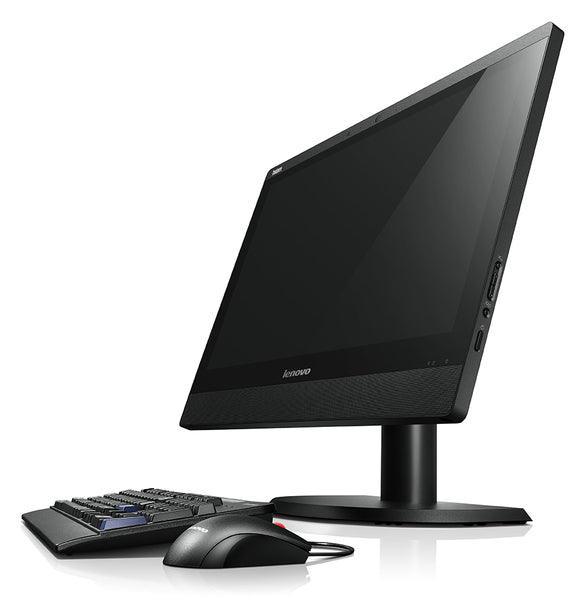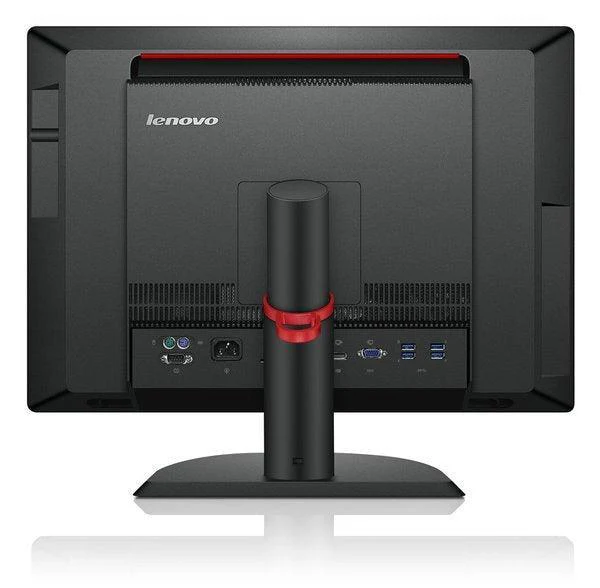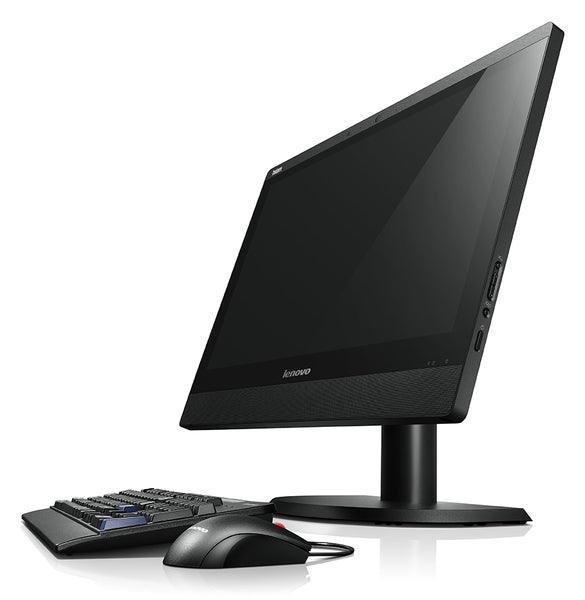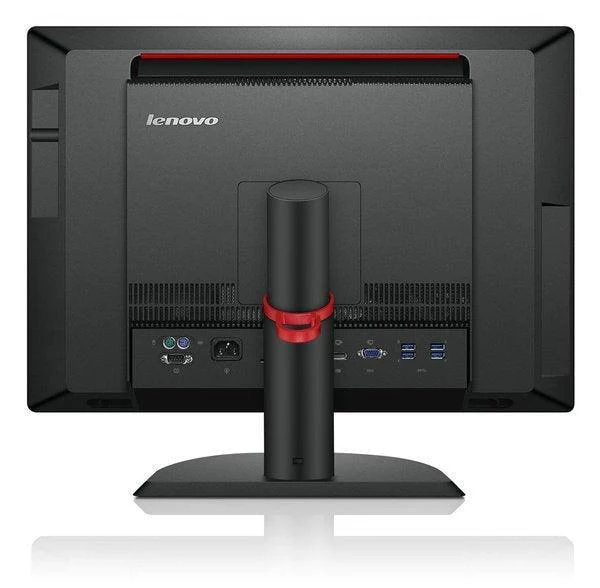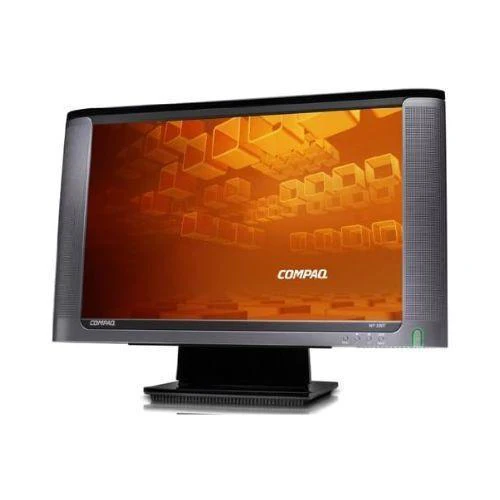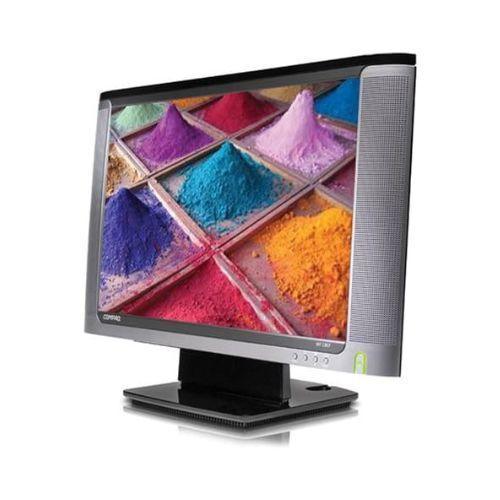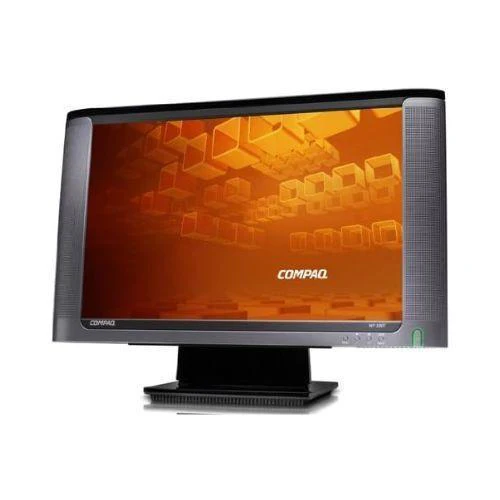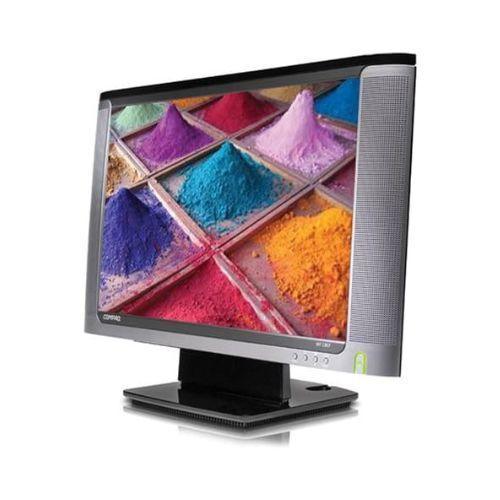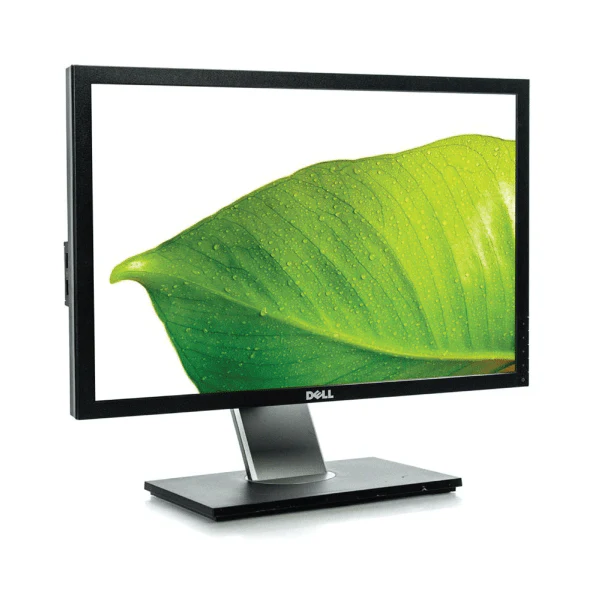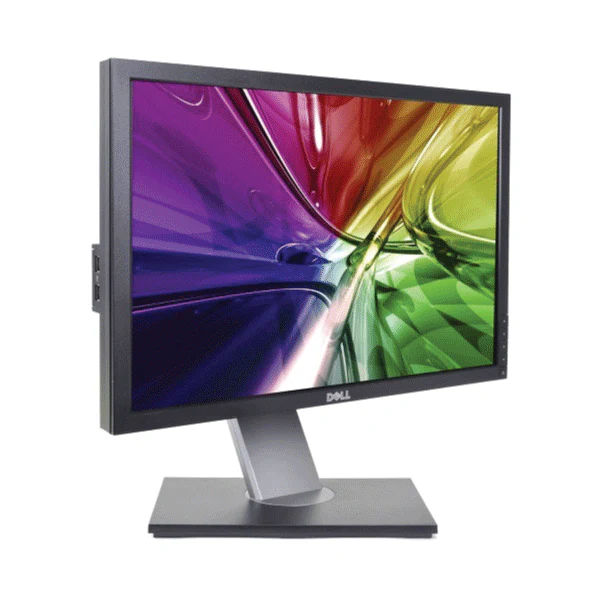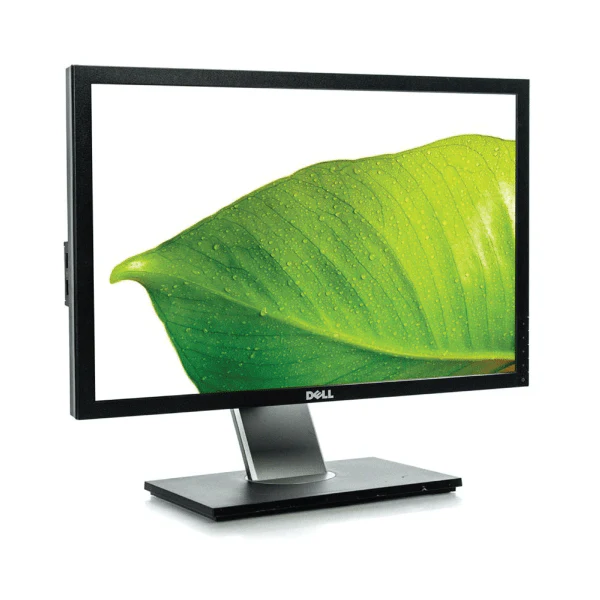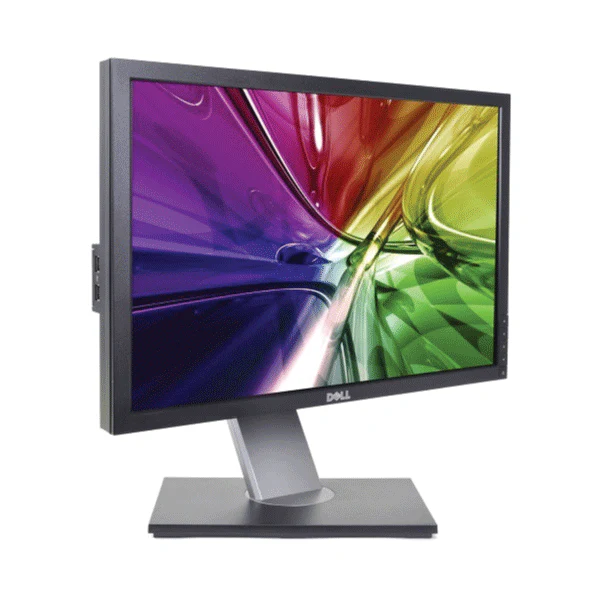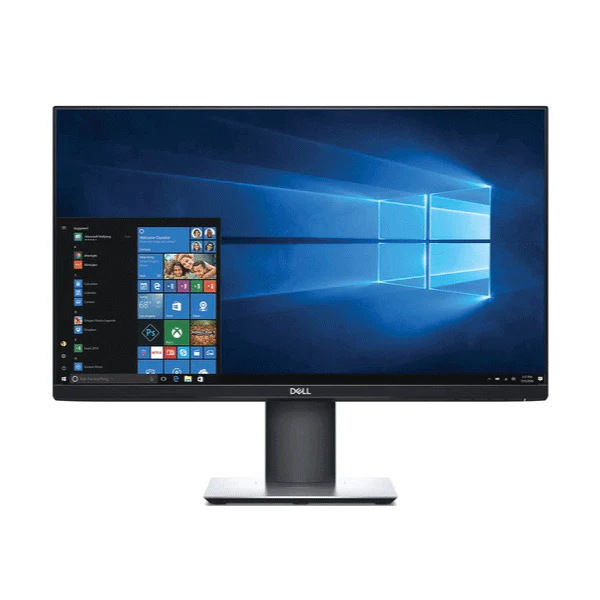
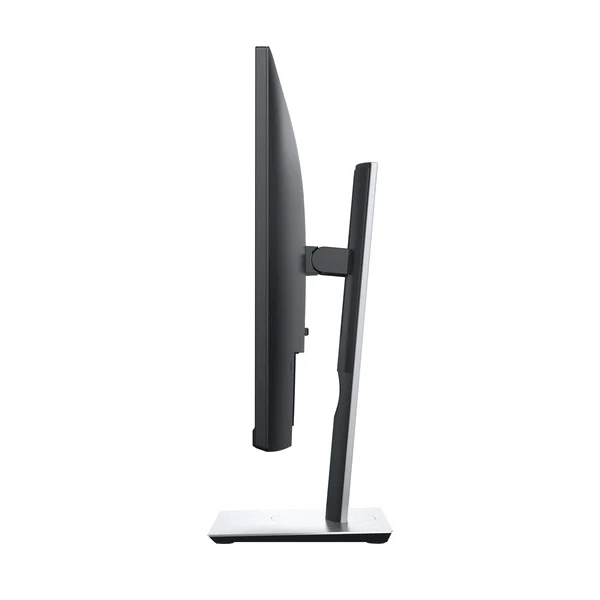
Dell 24" P2419H Monitor FHD IPS 60Hz W-LED USB Hub HDMI Black Height Adj | Wty
Dell P2419H — 24" Full HD IPS Monitor
The Dell P2419H delivers crisp 1920×1080 Full HD on a 24" IPS panel with flicker-free W-LED backlighting, blue light filter, and a fully ergonomic stand — backed by a 12-month Reboot IT warranty. HDMI, DisplayPort, USB 3.0 hub, and USB-C data port cover modern workflows without adapters.
Key Benefits
- 24" IPS display: Wide 178°/178° viewing angles with consistent colour and brightness — no shift when colleagues view your screen from the side.
- Flicker-free + blue light filter: Reduces eye fatigue during long sessions — important for staff who spend full days at a desk.
- 99% sRGB colour coverage: Accurate colour reproduction for design proofing, photo review, and any colour-sensitive work.
- HDMI + DisplayPort + USB 3.0 hub: Modern dual-video inputs plus a USB 3.0 hub keep peripherals tidy without cabling back to the PC.
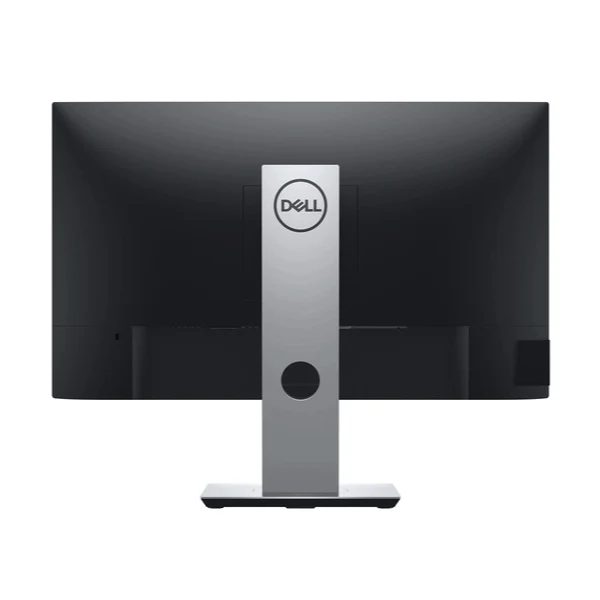
- Full ergonomic stand: Height adjustment, tilt, swivel, and portrait pivot — adapts to sit-stand desks and shared workstations across staff at different heights.
- VESA compatible: 100×100mm pattern supports monitor arms and wall mounts when the stand is removed.
Performance In Use
The P2419H’s 24" IPS panel with 99% sRGB coverage punches above its price point. Where a cheaper TN panel at the same size would show colour shift and limited viewing angles, the IPS technology keeps colour consistent from any seat at the desk — a practical benefit for team environments where screens are regularly viewed from different angles during reviews and presentations.
The flicker-free backlighting and integrated blue light filter make a real difference for users who sit at a monitor for six to eight hours a day. Conventional CCFL or lower-cost LED displays flicker at low brightness levels, which contributes to eye fatigue over time. The P2419H eliminates this, and the adjustable blue light filter lets users dial in comfort without losing too much colour accuracy.
Connectivity is well matched to current office hardware. HDMI 1.4 and DisplayPort 1.2 both deliver full 1920×1080 at 60Hz from any modern laptop or desktop, and the USB 3.0 hub adds two downstream ports for peripherals. A USB-C data port (non-video) rounds out the I/O — useful for charging phones or connecting devices via the monitor without an extra cable run to the PC. The full ergonomic stand handles the rest: height, tilt, swivel, and portrait pivot cover virtually any desk setup or user preference.
Technical Specifications
| Screen Size | 24" (diagonal viewable) |
| Panel Type | IPS (In-Plane Switching) |
| Resolution | 1920 × 1080 (Full HD) at 60Hz |
| Response Time | 5ms gray-to-gray |
| Brightness | 250 cd/m² (typical) |
| Contrast Ratio | 1000:1 (static) |
| Colour Gamut | 99% sRGB |
| Viewing Angles | 178° horizontal / 178° vertical |
| Aspect Ratio | 16:9 |
| Video Inputs | 1× HDMI 1.4, 1× DisplayPort 1.2 |
| USB | 1× USB 3.0 upstream, 2× USB 3.0 downstream, 1× USB-C (data only) |
| Audio | 3.5mm audio out (no built-in speakers) |
| Stand Adjustments | Height, tilt, swivel, pivot (portrait) |
| VESA Mount | 100 × 100mm |
| Colour | Black |
| Warranty | 12 months (Reboot IT) |
Is It Right For You?
| Best For ✓ | Not For ✗ |
|---|---|
| Office users needing eye-care features for long daily sessions | Competitive gamers needing 144Hz+ |
| Environments with both HDMI and DisplayPort devices | Users needing VGA legacy connectivity |
| Sit-stand desks and shared workstations needing ergonomic flexibility | Users needing USB-C video input |
| Colour-sensitive tasks benefiting from 99% sRGB accuracy | Users needing built-in speakers |
Condition Grades
| Grade | Description |
|---|---|
| A — Excellent | Minimal to no cosmetic marks. No dead pixels or screen blemishes. Fully functional, cleaned and tested. |
| B — Good | Light cosmetic wear on housing or stand. Screen fully clear and functional. All ports and features tested. |
Frequently Asked Questions
Does it have HDMI and DisplayPort?
Yes — the P2419H includes both HDMI 1.4 and DisplayPort 1.2, so you can connect two sources simultaneously and switch between them using the OSD.
What does the USB-C port do?
The USB-C port on the P2419H is a data-only connection — it does not carry video or charge devices. Use HDMI or DisplayPort for video output.
Does it work with a Mac?
Yes — connect via HDMI or DisplayPort. Most modern MacBooks with USB-C will need a USB-C to DisplayPort or HDMI adapter to output video.
What’s the difference between Excellent and Good grade?
Excellent (Grade A) units present near-new with minimal cosmetic marks. Good (Grade B) show light wear from use but are fully functional. Both carry the same 12-month warranty.
What are the shipping costs?
Shipping costs apply based on size and destination — rates are calculated at checkout.
Does it have built-in speakers?
No — the Dell P2419H does not include built-in speakers. Audio plays through a connected device or external speakers via the 3.5mm audio out.
12-Month Warranty — Reboot IT
Every Dell P2419H sold by Reboot IT is covered by a 12-month warranty. Based in Melbourne and operating since 2001, Reboot IT professionally tests, cleans, and grades every unit before it ships. If something goes wrong within the warranty period, we’ll repair or replace it. Shop with confidence at reboot-it.com.au.
Product Information
Product Information
Shipping & Returns
Shipping & Returns
Description
Dell P2419H — 24" Full HD IPS Monitor
The Dell P2419H delivers crisp 1920×1080 Full HD on a 24" IPS panel with flicker-free W-LED backlighting, blue light filter, and a fully ergonomic stand — backed by a 12-month Reboot IT warranty. HDMI, DisplayPort, USB 3.0 hub, and USB-C data port cover modern workflows without adapters.
Key Benefits
- 24" IPS display: Wide 178°/178° viewing angles with consistent colour and brightness — no shift when colleagues view your screen from the side.
- Flicker-free + blue light filter: Reduces eye fatigue during long sessions — important for staff who spend full days at a desk.
- 99% sRGB colour coverage: Accurate colour reproduction for design proofing, photo review, and any colour-sensitive work.
- HDMI + DisplayPort + USB 3.0 hub: Modern dual-video inputs plus a USB 3.0 hub keep peripherals tidy without cabling back to the PC.
- Full ergonomic stand: Height adjustment, tilt, swivel, and portrait pivot — adapts to sit-stand desks and shared workstations across staff at different heights.
- VESA compatible: 100×100mm pattern supports monitor arms and wall mounts when the stand is removed.
Performance In Use
The P2419H’s 24" IPS panel with 99% sRGB coverage punches above its price point. Where a cheaper TN panel at the same size would show colour shift and limited viewing angles, the IPS technology keeps colour consistent from any seat at the desk — a practical benefit for team environments where screens are regularly viewed from different angles during reviews and presentations.
The flicker-free backlighting and integrated blue light filter make a real difference for users who sit at a monitor for six to eight hours a day. Conventional CCFL or lower-cost LED displays flicker at low brightness levels, which contributes to eye fatigue over time. The P2419H eliminates this, and the adjustable blue light filter lets users dial in comfort without losing too much colour accuracy.
Connectivity is well matched to current office hardware. HDMI 1.4 and DisplayPort 1.2 both deliver full 1920×1080 at 60Hz from any modern laptop or desktop, and the USB 3.0 hub adds two downstream ports for peripherals. A USB-C data port (non-video) rounds out the I/O — useful for charging phones or connecting devices via the monitor without an extra cable run to the PC. The full ergonomic stand handles the rest: height, tilt, swivel, and portrait pivot cover virtually any desk setup or user preference.
Technical Specifications
| Screen Size | 24" (diagonal viewable) |
| Panel Type | IPS (In-Plane Switching) |
| Resolution | 1920 × 1080 (Full HD) at 60Hz |
| Response Time | 5ms gray-to-gray |
| Brightness | 250 cd/m² (typical) |
| Contrast Ratio | 1000:1 (static) |
| Colour Gamut | 99% sRGB |
| Viewing Angles | 178° horizontal / 178° vertical |
| Aspect Ratio | 16:9 |
| Video Inputs | 1× HDMI 1.4, 1× DisplayPort 1.2 |
| USB | 1× USB 3.0 upstream, 2× USB 3.0 downstream, 1× USB-C (data only) |
| Audio | 3.5mm audio out (no built-in speakers) |
| Stand Adjustments | Height, tilt, swivel, pivot (portrait) |
| VESA Mount | 100 × 100mm |
| Colour | Black |
| Warranty | 12 months (Reboot IT) |
Is It Right For You?
| Best For ✓ | Not For ✗ |
|---|---|
| Office users needing eye-care features for long daily sessions | Competitive gamers needing 144Hz+ |
| Environments with both HDMI and DisplayPort devices | Users needing VGA legacy connectivity |
| Sit-stand desks and shared workstations needing ergonomic flexibility | Users needing USB-C video input |
| Colour-sensitive tasks benefiting from 99% sRGB accuracy | Users needing built-in speakers |
Condition Grades
| Grade | Description |
|---|---|
| A — Excellent | Minimal to no cosmetic marks. No dead pixels or screen blemishes. Fully functional, cleaned and tested. |
| B — Good | Light cosmetic wear on housing or stand. Screen fully clear and functional. All ports and features tested. |
Frequently Asked Questions
Does it have HDMI and DisplayPort?
Yes — the P2419H includes both HDMI 1.4 and DisplayPort 1.2, so you can connect two sources simultaneously and switch between them using the OSD.
What does the USB-C port do?
The USB-C port on the P2419H is a data-only connection — it does not carry video or charge devices. Use HDMI or DisplayPort for video output.
Does it work with a Mac?
Yes — connect via HDMI or DisplayPort. Most modern MacBooks with USB-C will need a USB-C to DisplayPort or HDMI adapter to output video.
What’s the difference between Excellent and Good grade?
Excellent (Grade A) units present near-new with minimal cosmetic marks. Good (Grade B) show light wear from use but are fully functional. Both carry the same 12-month warranty.
What are the shipping costs?
Shipping costs apply based on size and destination — rates are calculated at checkout.
Does it have built-in speakers?
No — the Dell P2419H does not include built-in speakers. Audio plays through a connected device or external speakers via the 3.5mm audio out.
12-Month Warranty — Reboot IT
Every Dell P2419H sold by Reboot IT is covered by a 12-month warranty. Based in Melbourne and operating since 2001, Reboot IT professionally tests, cleans, and grades every unit before it ships. If something goes wrong within the warranty period, we’ll repair or replace it. Shop with confidence at reboot-it.com.au.