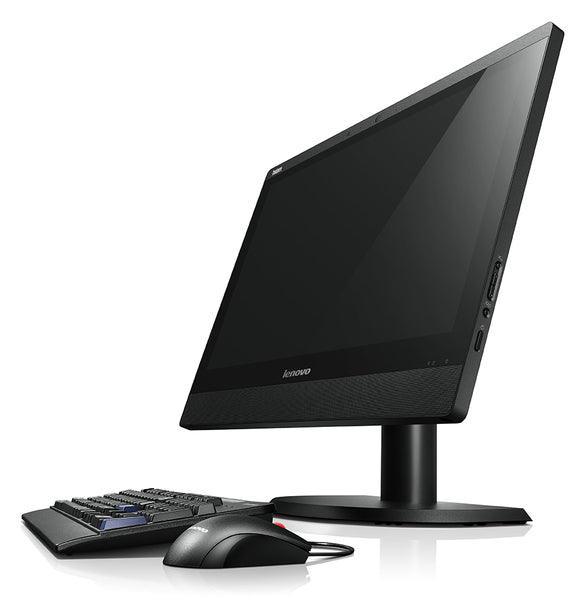
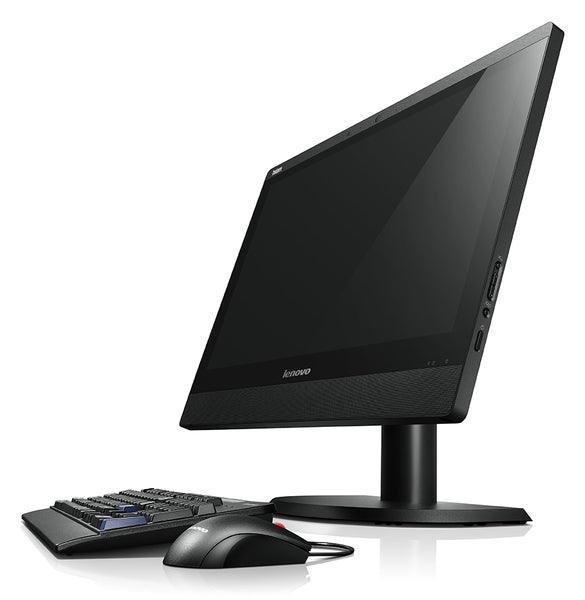
Lenovo ThinkCentre A57 Desktop E4600 2.4GHz 4GB 250GB DW WVB Computer | 3mth Wty
Lenovo's A57 is similar if not a little bigger than the Lenovo M57e, and its predecessor, the A61e. However, unlike these two desktops, Lenovo has decided to drop the "eco" suffix with the A57 and boost performance while adding in a spare PCI and PCI Express slot. In terms of size the A57 sits somewhere between a traditional tower and a 3L, or a dictionary-sized, small form-factor desktop.
This compact size limits the upgrade options on the A57, but avoids the price jump associated with ultra small systems. While the A57 is compact, placement of the optical drive means sitting this desktop vertically would be awkward, so you wouldn't want to stash it under your desk. There is absolutely nothing exciting about the design of the A57; it's simple, basic and black. There are two USB ports on the front along with a 3.5mm audio-in/out jack.
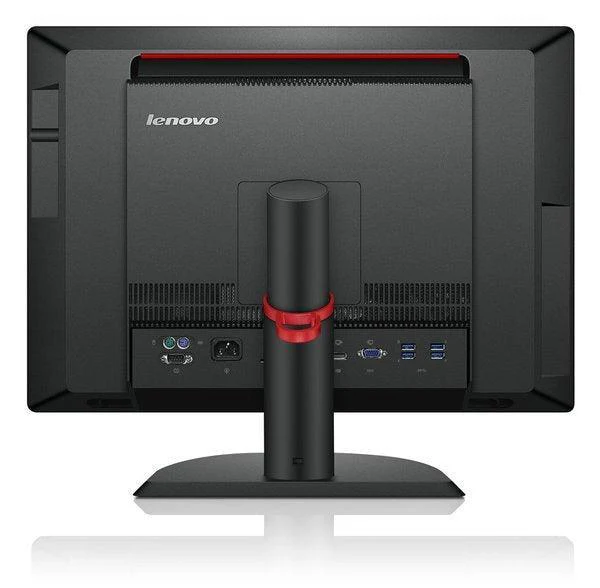
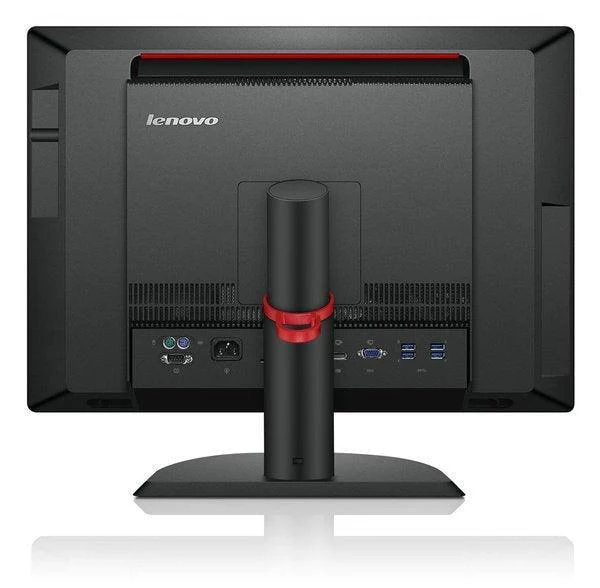
The rear of the system includes the minimum number of necessary ports on a desktop: a D-Sub serial port, VGA in and out, Ethernet, and two PS/2 ports. There are four additional USB ports on the rear of the machine. There is no space to include an additional HDD inside this system, so if you want additional storage you will have to do it externally, which is more expensive and slower. The A57 we were sent included a spare RAM slot.
Product Information
Product Information
Shipping & Returns
Shipping & Returns
Description
Lenovo's A57 is similar if not a little bigger than the Lenovo M57e, and its predecessor, the A61e. However, unlike these two desktops, Lenovo has decided to drop the "eco" suffix with the A57 and boost performance while adding in a spare PCI and PCI Express slot. In terms of size the A57 sits somewhere between a traditional tower and a 3L, or a dictionary-sized, small form-factor desktop.
This compact size limits the upgrade options on the A57, but avoids the price jump associated with ultra small systems. While the A57 is compact, placement of the optical drive means sitting this desktop vertically would be awkward, so you wouldn't want to stash it under your desk. There is absolutely nothing exciting about the design of the A57; it's simple, basic and black. There are two USB ports on the front along with a 3.5mm audio-in/out jack.
The rear of the system includes the minimum number of necessary ports on a desktop: a D-Sub serial port, VGA in and out, Ethernet, and two PS/2 ports. There are four additional USB ports on the rear of the machine. There is no space to include an additional HDD inside this system, so if you want additional storage you will have to do it externally, which is more expensive and slower. The A57 we were sent included a spare RAM slot.