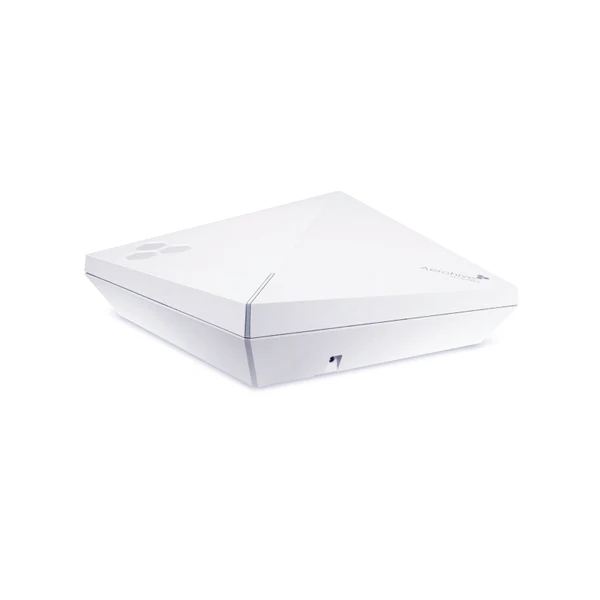
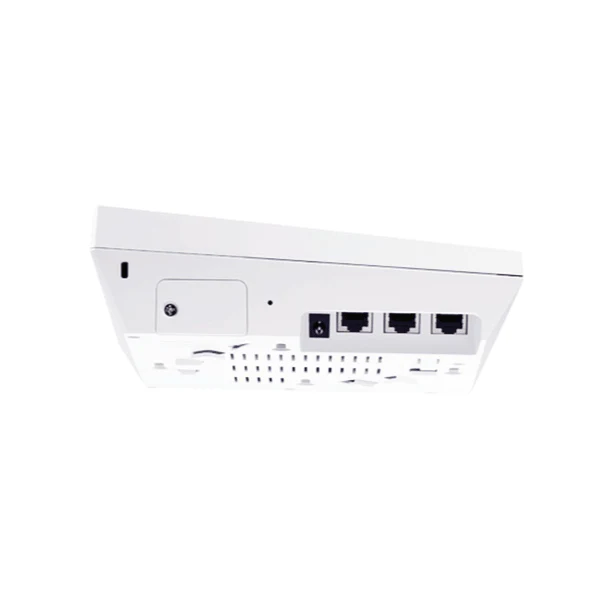
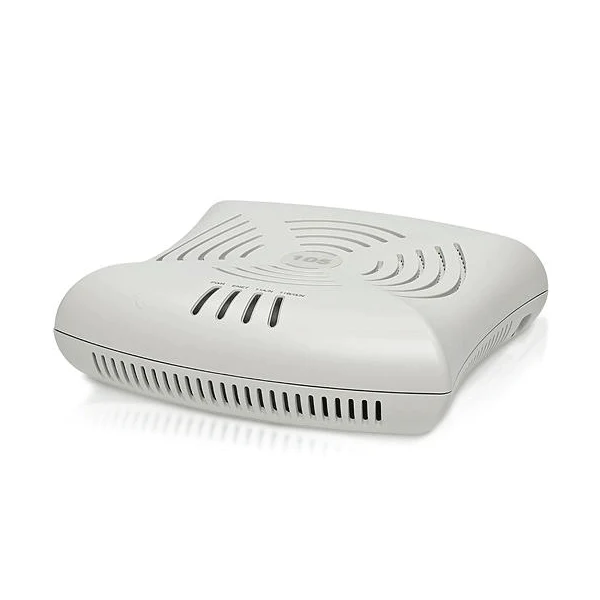
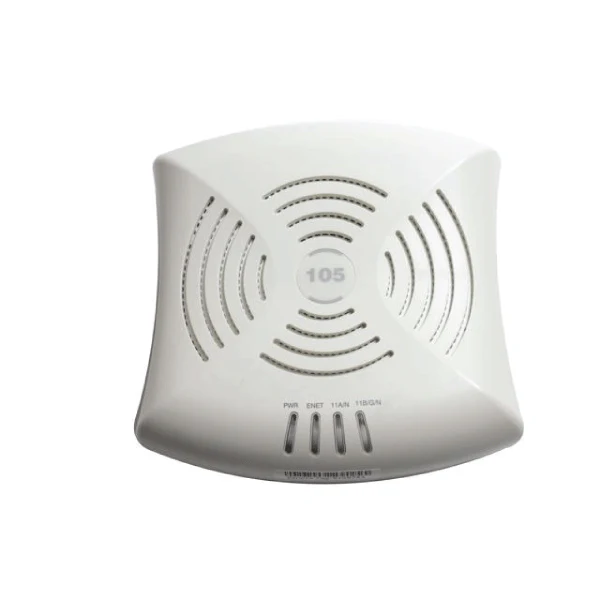
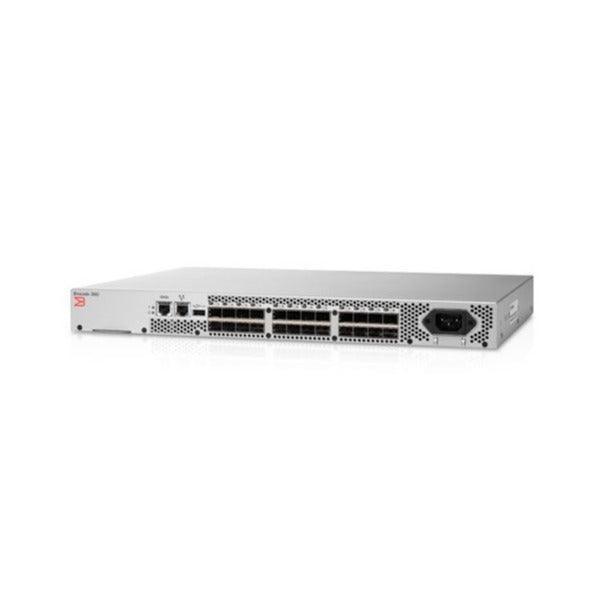
Linksys EA4500 N900 Dual Band WiFi Gigabit Router 4-Port USB Smart | 3mth Wty
Linksys EA4500 N900 Dual-Band Smart Wi-Fi Router
The certified refurbished Linksys EA4500 is a N900 dual-band router delivering simultaneous 2.4 GHz and 5 GHz wireless with combined speeds up to 900 Mbps, four Gigabit Ethernet ports, a USB storage port, QoS prioritisation, and Linksys Smart Wi-Fi remote management — backed by a 12-month Reboot IT warranty.
- N900 Dual-Band Wireless: Two separate radio bands — 2.4 GHz (up to 450 Mbps) and 5 GHz (up to 450 Mbps) — run simultaneously, doubling bandwidth and reducing interference from neighbouring networks.
- Four Gigabit Ethernet Ports: Wired connections at up to 1000 Mbps per port for NAS devices, desktop PCs, smart TVs, and gaming consoles that benefit from low-latency wired connectivity.
- USB Storage Sharing: Connect a USB hard drive or flash drive to the rear USB port to share files and media across all devices on the network without a dedicated NAS.
- QoS Bandwidth Prioritisation: Quality of Service controls let you prioritise video streaming, gaming, or voice calls over background downloads to keep important applications smooth.
- Linksys Smart Wi-Fi App: Configure and monitor your network remotely from a smartphone or browser — set parental controls, manage guest access, and check connected devices from anywhere.
- Advanced Security: WPA/WPA2 wireless encryption, SPI firewall, and NAT routing keep your home or office network protected from unauthorised access.
Performance in Use
The EA4500 handles the demands of a household or small office with multiple simultaneous users. The dual-band design is the key: devices that need maximum throughput and low interference (gaming consoles, 4K streaming devices, work laptops) connect to the less congested 5 GHz band, while older or lower-priority devices use 2.4 GHz. This separation prevents bandwidth-hungry activities from disrupting the rest of the network.
Four Gigabit ports mean wired devices get full-speed connections without the overhead of wireless — important for file transfers to NAS storage, desktop workstations, and smart TVs where you want reliable throughput without worrying about signal quality. The USB port adds simple file-sharing capability without the cost of a dedicated network storage device, making it useful for sharing a large external hard drive across a household or small team.
The Smart Wi-Fi management interface is accessible via browser or mobile app and provides a clear view of all connected clients, traffic usage, and security settings. Guest network configuration keeps visitor devices separated from your main network. QoS rules can be set per-device or per-application to ensure video calls and streaming always have the bandwidth they need even when other users are downloading large files.
Technical Specifications
| Specification | Details |
|---|---|
| Model | Linksys EA4500 |
| Wireless Standard | 802.11n (N900), dual-band |
| Wireless Bands | 2.4 GHz (up to 450 Mbps) + 5 GHz (up to 450 Mbps) |
| LAN Ports | 4× Gigabit Ethernet (10/100/1000) |
| WAN Port | 1× Gigabit Ethernet WAN |
| USB Port | 1× USB 2.0 (storage sharing) |
| Security | WPA/WPA2, SPI Firewall, NAT |
| QoS | Yes — per-device and application prioritisation |
| Management | Linksys Smart Wi-Fi (browser + mobile app) |
| Guest Network | Yes — isolated guest Wi-Fi access |
| Antennas | 4× internal antennas |
| Warranty | 12 months (Reboot IT) |
Is It Right for You?
|
✓ Best For: • Households with 5–15 connected devices • Home offices needing dual-band separation for work and personal devices • Users wanting USB network storage without a full NAS • Small offices with 4 or fewer wired devices • Users wanting app-based remote management |
✗ Not For: • Users needing Wi-Fi 5 (802.11ac) or Wi-Fi 6 speeds • Large homes requiring extended range or mesh networking • Offices with more than 4 wired ports needed • Users needing multi-WAN failover or advanced VPN routing • Networks requiring more than 1 USB storage port |
Condition Grades
| Grade | Cosmetic Condition | Functional Testing |
|---|---|---|
| A — Excellent | Minimal marks, clean ports | All LAN/WAN ports, both Wi-Fi bands, and USB verified |
Frequently Asked Questions
Does the EA4500 support Wi-Fi 5 (802.11ac)?
No — the EA4500 is an 802.11n (Wi-Fi 4) router with maximum speeds up to 450 Mbps per band. For 802.11ac (Wi-Fi 5) speeds, a newer router would be required.
Can I use the USB port for a printer as well as storage?
The EA4500's USB port is designed primarily for USB storage sharing. Printer sharing via USB may work through the Linksys Smart Wi-Fi interface but functionality varies by printer model.
How do I set up the Smart Wi-Fi app?
Download the Linksys app (iOS or Android) or access the web interface at linksyssmartwifi.com. Create a Linksys account and register the router's serial number to enable remote management features.
Does it come with a power adapter?
Yes — the router includes the original AC power adapter for Australian power outlets.
What are the shipping options?
Shipping costs apply based on size and destination — rates are calculated at checkout.
Warranty & After-Sales Support
Every Linksys EA4500 sold by Reboot IT includes a 12-month warranty covering hardware defects and connectivity failures.
Reboot IT has been Australia's trusted refurbished IT specialist since 2001. Every router is tested — all LAN/WAN ports, both wireless bands, and USB port verified — before dispatch. Melbourne-based support at reboot-it.com.au.
Product Information
Product Information
Shipping & Returns
Shipping & Returns
Description
Linksys EA4500 N900 Dual-Band Smart Wi-Fi Router
The certified refurbished Linksys EA4500 is a N900 dual-band router delivering simultaneous 2.4 GHz and 5 GHz wireless with combined speeds up to 900 Mbps, four Gigabit Ethernet ports, a USB storage port, QoS prioritisation, and Linksys Smart Wi-Fi remote management — backed by a 12-month Reboot IT warranty.
- N900 Dual-Band Wireless: Two separate radio bands — 2.4 GHz (up to 450 Mbps) and 5 GHz (up to 450 Mbps) — run simultaneously, doubling bandwidth and reducing interference from neighbouring networks.
- Four Gigabit Ethernet Ports: Wired connections at up to 1000 Mbps per port for NAS devices, desktop PCs, smart TVs, and gaming consoles that benefit from low-latency wired connectivity.
- USB Storage Sharing: Connect a USB hard drive or flash drive to the rear USB port to share files and media across all devices on the network without a dedicated NAS.
- QoS Bandwidth Prioritisation: Quality of Service controls let you prioritise video streaming, gaming, or voice calls over background downloads to keep important applications smooth.
- Linksys Smart Wi-Fi App: Configure and monitor your network remotely from a smartphone or browser — set parental controls, manage guest access, and check connected devices from anywhere.
- Advanced Security: WPA/WPA2 wireless encryption, SPI firewall, and NAT routing keep your home or office network protected from unauthorised access.
Performance in Use
The EA4500 handles the demands of a household or small office with multiple simultaneous users. The dual-band design is the key: devices that need maximum throughput and low interference (gaming consoles, 4K streaming devices, work laptops) connect to the less congested 5 GHz band, while older or lower-priority devices use 2.4 GHz. This separation prevents bandwidth-hungry activities from disrupting the rest of the network.
Four Gigabit ports mean wired devices get full-speed connections without the overhead of wireless — important for file transfers to NAS storage, desktop workstations, and smart TVs where you want reliable throughput without worrying about signal quality. The USB port adds simple file-sharing capability without the cost of a dedicated network storage device, making it useful for sharing a large external hard drive across a household or small team.
The Smart Wi-Fi management interface is accessible via browser or mobile app and provides a clear view of all connected clients, traffic usage, and security settings. Guest network configuration keeps visitor devices separated from your main network. QoS rules can be set per-device or per-application to ensure video calls and streaming always have the bandwidth they need even when other users are downloading large files.
Technical Specifications
| Specification | Details |
|---|---|
| Model | Linksys EA4500 |
| Wireless Standard | 802.11n (N900), dual-band |
| Wireless Bands | 2.4 GHz (up to 450 Mbps) + 5 GHz (up to 450 Mbps) |
| LAN Ports | 4× Gigabit Ethernet (10/100/1000) |
| WAN Port | 1× Gigabit Ethernet WAN |
| USB Port | 1× USB 2.0 (storage sharing) |
| Security | WPA/WPA2, SPI Firewall, NAT |
| QoS | Yes — per-device and application prioritisation |
| Management | Linksys Smart Wi-Fi (browser + mobile app) |
| Guest Network | Yes — isolated guest Wi-Fi access |
| Antennas | 4× internal antennas |
| Warranty | 12 months (Reboot IT) |
Is It Right for You?
|
✓ Best For: • Households with 5–15 connected devices • Home offices needing dual-band separation for work and personal devices • Users wanting USB network storage without a full NAS • Small offices with 4 or fewer wired devices • Users wanting app-based remote management |
✗ Not For: • Users needing Wi-Fi 5 (802.11ac) or Wi-Fi 6 speeds • Large homes requiring extended range or mesh networking • Offices with more than 4 wired ports needed • Users needing multi-WAN failover or advanced VPN routing • Networks requiring more than 1 USB storage port |
Condition Grades
| Grade | Cosmetic Condition | Functional Testing |
|---|---|---|
| A — Excellent | Minimal marks, clean ports | All LAN/WAN ports, both Wi-Fi bands, and USB verified |
Frequently Asked Questions
Does the EA4500 support Wi-Fi 5 (802.11ac)?
No — the EA4500 is an 802.11n (Wi-Fi 4) router with maximum speeds up to 450 Mbps per band. For 802.11ac (Wi-Fi 5) speeds, a newer router would be required.
Can I use the USB port for a printer as well as storage?
The EA4500's USB port is designed primarily for USB storage sharing. Printer sharing via USB may work through the Linksys Smart Wi-Fi interface but functionality varies by printer model.
How do I set up the Smart Wi-Fi app?
Download the Linksys app (iOS or Android) or access the web interface at linksyssmartwifi.com. Create a Linksys account and register the router's serial number to enable remote management features.
Does it come with a power adapter?
Yes — the router includes the original AC power adapter for Australian power outlets.
What are the shipping options?
Shipping costs apply based on size and destination — rates are calculated at checkout.
Warranty & After-Sales Support
Every Linksys EA4500 sold by Reboot IT includes a 12-month warranty covering hardware defects and connectivity failures.
Reboot IT has been Australia's trusted refurbished IT specialist since 2001. Every router is tested — all LAN/WAN ports, both wireless bands, and USB port verified — before dispatch. Melbourne-based support at reboot-it.com.au.