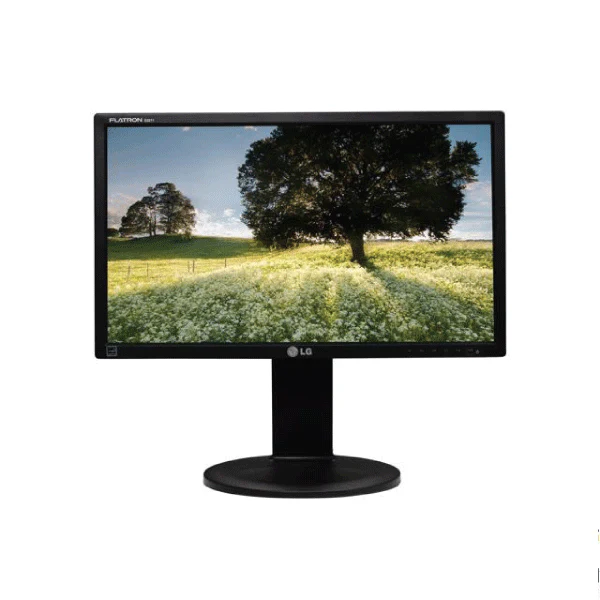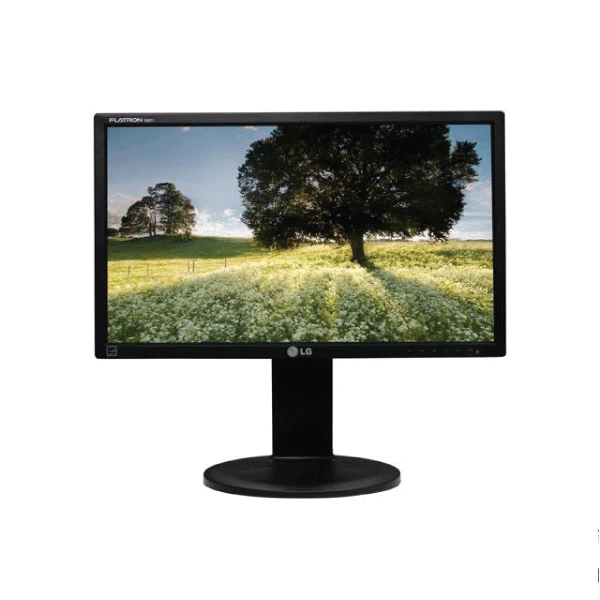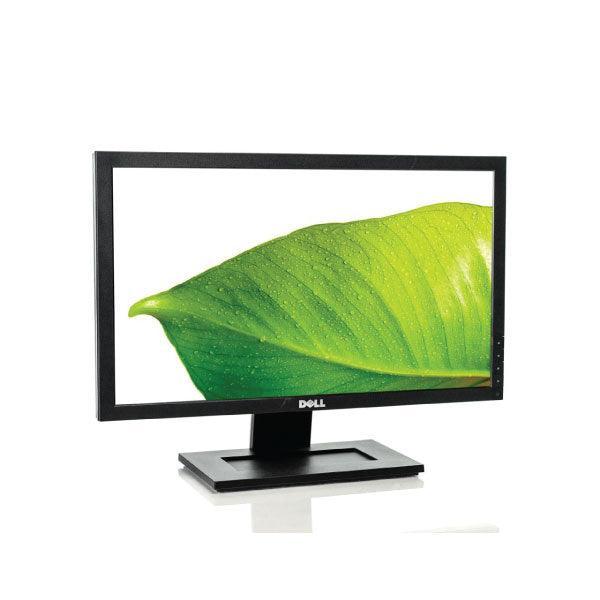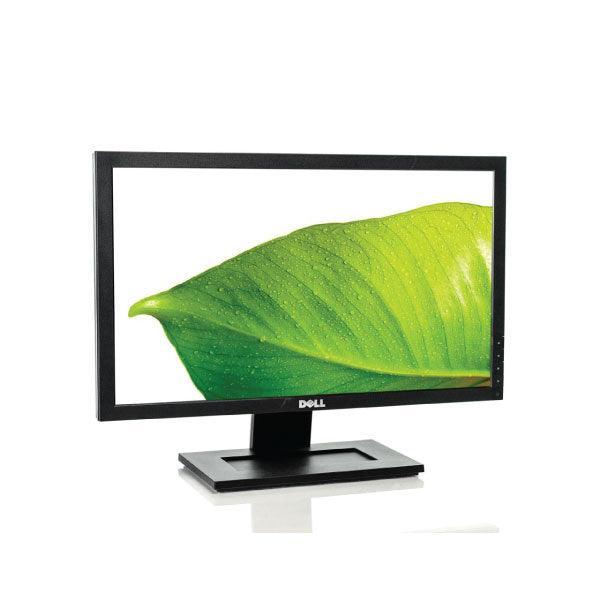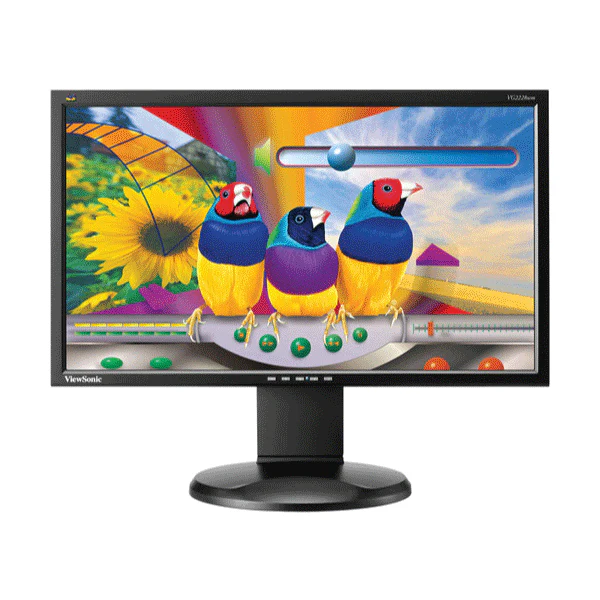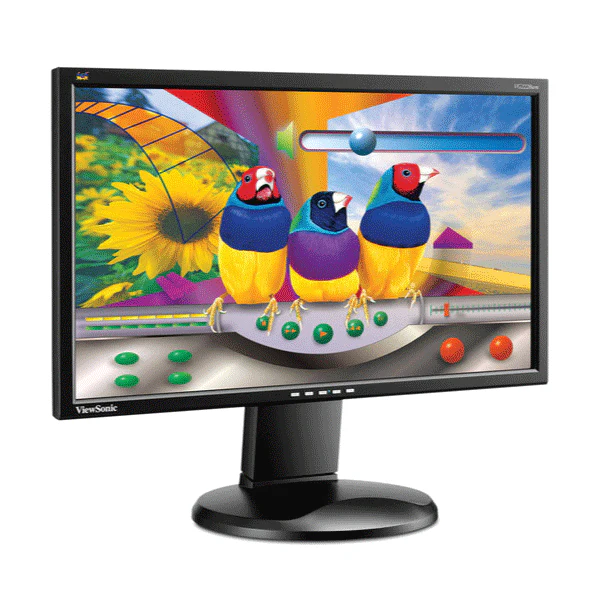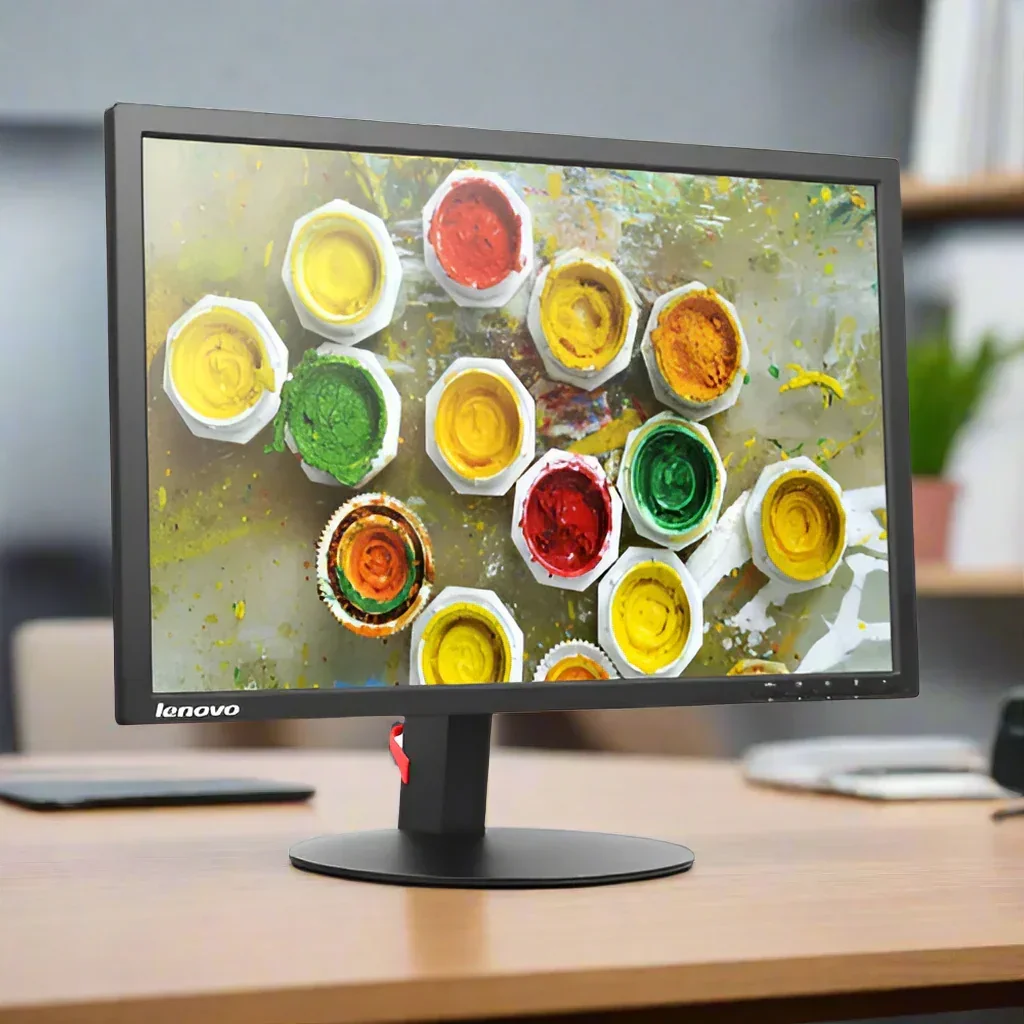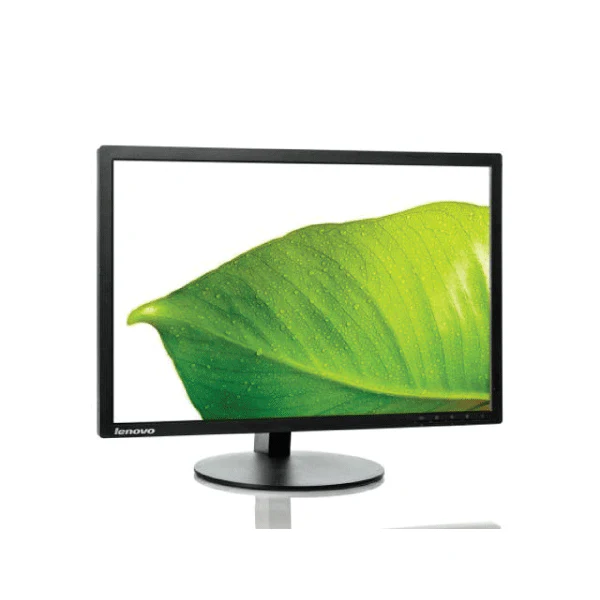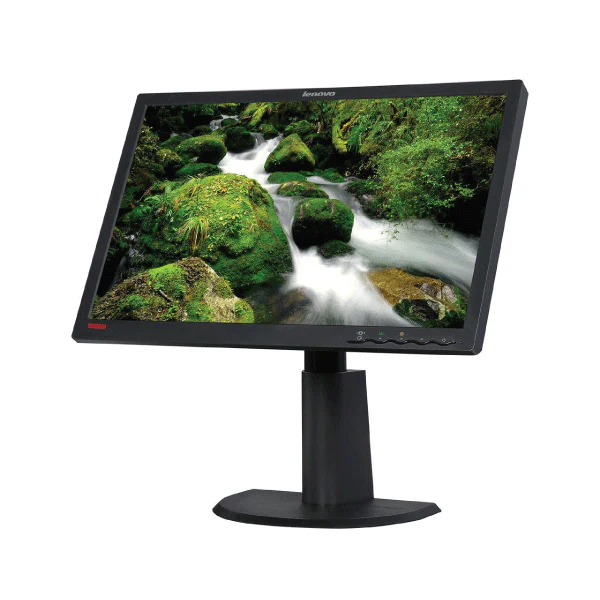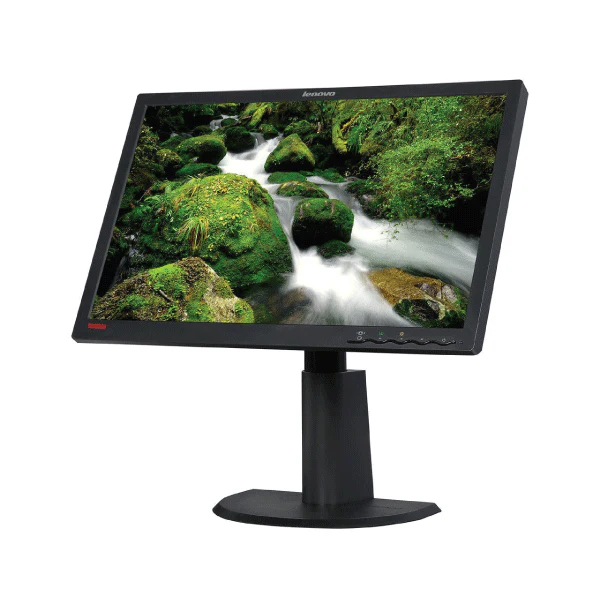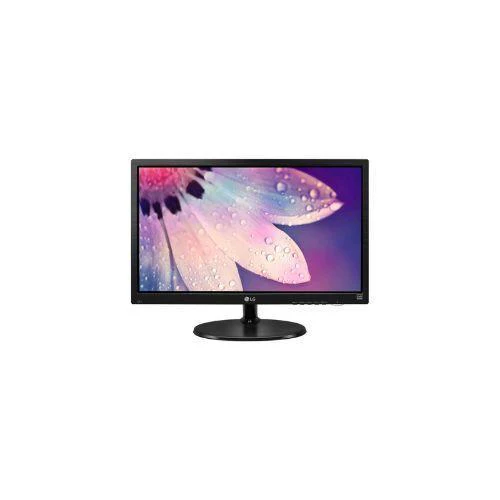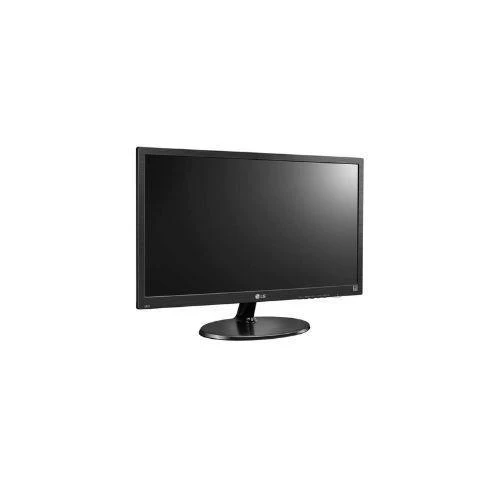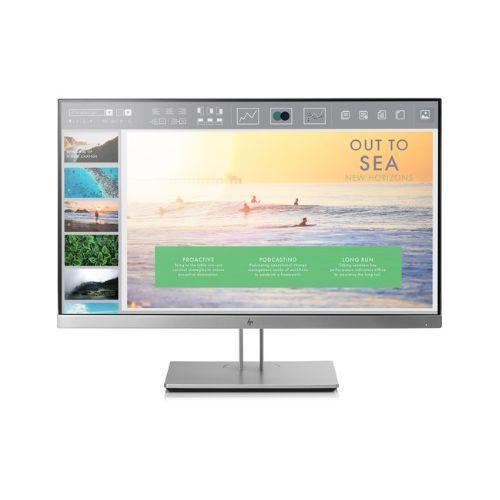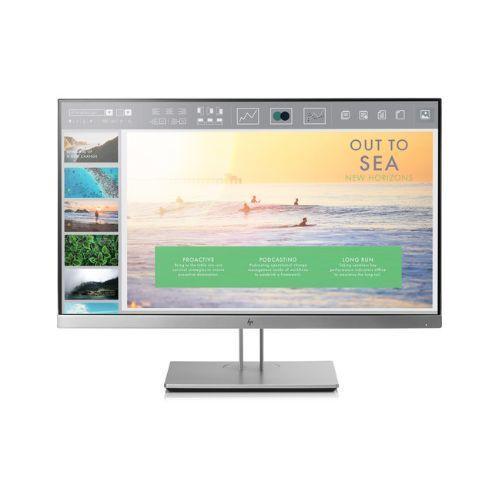
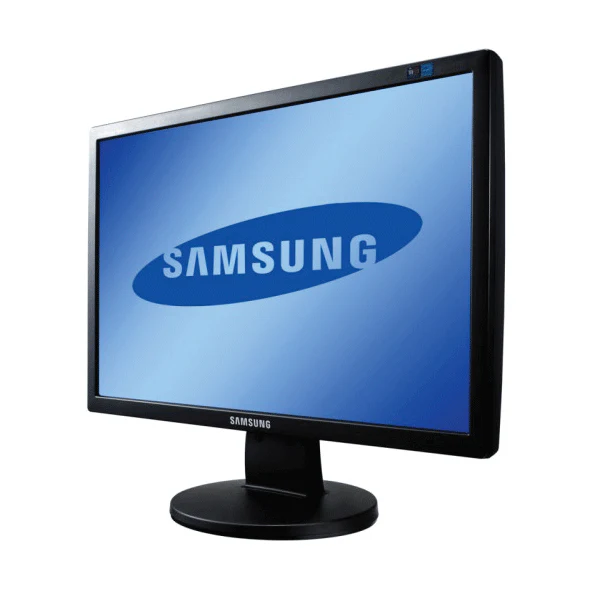
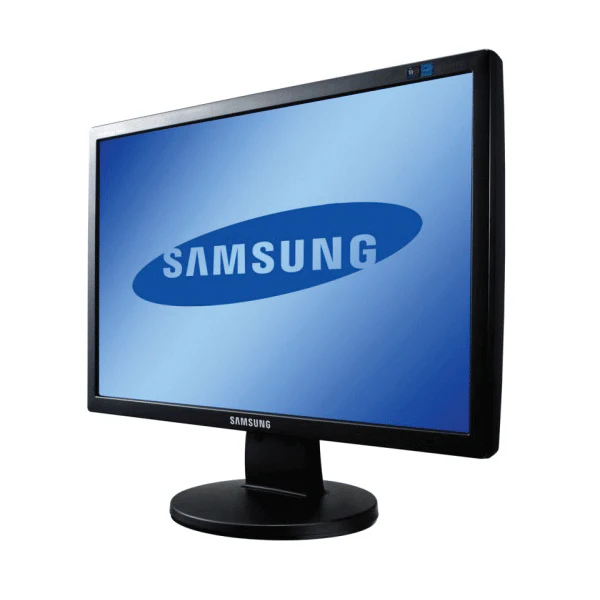
Samsung SyncMaster 2243BW 22in 1680x1050 TN Monitor DVI VGA 5ms 16:10 | 1Yr Wty
Samsung SyncMaster 2243BW — 22-Inch 1680×1050 Widescreen Monitor
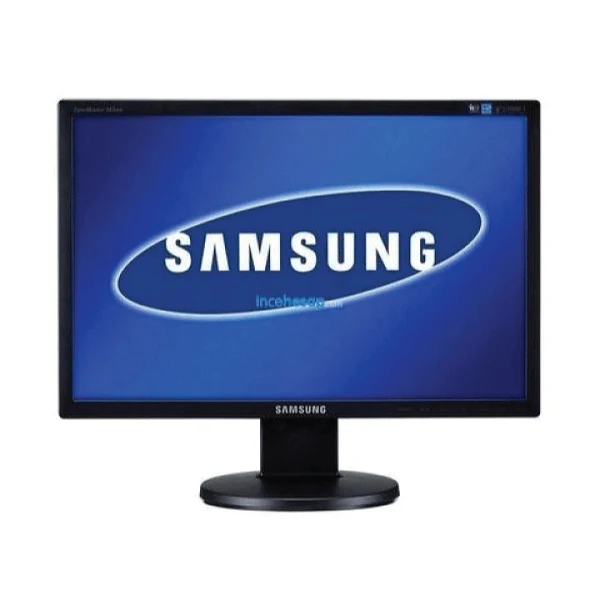
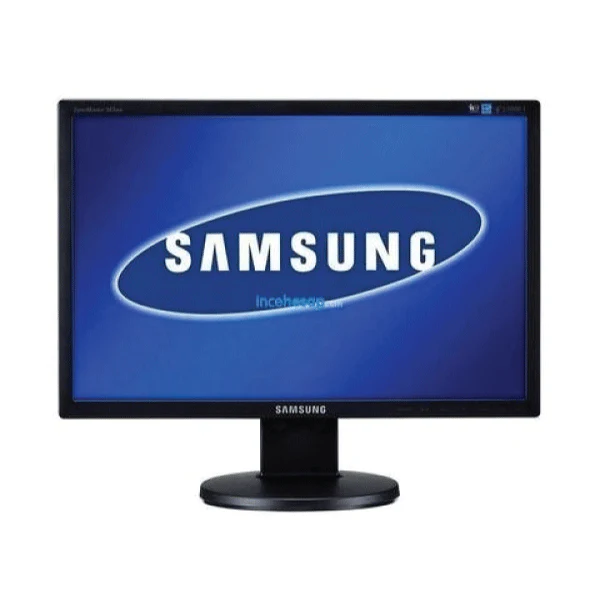
The certified refurbished Samsung SyncMaster 2243BW is a 22-inch widescreen TN monitor delivering a crisp 1680×1050 (16:10) resolution, 5ms response time, dual DVI-D and VGA inputs, and an ergonomic height-adjustable stand — all backed by a 12-month Reboot IT warranty.
- 1680×1050 Widescreen Display: 16:10 aspect ratio provides extra vertical height compared to 16:9 panels — more content visible in documents, spreadsheets, and web pages without scrolling.
- DVI-D & VGA Connectivity: Digital DVI-D input for clean, sharp output from modern systems, plus VGA for legacy computers and older laptops — no adapters needed for most office setups.
- MagicBright3 Technology: Samsung's intelligent display mode selection optimises brightness and contrast for text, internet, game, sport, and movie content types automatically.
- 5ms Response Time: Fast TN panel response minimises motion blur for smooth scrolling, video playback, and multi-window document work.
- Height-Adjustable Stand: Tilt and height adjustment allow the ideal viewing angle and height for any user, reducing neck and eye strain during long work sessions.
- Energy-Efficient DPMS: Display Power Management Signalling drops standby power below 1W, making this a cost-effective choice for always-on office environments.
Performance in Use
The SyncMaster 2243BW's 1680×1050 resolution is a practical choice for everyday office work. The 16:10 aspect ratio gives more vertical screen space than a 16:9 widescreen of the same physical size, which translates directly to more visible rows in a spreadsheet, more lines of code, or a longer email thread without scrolling. At 300 cd/m² brightness and 1000:1 contrast, text is crisp and easy to read in typical office lighting.
DVI-D provides the cleanest digital connection for modern computers and provides noticeably sharper text rendering than VGA — particularly important at 1680×1050 where analogue signal quality can cause slight blurring. The VGA input is there for older systems and shared office equipment that hasn't moved to digital outputs. MagicBright3 lets users quickly switch between preset display modes for reading, presentations, or video without navigating through menus.
The height-adjustable stand handles the ergonomic needs of shared workspaces where multiple people use the same desk. VESA 100×100mm compatibility means the stand can be replaced with a monitor arm if needed for a cleaner desk setup. At 6.35 kg, the unit is manageable for repositioning or redeployment across office locations.
Technical Specifications
| Specification | Details |
|---|---|
| Model | Samsung SyncMaster 2243BW |
| Display Size | 22 inches (55.9 cm diagonal) |
| Resolution | 1680 × 1050, 16:10 aspect ratio |
| Panel Type | TN LCD |
| Response Time | 5ms (Grey to Grey) |
| Brightness | 300 cd/m² |
| Contrast Ratio | 1000:1 static, 8000:1 dynamic |
| Video Inputs | DVI-D, VGA (15-pin D-Sub) |
| Display Modes | MagicBright3: Text, Internet, Game, Sport, Movie, Custom |
| Ergonomics | Height adjust, tilt |
| VESA Mount | 100 × 100mm |
| Dimensions (w/stand) | 505 × 376 × 201 mm, 6.35 kg |
| Power | 45W operating, <1W standby (DPMS) |
| Warranty | 12 months (Reboot IT) |
Is It Right for You?
|
✓ Best For: • Office workers wanting extra vertical screen height vs 16:9 • Shared desks needing ergonomic height adjustment • Budget-conscious users with DVI or VGA outputs • Secondary monitor in a dual-screen setup • Corporate hot-desk environments |
✗ Not For: • Users needing HDMI or DisplayPort connections • Video editors or designers needing wide colour gamut • Gaming setups needing high refresh rates • Users needing built-in speakers or USB hub • Setups requiring portrait pivot rotation |
Condition Grades
| Grade | Cosmetic Condition | Functional Testing |
|---|---|---|
| A — Excellent | Minimal marks, clean panel and ports | All inputs, display modes, and stand verified |
| B — Good | Light wear, minor surface marks | All inputs, display modes, and stand verified |
Frequently Asked Questions
Does this monitor come with a stand?
Yes — the SyncMaster 2243BW includes the original height-adjustable stand with tilt adjustment.
Does it support portrait mode / pivot rotation?
No — the 2243BW stand supports height adjustment and tilt only, not pivot rotation. VESA mounting with a third-party arm can allow portrait orientation.
Can I connect an HDMI source to this monitor?
Not directly — the 2243BW has DVI-D and VGA inputs only. An active HDMI-to-DVI adapter (sold separately) can be used for HDMI sources.
Does it have built-in speakers?
No — the SyncMaster 2243BW does not have built-in speakers. An external speaker or headphone set connected to your PC is required for audio.
What are the shipping options?
Shipping costs apply based on size and destination — rates are calculated at checkout.
Warranty & After-Sales Support
Every Samsung SyncMaster 2243BW sold by Reboot IT includes a 12-month warranty covering hardware defects and display failures.
Reboot IT has been Australia's trusted refurbished IT specialist since 2001. Every monitor is tested — all inputs, display quality, and stand functions verified — before dispatch. Melbourne-based support at reboot-it.com.au.
Product Information
Product Information
Shipping & Returns
Shipping & Returns
Description
Samsung SyncMaster 2243BW — 22-Inch 1680×1050 Widescreen Monitor
The certified refurbished Samsung SyncMaster 2243BW is a 22-inch widescreen TN monitor delivering a crisp 1680×1050 (16:10) resolution, 5ms response time, dual DVI-D and VGA inputs, and an ergonomic height-adjustable stand — all backed by a 12-month Reboot IT warranty.
- 1680×1050 Widescreen Display: 16:10 aspect ratio provides extra vertical height compared to 16:9 panels — more content visible in documents, spreadsheets, and web pages without scrolling.
- DVI-D & VGA Connectivity: Digital DVI-D input for clean, sharp output from modern systems, plus VGA for legacy computers and older laptops — no adapters needed for most office setups.
- MagicBright3 Technology: Samsung's intelligent display mode selection optimises brightness and contrast for text, internet, game, sport, and movie content types automatically.
- 5ms Response Time: Fast TN panel response minimises motion blur for smooth scrolling, video playback, and multi-window document work.
- Height-Adjustable Stand: Tilt and height adjustment allow the ideal viewing angle and height for any user, reducing neck and eye strain during long work sessions.
- Energy-Efficient DPMS: Display Power Management Signalling drops standby power below 1W, making this a cost-effective choice for always-on office environments.
Performance in Use
The SyncMaster 2243BW's 1680×1050 resolution is a practical choice for everyday office work. The 16:10 aspect ratio gives more vertical screen space than a 16:9 widescreen of the same physical size, which translates directly to more visible rows in a spreadsheet, more lines of code, or a longer email thread without scrolling. At 300 cd/m² brightness and 1000:1 contrast, text is crisp and easy to read in typical office lighting.
DVI-D provides the cleanest digital connection for modern computers and provides noticeably sharper text rendering than VGA — particularly important at 1680×1050 where analogue signal quality can cause slight blurring. The VGA input is there for older systems and shared office equipment that hasn't moved to digital outputs. MagicBright3 lets users quickly switch between preset display modes for reading, presentations, or video without navigating through menus.
The height-adjustable stand handles the ergonomic needs of shared workspaces where multiple people use the same desk. VESA 100×100mm compatibility means the stand can be replaced with a monitor arm if needed for a cleaner desk setup. At 6.35 kg, the unit is manageable for repositioning or redeployment across office locations.
Technical Specifications
| Specification | Details |
|---|---|
| Model | Samsung SyncMaster 2243BW |
| Display Size | 22 inches (55.9 cm diagonal) |
| Resolution | 1680 × 1050, 16:10 aspect ratio |
| Panel Type | TN LCD |
| Response Time | 5ms (Grey to Grey) |
| Brightness | 300 cd/m² |
| Contrast Ratio | 1000:1 static, 8000:1 dynamic |
| Video Inputs | DVI-D, VGA (15-pin D-Sub) |
| Display Modes | MagicBright3: Text, Internet, Game, Sport, Movie, Custom |
| Ergonomics | Height adjust, tilt |
| VESA Mount | 100 × 100mm |
| Dimensions (w/stand) | 505 × 376 × 201 mm, 6.35 kg |
| Power | 45W operating, <1W standby (DPMS) |
| Warranty | 12 months (Reboot IT) |
Is It Right for You?
|
✓ Best For: • Office workers wanting extra vertical screen height vs 16:9 • Shared desks needing ergonomic height adjustment • Budget-conscious users with DVI or VGA outputs • Secondary monitor in a dual-screen setup • Corporate hot-desk environments |
✗ Not For: • Users needing HDMI or DisplayPort connections • Video editors or designers needing wide colour gamut • Gaming setups needing high refresh rates • Users needing built-in speakers or USB hub • Setups requiring portrait pivot rotation |
Condition Grades
| Grade | Cosmetic Condition | Functional Testing |
|---|---|---|
| A — Excellent | Minimal marks, clean panel and ports | All inputs, display modes, and stand verified |
| B — Good | Light wear, minor surface marks | All inputs, display modes, and stand verified |
Frequently Asked Questions
Does this monitor come with a stand?
Yes — the SyncMaster 2243BW includes the original height-adjustable stand with tilt adjustment.
Does it support portrait mode / pivot rotation?
No — the 2243BW stand supports height adjustment and tilt only, not pivot rotation. VESA mounting with a third-party arm can allow portrait orientation.
Can I connect an HDMI source to this monitor?
Not directly — the 2243BW has DVI-D and VGA inputs only. An active HDMI-to-DVI adapter (sold separately) can be used for HDMI sources.
Does it have built-in speakers?
No — the SyncMaster 2243BW does not have built-in speakers. An external speaker or headphone set connected to your PC is required for audio.
What are the shipping options?
Shipping costs apply based on size and destination — rates are calculated at checkout.
Warranty & After-Sales Support
Every Samsung SyncMaster 2243BW sold by Reboot IT includes a 12-month warranty covering hardware defects and display failures.
Reboot IT has been Australia's trusted refurbished IT specialist since 2001. Every monitor is tested — all inputs, display quality, and stand functions verified — before dispatch. Melbourne-based support at reboot-it.com.au.