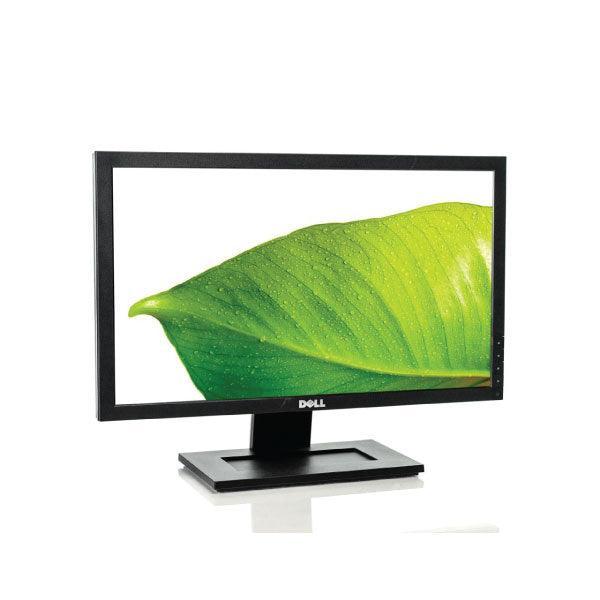
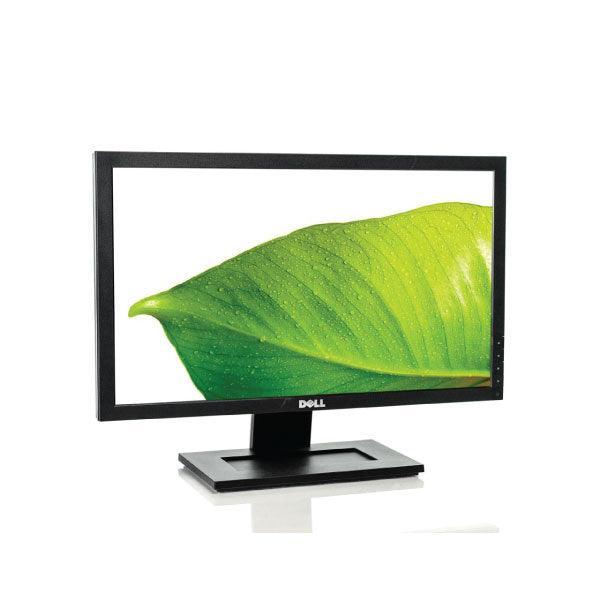
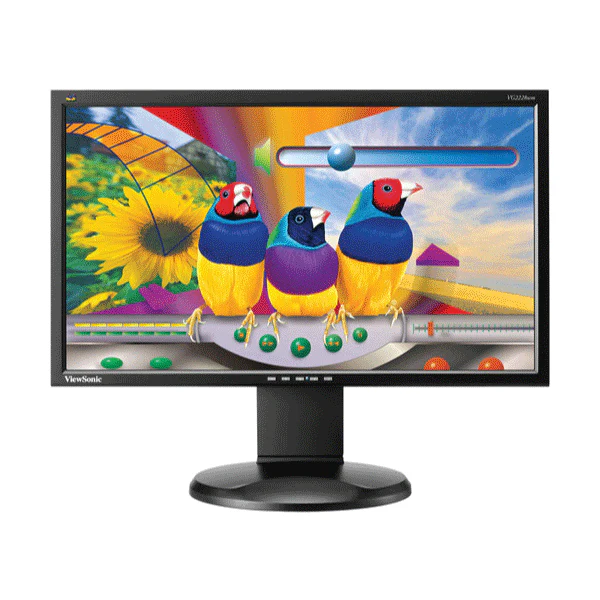
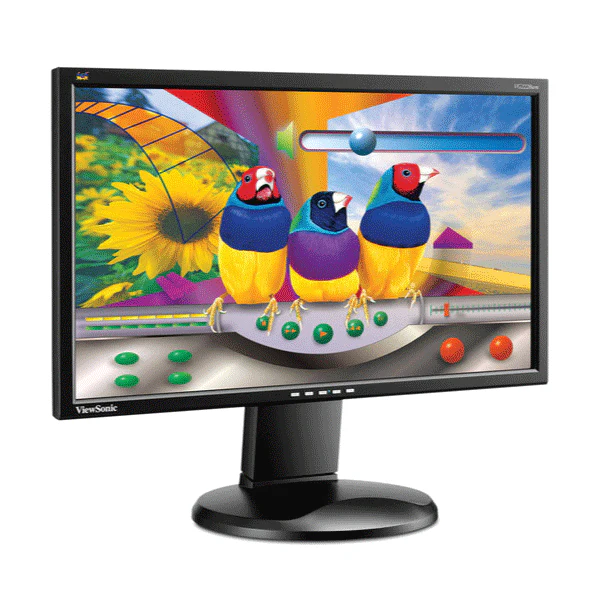
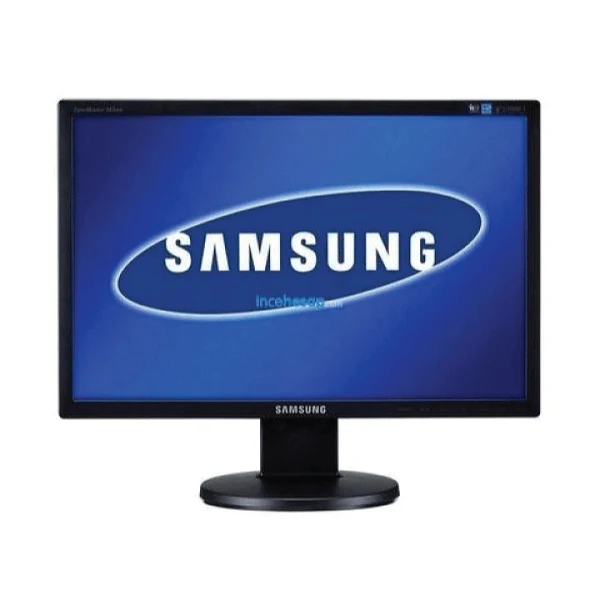
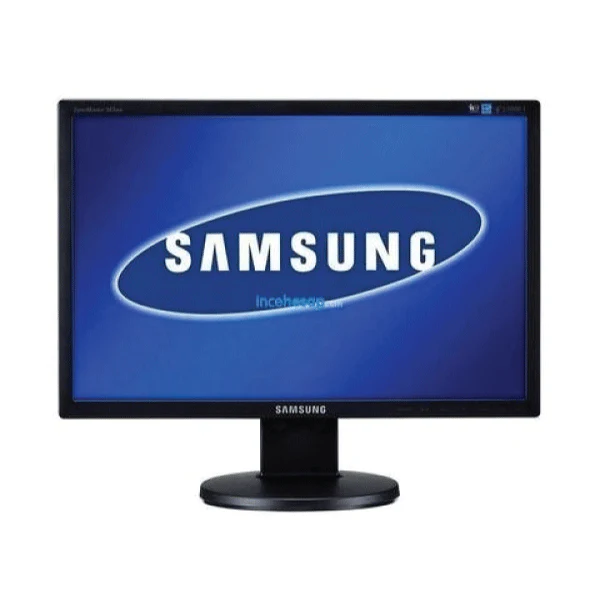
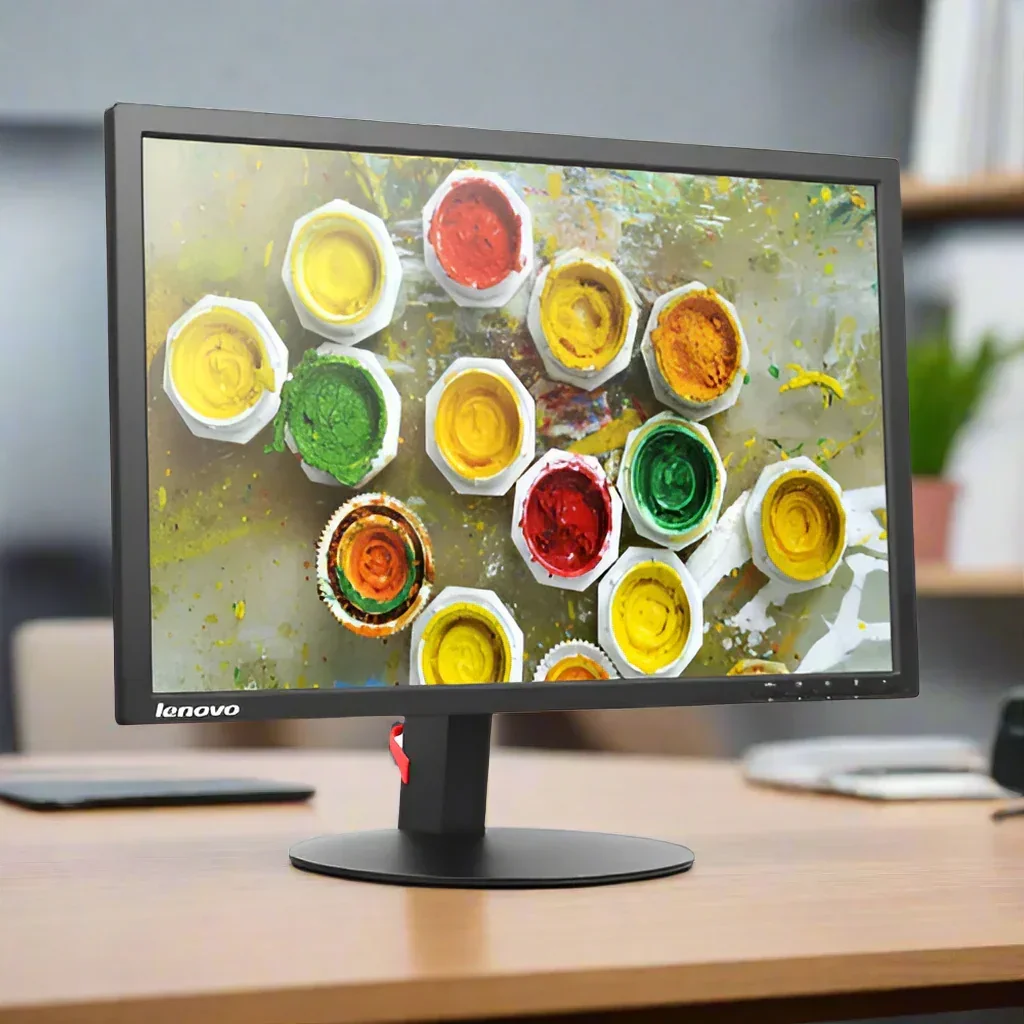
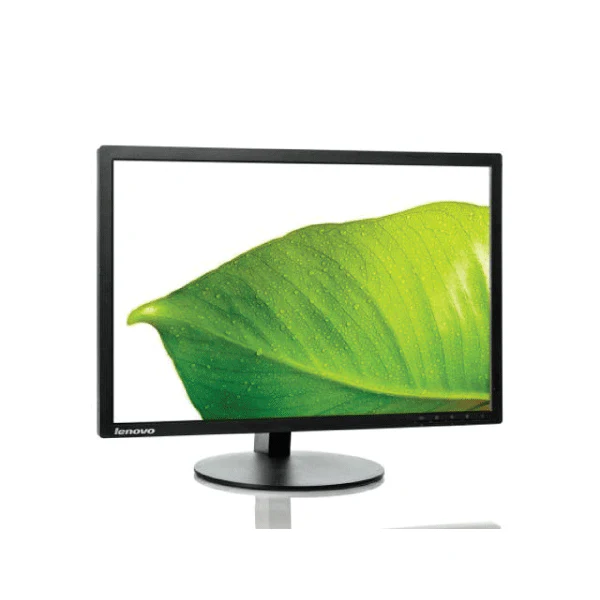
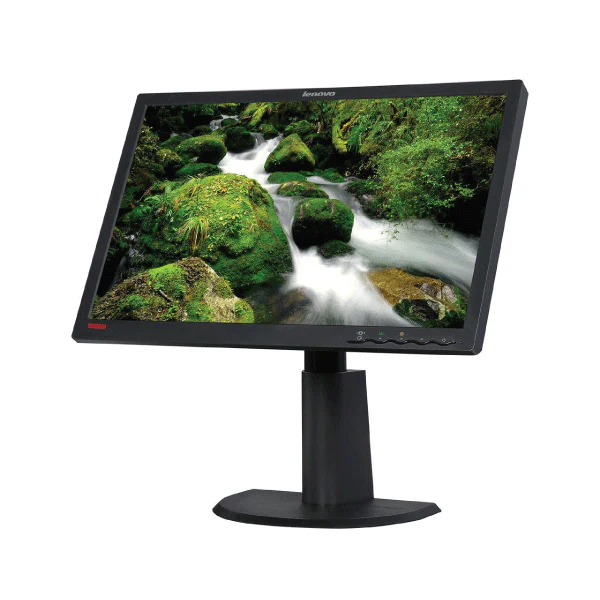
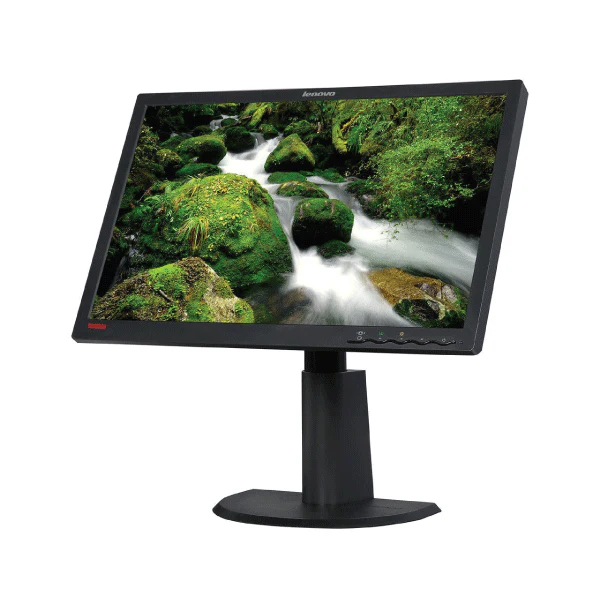
Philips 220BW 22" 1680x1050 WSXGA+ VGA DVI USB LCD Widescreen Monitor Wty
Philips 220BW — 22in WSXGA+ LCD Widescreen Monitor
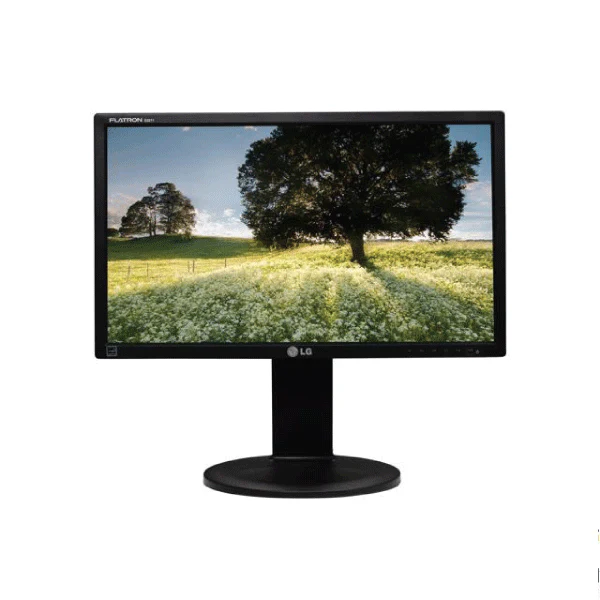
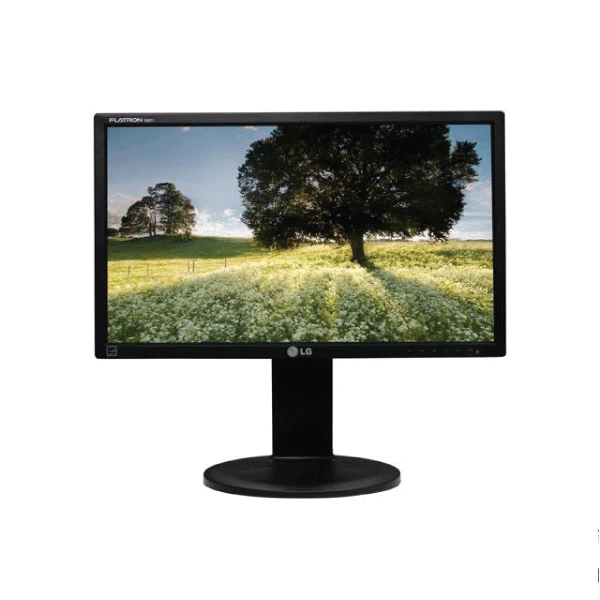
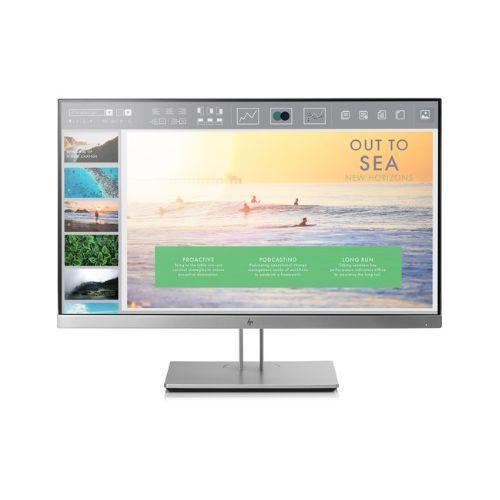
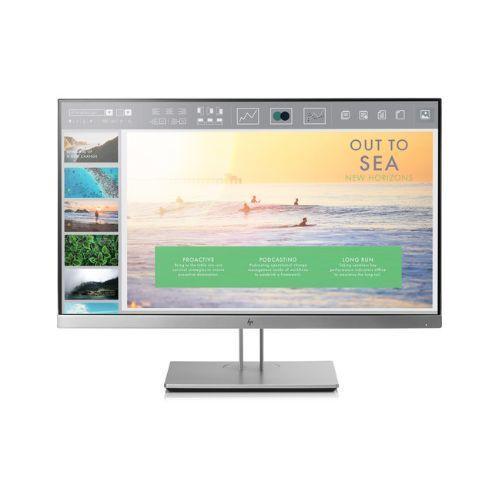
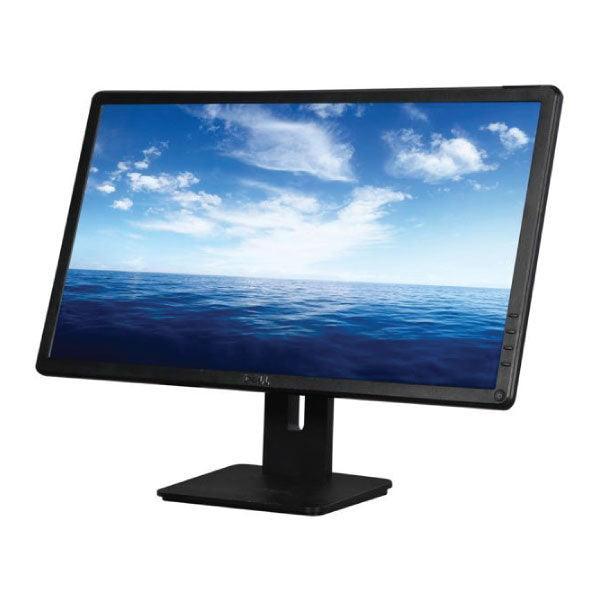
The Philips 220BW is a 22-inch widescreen LCD monitor featuring 1680x1050 WSXGA+ resolution, dual VGA and DVI-D inputs, integrated USB 2.0 hub, built-in 2x1.5W speakers, and a fully ergonomic stand with height, tilt, and swivel adjustment. Backed by a 12-month Reboot IT warranty.
Key Benefits
- WSXGA+ 1680x1050 Resolution: The 16:10 aspect ratio provides more vertical workspace than standard 16:9 widescreen monitors, giving extra room for documents, spreadsheets, and code editors.
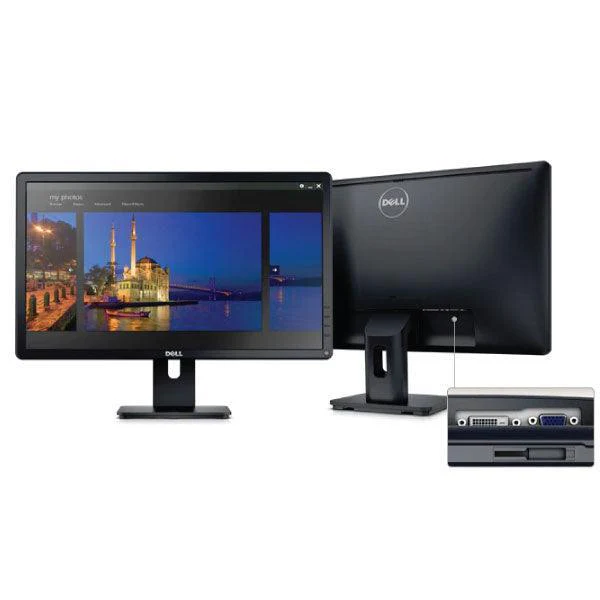
- Dual VGA and DVI-D Inputs: Supports both analogue and digital connections, providing flexibility to connect older and newer computers without needing adapters or switching hardware.
- Integrated USB 2.0 Hub: Built-in USB hub extends desk connectivity, allowing keyboards, mice, and USB storage devices to connect directly through the monitor.
- Built-In 2x1.5W Stereo Speakers: Integrated speakers handle audio for video calls, media, and alerts without the need for separate desktop speakers.
- Full Ergonomic Adjustability: 70mm height adjustment, -5°/+20° tilt, and ±45° swivel enable comfortable positioning for extended work sessions, reducing strain and improving posture.
- SmartContrast and SmartImage Modes: Philips SmartImage presets (Office, Image, Entertainment, Economy) automatically optimise display settings for different content types.
Performance in Use
The 220BW's 1680x1050 resolution is a sweet spot for productivity — offering noticeably more workspace than 1920x1080 on a 22-inch screen feels due to the 16:10 format's additional vertical pixels. For document editing, accounting spreadsheets, and multi-window working, the extra vertical room reduces scrolling and improves workflow efficiency.
The dual VGA/DVI input capability makes it compatible with a wide range of computers including older workstations lacking DisplayPort or HDMI, while still providing a clean digital signal via DVI-D for best image quality. The integrated USB hub reduces cable clutter by centralising peripheral connections through the monitor stand rather than requiring separate hub hardware.
The fully adjustable ergonomic stand is a standout feature at this price point. Offices deploying these monitors can set each unit to the correct height for each user without purchasing separate monitor arms. The wide swivel range also makes it easy to reorient the screen for collaborative review or presentations.
Technical Specifications
| Specification | Detail |
|---|---|
| Screen Size | 22 inches (55.9cm diagonal) |
| Resolution | 1680 x 1050 (WSXGA+) |
| Aspect Ratio | 16:10 |
| Panel Type | LCD (TFT) |
| Brightness | 300 cd/m² |
| Contrast Ratio | 1000:1 (SmartContrast: 10,000:1) |
| Response Time | 5ms (GtG) |
| Viewing Angles | 176°H / 170°V |
| Video Inputs | VGA (D-Sub), DVI-D |
| USB | USB 2.0 hub (built-in) |
| Audio | 2x1.5W built-in stereo speakers |
| Stand Adjustments | Height 70mm, tilt -5°/+20°, swivel ±45° |
| VESA Mount | 100 x 100mm |
| Power | <45W typical |
| Warranty | 12 months (Reboot IT) |
Is It Right for You?
|
✓ Best For • Office workstations needing ergonomic display • Users with older PCs using VGA or DVI • Environments wanting built-in USB hub • Productivity-focused multi-window work • Budget-conscious business display upgrades |
✗ Not For • HDMI or DisplayPort required • Gaming — no high refresh rate • 4K or 1080p resolution preference • Colour-critical photo or print work • Ultra-thin or VESA-arm-only setups |
Condition Grades
| Grade | Cosmetic Condition | What to Expect |
|---|---|---|
| A — Excellent | Minimal wear, near-new appearance | Fully functional, all features verified |
| B — Good | Light usage marks, good condition | Fully functional, some cosmetic wear visible |
Frequently Asked Questions
Does the monitor include a stand?
Yes, the Philips 220BW includes its fully ergonomic stand with 70mm height adjustment, -5°/+20° tilt, and ±45° swivel. The stand can be removed for VESA 100x100mm arm mounting.
Does it support HDMI?
No — the 220BW has VGA and DVI-D inputs only. For modern computers with HDMI or DisplayPort, a DVI-to-HDMI adapter can be used. For USB-C connections, a USB-C to DVI adapter is required.
How many USB ports does the hub provide?
The integrated USB 2.0 hub provides additional USB-A ports accessible from the monitor. Check the specific unit configuration at time of purchase.
Is the 1680x1050 resolution sharp enough for professional use?
Yes — at 22 inches, 1680x1050 (WSXGA+) delivers 90 PPI which is comfortable for professional document, spreadsheet, and web work. The 16:10 format provides more vertical space than 1920x1080 16:9 monitors.
Can I use multiple inputs simultaneously?
The monitor has VGA and DVI-D inputs with hardware input switching. You can connect two computers and switch between them using the monitor's OSD menu.
What warranty is included?
Every Philips 220BW from Reboot IT includes a 12-month warranty covering all display components, inputs, USB hub, and speakers.
What are the shipping costs?
Shipping costs apply based on size and destination — rates are calculated at checkout.
12-Month Warranty — Reboot IT
Your Philips 220BW is covered by a comprehensive 12-month warranty from Reboot IT, covering all display components, inputs, USB hub, and built-in speakers. Every unit is tested for pixel defects, colour accuracy, and input switching before despatch.
Reboot IT has been Melbourne's trusted refurbished IT specialist since 2001. Visit reboot-it.com.au for support or warranty claims. Shipping costs apply based on size and destination — rates are calculated at checkout.
Original: $18.06
-65%$18.06
$6.32Product Information
Product Information
Shipping & Returns
Shipping & Returns
Description
Philips 220BW — 22in WSXGA+ LCD Widescreen Monitor
The Philips 220BW is a 22-inch widescreen LCD monitor featuring 1680x1050 WSXGA+ resolution, dual VGA and DVI-D inputs, integrated USB 2.0 hub, built-in 2x1.5W speakers, and a fully ergonomic stand with height, tilt, and swivel adjustment. Backed by a 12-month Reboot IT warranty.
Key Benefits
- WSXGA+ 1680x1050 Resolution: The 16:10 aspect ratio provides more vertical workspace than standard 16:9 widescreen monitors, giving extra room for documents, spreadsheets, and code editors.
- Dual VGA and DVI-D Inputs: Supports both analogue and digital connections, providing flexibility to connect older and newer computers without needing adapters or switching hardware.
- Integrated USB 2.0 Hub: Built-in USB hub extends desk connectivity, allowing keyboards, mice, and USB storage devices to connect directly through the monitor.
- Built-In 2x1.5W Stereo Speakers: Integrated speakers handle audio for video calls, media, and alerts without the need for separate desktop speakers.
- Full Ergonomic Adjustability: 70mm height adjustment, -5°/+20° tilt, and ±45° swivel enable comfortable positioning for extended work sessions, reducing strain and improving posture.
- SmartContrast and SmartImage Modes: Philips SmartImage presets (Office, Image, Entertainment, Economy) automatically optimise display settings for different content types.
Performance in Use
The 220BW's 1680x1050 resolution is a sweet spot for productivity — offering noticeably more workspace than 1920x1080 on a 22-inch screen feels due to the 16:10 format's additional vertical pixels. For document editing, accounting spreadsheets, and multi-window working, the extra vertical room reduces scrolling and improves workflow efficiency.
The dual VGA/DVI input capability makes it compatible with a wide range of computers including older workstations lacking DisplayPort or HDMI, while still providing a clean digital signal via DVI-D for best image quality. The integrated USB hub reduces cable clutter by centralising peripheral connections through the monitor stand rather than requiring separate hub hardware.
The fully adjustable ergonomic stand is a standout feature at this price point. Offices deploying these monitors can set each unit to the correct height for each user without purchasing separate monitor arms. The wide swivel range also makes it easy to reorient the screen for collaborative review or presentations.
Technical Specifications
| Specification | Detail |
|---|---|
| Screen Size | 22 inches (55.9cm diagonal) |
| Resolution | 1680 x 1050 (WSXGA+) |
| Aspect Ratio | 16:10 |
| Panel Type | LCD (TFT) |
| Brightness | 300 cd/m² |
| Contrast Ratio | 1000:1 (SmartContrast: 10,000:1) |
| Response Time | 5ms (GtG) |
| Viewing Angles | 176°H / 170°V |
| Video Inputs | VGA (D-Sub), DVI-D |
| USB | USB 2.0 hub (built-in) |
| Audio | 2x1.5W built-in stereo speakers |
| Stand Adjustments | Height 70mm, tilt -5°/+20°, swivel ±45° |
| VESA Mount | 100 x 100mm |
| Power | <45W typical |
| Warranty | 12 months (Reboot IT) |
Is It Right for You?
|
✓ Best For • Office workstations needing ergonomic display • Users with older PCs using VGA or DVI • Environments wanting built-in USB hub • Productivity-focused multi-window work • Budget-conscious business display upgrades |
✗ Not For • HDMI or DisplayPort required • Gaming — no high refresh rate • 4K or 1080p resolution preference • Colour-critical photo or print work • Ultra-thin or VESA-arm-only setups |
Condition Grades
| Grade | Cosmetic Condition | What to Expect |
|---|---|---|
| A — Excellent | Minimal wear, near-new appearance | Fully functional, all features verified |
| B — Good | Light usage marks, good condition | Fully functional, some cosmetic wear visible |
Frequently Asked Questions
Does the monitor include a stand?
Yes, the Philips 220BW includes its fully ergonomic stand with 70mm height adjustment, -5°/+20° tilt, and ±45° swivel. The stand can be removed for VESA 100x100mm arm mounting.
Does it support HDMI?
No — the 220BW has VGA and DVI-D inputs only. For modern computers with HDMI or DisplayPort, a DVI-to-HDMI adapter can be used. For USB-C connections, a USB-C to DVI adapter is required.
How many USB ports does the hub provide?
The integrated USB 2.0 hub provides additional USB-A ports accessible from the monitor. Check the specific unit configuration at time of purchase.
Is the 1680x1050 resolution sharp enough for professional use?
Yes — at 22 inches, 1680x1050 (WSXGA+) delivers 90 PPI which is comfortable for professional document, spreadsheet, and web work. The 16:10 format provides more vertical space than 1920x1080 16:9 monitors.
Can I use multiple inputs simultaneously?
The monitor has VGA and DVI-D inputs with hardware input switching. You can connect two computers and switch between them using the monitor's OSD menu.
What warranty is included?
Every Philips 220BW from Reboot IT includes a 12-month warranty covering all display components, inputs, USB hub, and speakers.
What are the shipping costs?
Shipping costs apply based on size and destination — rates are calculated at checkout.
12-Month Warranty — Reboot IT
Your Philips 220BW is covered by a comprehensive 12-month warranty from Reboot IT, covering all display components, inputs, USB hub, and built-in speakers. Every unit is tested for pixel defects, colour accuracy, and input switching before despatch.
Reboot IT has been Melbourne's trusted refurbished IT specialist since 2001. Visit reboot-it.com.au for support or warranty claims. Shipping costs apply based on size and destination — rates are calculated at checkout.