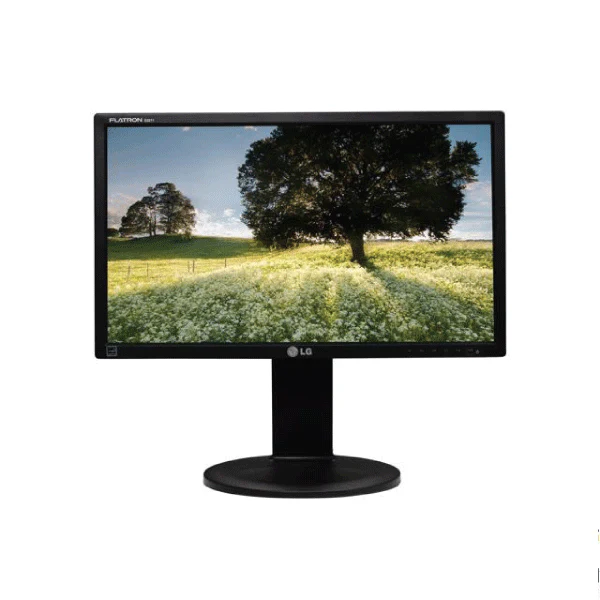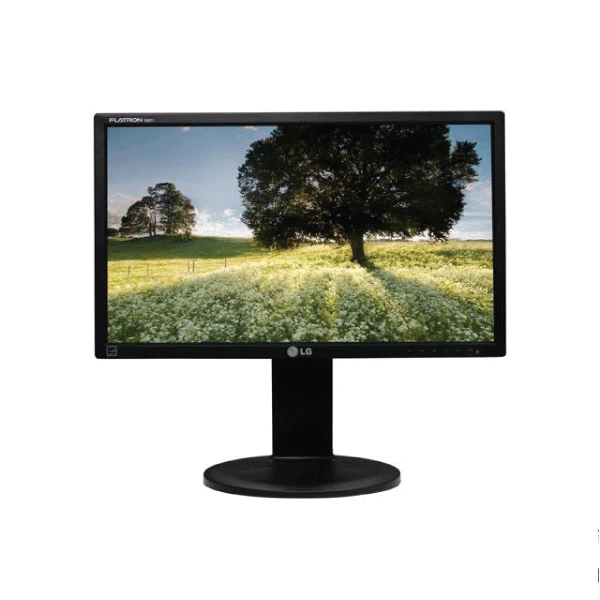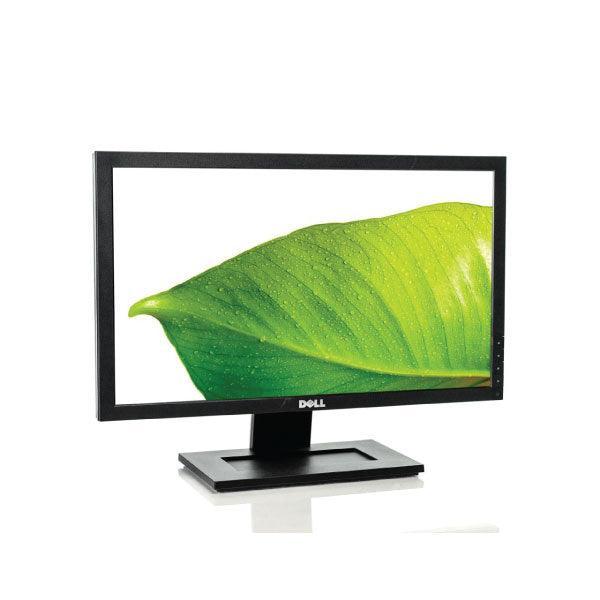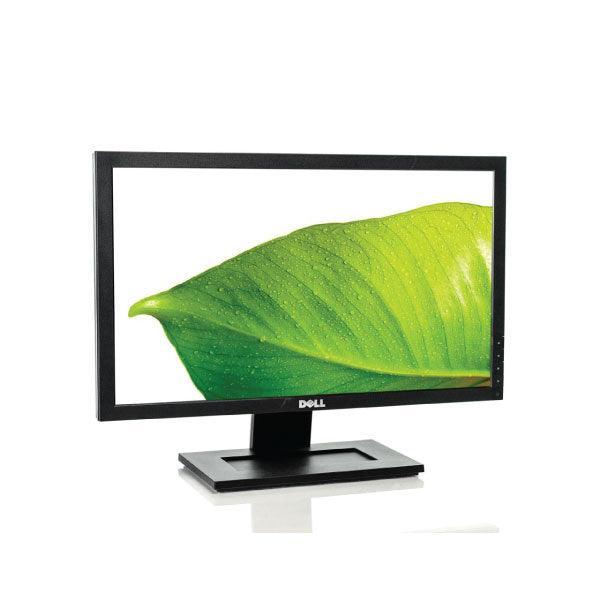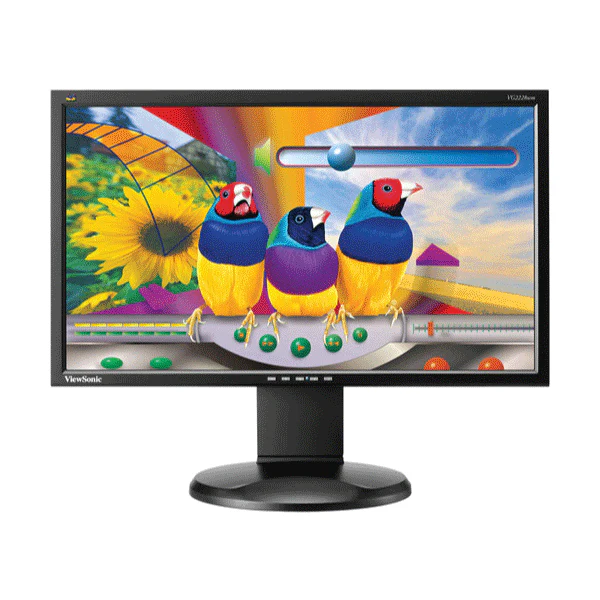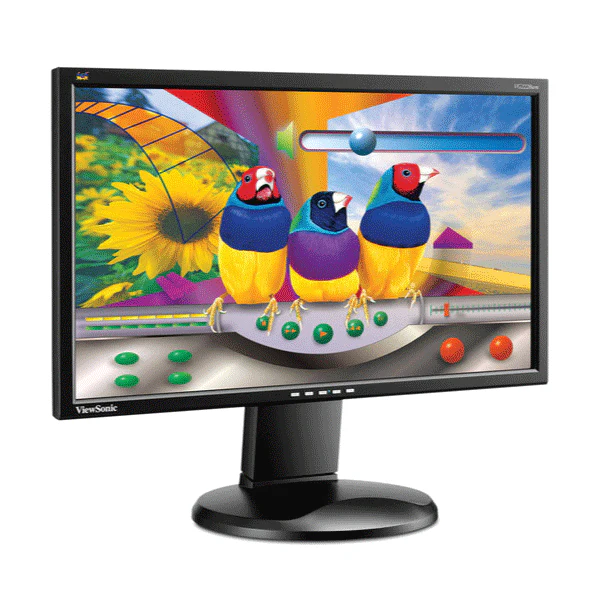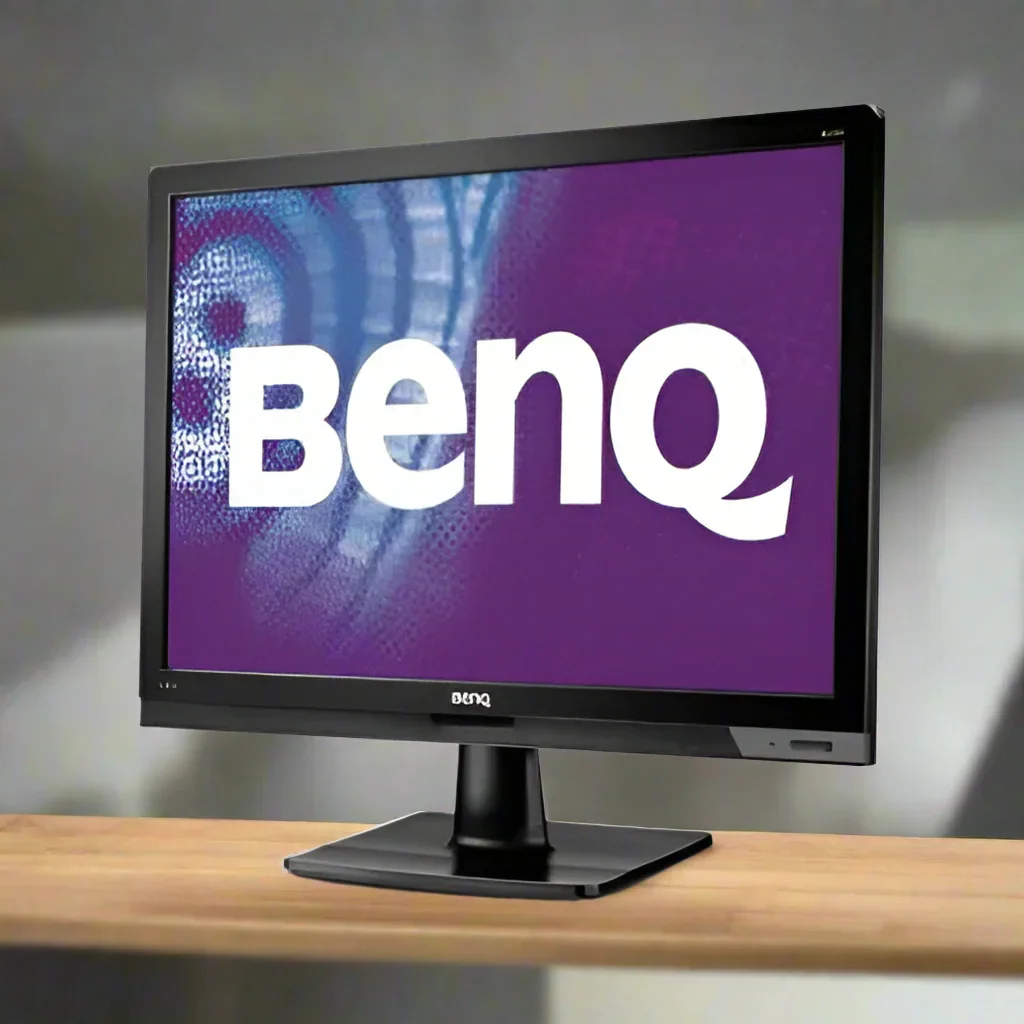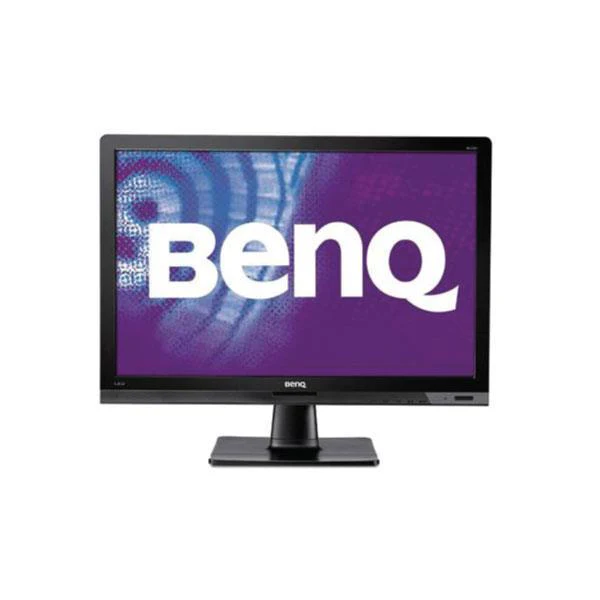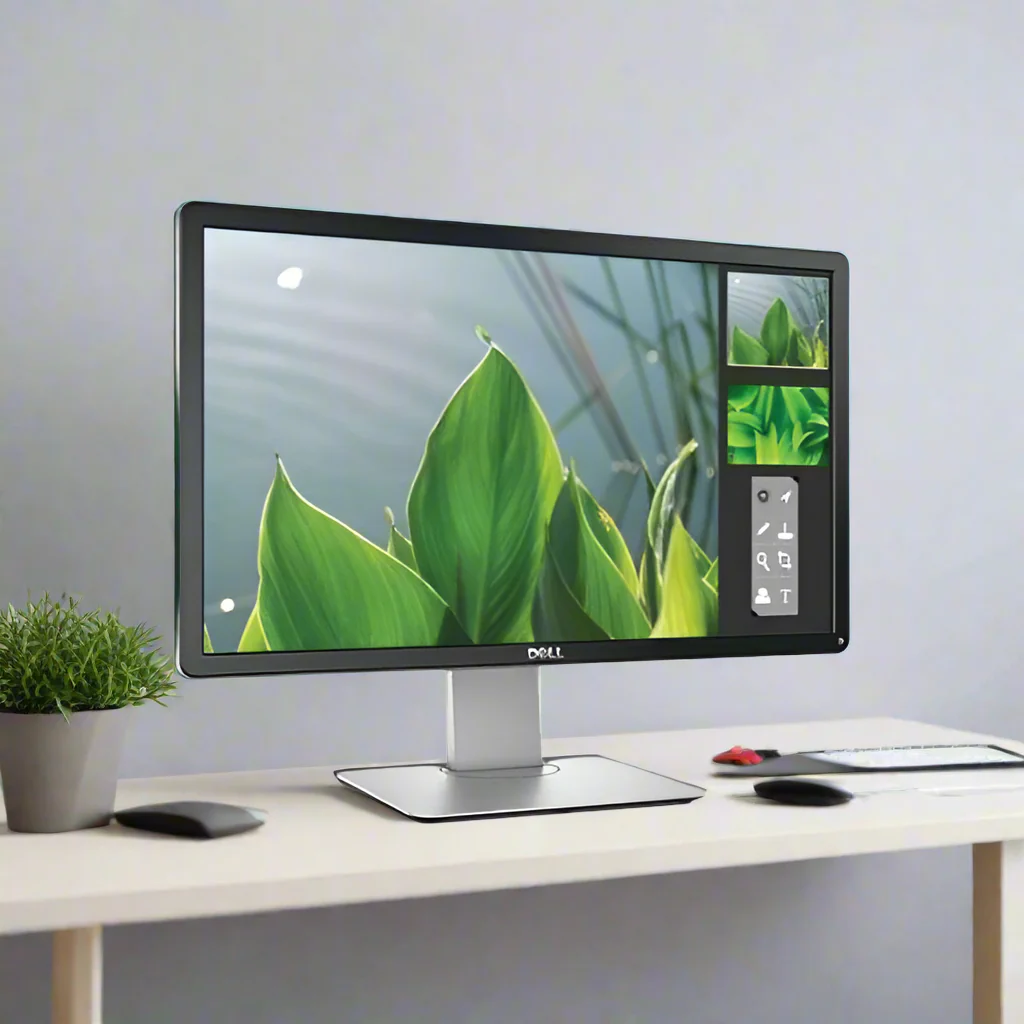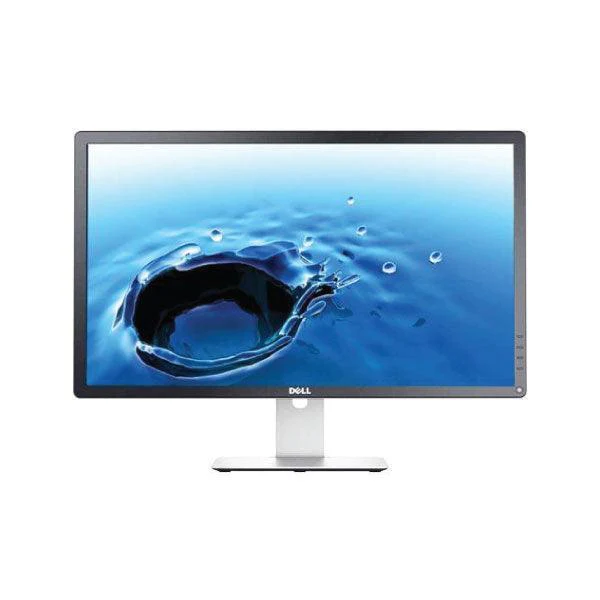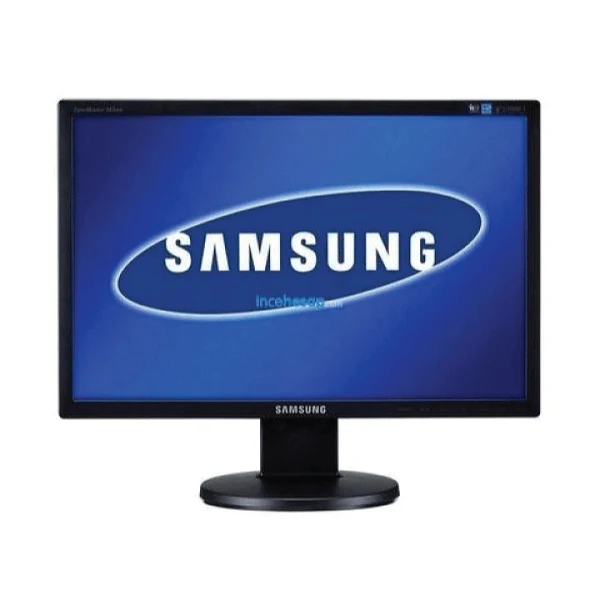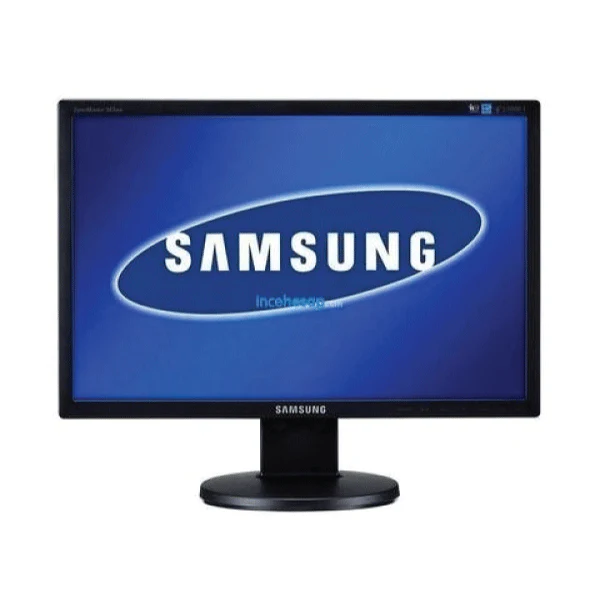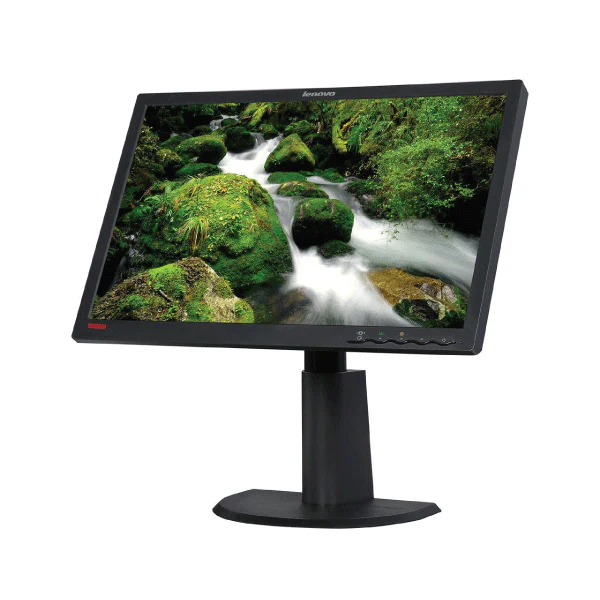


Samsung 943BW 19in 1440x900 Widescreen LCD Monitor VGA Slim Desktop | Wty
Samsung 943BW — 19-Inch 1440x900 Widescreen LCD Monitor
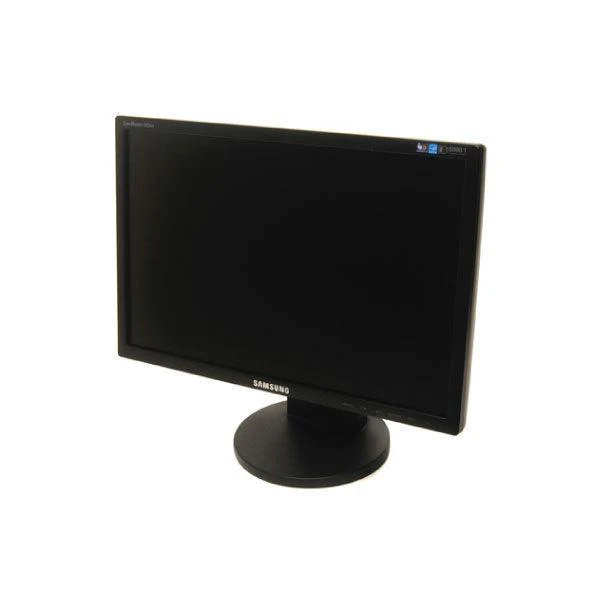
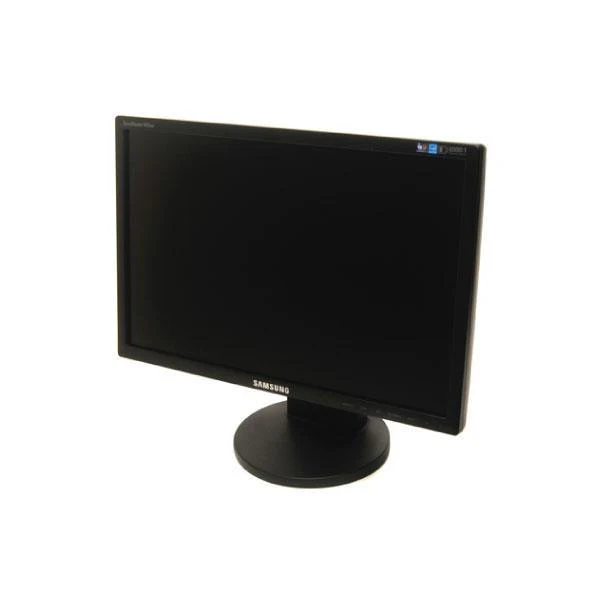
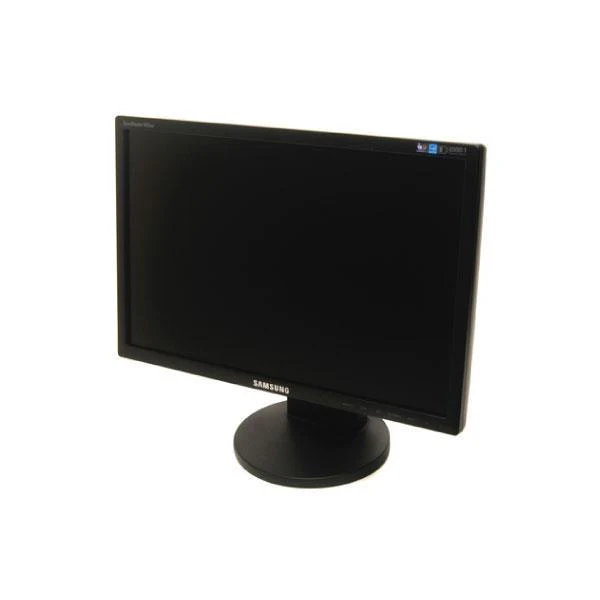
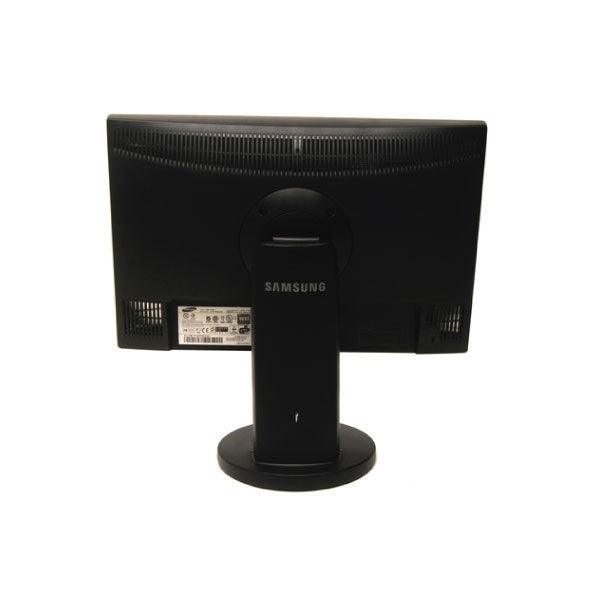
The Samsung 943BW is a 19-inch widescreen LCD monitor with a 1440x900 WXGA+ resolution — the widescreen variant of the 943 series (not to be confused with the 943B which is a 4:3 1280x1024 monitor). Featuring Samsung's MagicBright technology and a VGA input, it's a solid secondary display for office workstations. Backed by a 12-month Reboot IT warranty.
Key Benefits
- 19-inch widescreen panel: 1440x900 WXGA+ resolution in a 16:10 widescreen format — wider than the 4:3 943B
- Samsung MagicBright: Preset display modes optimised for text, internet, game, and movie content
- Space-efficient form factor: Compact 19-inch footprint suits tight desks and secondary monitor positions
- Reliable office display: Samsung business-class LCD built for all-day office use
- Ergonomic stand: Tilt adjustment for comfortable viewing angle setup
- Low power consumption: Energy-efficient LCD panel suitable for continuous operation
Performance in Use
The Samsung 943BW is a dependable widescreen office monitor at the 19-inch size point. The 1440x900 resolution provides more horizontal working space than a 4:3 monitor at this size — useful for side-by-side document viewing, spreadsheets, and coding environments. It is a practical choice as a secondary display alongside a primary monitor, or as a standalone display for reception desks and low-demand workstations.
Samsung's MagicBright technology offers preset brightness profiles for different content types — the text mode reduces eye strain during long document sessions, while the dynamic contrast helps with image-heavy tasks. The VGA input ensures broad compatibility with virtually any desktop PC, laptop, or thin client with a VGA output.
Please note: this is the 943BW widescreen model (1440x900, 16:10 aspect ratio). The 943B is a different square-format monitor with 1280x1024 resolution. If you are replacing a 943B, the screen dimensions will be visibly different.
Tech Specifications
| Model | Samsung 943BW |
| Screen Size | 19 inches (diagonal) |
| Resolution | 1440 x 900 (WXGA+) |
| Aspect Ratio | 16:10 (widescreen) |
| Panel Type | TN LCD |
| Video Input | VGA (D-Sub 15-pin) |
| Response Time | 5ms (GTG) |
| Brightness | 300 cd/m² |
| Contrast Ratio | 1000:1 (typical) |
| Tilt | Yes |
| Power | AC adapter (external) |
| Warranty | 12 months (Reboot IT) |
Is It Right for You?
| Best For ✓ | Not For ✗ |
|---|---|
| Secondary office monitor or reception display | Photo editing or colour-accurate work (TN panel) |
| Tight-budget widescreen upgrade from 4:3 monitors | Users needing HDMI or DisplayPort input |
| Workstations needing document and spreadsheet width | Full HD 1920x1080 requirement |
| Low-demand single-application display environments | Gaming setups needing high refresh rates |
Condition Grades
| Grade | Condition |
|---|---|
| A — Excellent | Minimal cosmetic marks on bezel/stand, panel tested for dead pixels and brightness uniformity. 30-day warranty. |
| B — Good | Light wear on bezel or stand consistent with office use. Panel fully functional. 30-day warranty. |
Frequently Asked Questions
How does this differ from the Samsung 943B?
The 943BW is the widescreen version with 1440x900 resolution at a 16:10 aspect ratio. The 943B is the square-format version with 1280x1024 at a 5:4 aspect ratio. They are different physical dimensions — verify which model you need before ordering.
Does it include a VGA cable?
Cable inclusion varies by unit. VGA cables are widely available and inexpensive if not included.
Can it be used with a laptop via VGA?
Yes. Any laptop with a VGA output can drive this monitor. For USB-C or HDMI-only laptops, a VGA adapter will be required.
Are there any dead pixels?
Each monitor is inspected for dead pixels as part of our grading process. Grade A units are free of noticeable dead pixels. Grade B units may have minor cosmetic defects but are functionally sound.
What is the warranty?
All Reboot IT products include a 12-month warranty. If a fault develops within 12 months, we repair or replace at no cost.
What are the shipping costs?
Shipping costs apply based on size and destination — rates are calculated at checkout.
12-Month Warranty & Trust
Every Samsung 943BW sold by Reboot IT carries a full 12-month warranty. We've been refurbishing and selling monitors since 2001 from our Melbourne workshop. Each panel is tested for dead pixels, brightness uniformity, and VGA connectivity before dispatch. Visit us at reboot-it.com.au for our full monitor range.
Original: $10.84
-65%$10.84
$3.79Product Information
Product Information
Shipping & Returns
Shipping & Returns
Description
Samsung 943BW — 19-Inch 1440x900 Widescreen LCD Monitor
The Samsung 943BW is a 19-inch widescreen LCD monitor with a 1440x900 WXGA+ resolution — the widescreen variant of the 943 series (not to be confused with the 943B which is a 4:3 1280x1024 monitor). Featuring Samsung's MagicBright technology and a VGA input, it's a solid secondary display for office workstations. Backed by a 12-month Reboot IT warranty.
Key Benefits
- 19-inch widescreen panel: 1440x900 WXGA+ resolution in a 16:10 widescreen format — wider than the 4:3 943B
- Samsung MagicBright: Preset display modes optimised for text, internet, game, and movie content
- Space-efficient form factor: Compact 19-inch footprint suits tight desks and secondary monitor positions
- Reliable office display: Samsung business-class LCD built for all-day office use
- Ergonomic stand: Tilt adjustment for comfortable viewing angle setup
- Low power consumption: Energy-efficient LCD panel suitable for continuous operation
Performance in Use
The Samsung 943BW is a dependable widescreen office monitor at the 19-inch size point. The 1440x900 resolution provides more horizontal working space than a 4:3 monitor at this size — useful for side-by-side document viewing, spreadsheets, and coding environments. It is a practical choice as a secondary display alongside a primary monitor, or as a standalone display for reception desks and low-demand workstations.
Samsung's MagicBright technology offers preset brightness profiles for different content types — the text mode reduces eye strain during long document sessions, while the dynamic contrast helps with image-heavy tasks. The VGA input ensures broad compatibility with virtually any desktop PC, laptop, or thin client with a VGA output.
Please note: this is the 943BW widescreen model (1440x900, 16:10 aspect ratio). The 943B is a different square-format monitor with 1280x1024 resolution. If you are replacing a 943B, the screen dimensions will be visibly different.
Tech Specifications
| Model | Samsung 943BW |
| Screen Size | 19 inches (diagonal) |
| Resolution | 1440 x 900 (WXGA+) |
| Aspect Ratio | 16:10 (widescreen) |
| Panel Type | TN LCD |
| Video Input | VGA (D-Sub 15-pin) |
| Response Time | 5ms (GTG) |
| Brightness | 300 cd/m² |
| Contrast Ratio | 1000:1 (typical) |
| Tilt | Yes |
| Power | AC adapter (external) |
| Warranty | 12 months (Reboot IT) |
Is It Right for You?
| Best For ✓ | Not For ✗ |
|---|---|
| Secondary office monitor or reception display | Photo editing or colour-accurate work (TN panel) |
| Tight-budget widescreen upgrade from 4:3 monitors | Users needing HDMI or DisplayPort input |
| Workstations needing document and spreadsheet width | Full HD 1920x1080 requirement |
| Low-demand single-application display environments | Gaming setups needing high refresh rates |
Condition Grades
| Grade | Condition |
|---|---|
| A — Excellent | Minimal cosmetic marks on bezel/stand, panel tested for dead pixels and brightness uniformity. 30-day warranty. |
| B — Good | Light wear on bezel or stand consistent with office use. Panel fully functional. 30-day warranty. |
Frequently Asked Questions
How does this differ from the Samsung 943B?
The 943BW is the widescreen version with 1440x900 resolution at a 16:10 aspect ratio. The 943B is the square-format version with 1280x1024 at a 5:4 aspect ratio. They are different physical dimensions — verify which model you need before ordering.
Does it include a VGA cable?
Cable inclusion varies by unit. VGA cables are widely available and inexpensive if not included.
Can it be used with a laptop via VGA?
Yes. Any laptop with a VGA output can drive this monitor. For USB-C or HDMI-only laptops, a VGA adapter will be required.
Are there any dead pixels?
Each monitor is inspected for dead pixels as part of our grading process. Grade A units are free of noticeable dead pixels. Grade B units may have minor cosmetic defects but are functionally sound.
What is the warranty?
All Reboot IT products include a 12-month warranty. If a fault develops within 12 months, we repair or replace at no cost.
What are the shipping costs?
Shipping costs apply based on size and destination — rates are calculated at checkout.
12-Month Warranty & Trust
Every Samsung 943BW sold by Reboot IT carries a full 12-month warranty. We've been refurbishing and selling monitors since 2001 from our Melbourne workshop. Each panel is tested for dead pixels, brightness uniformity, and VGA connectivity before dispatch. Visit us at reboot-it.com.au for our full monitor range.